
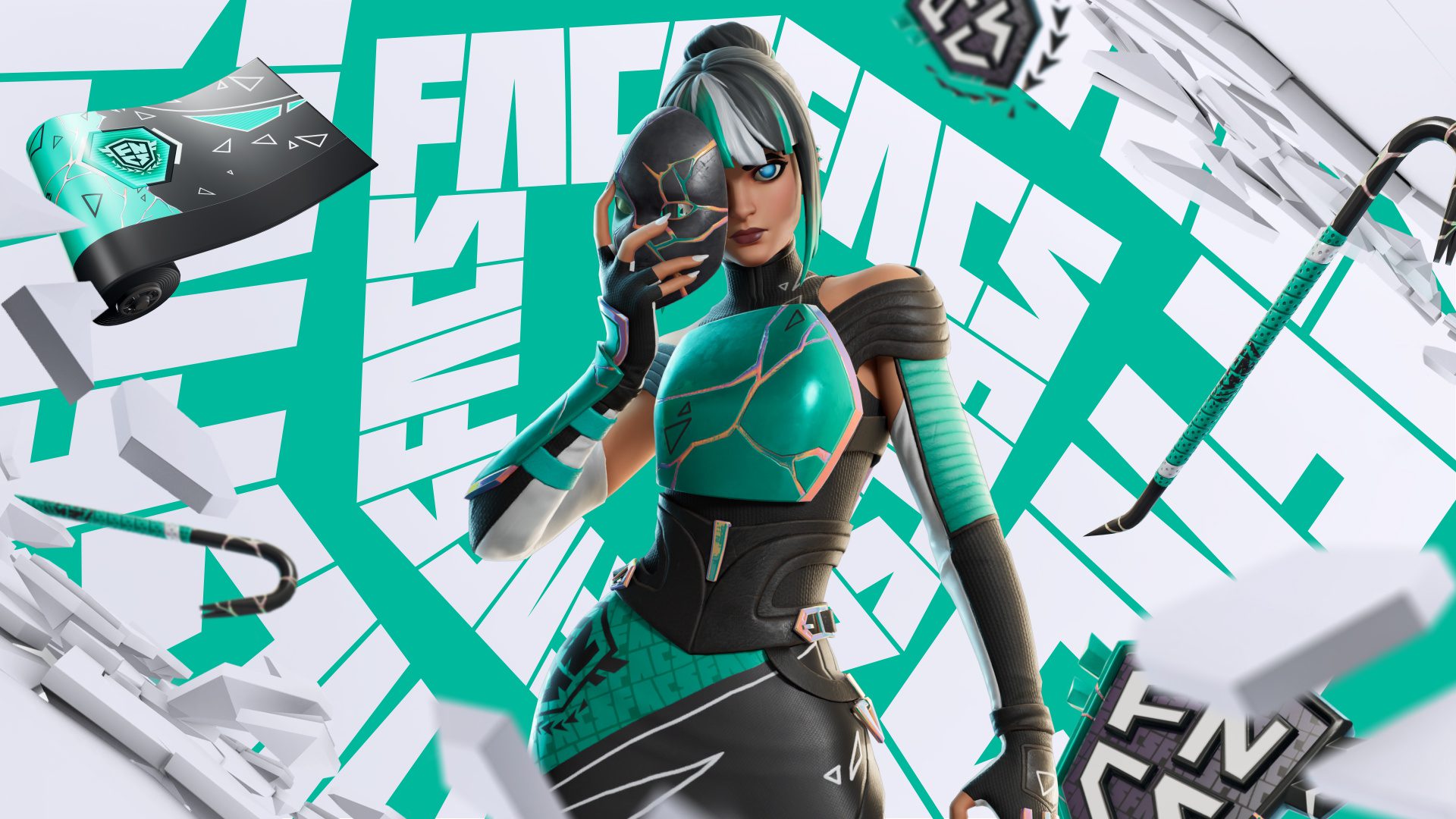
Fortnite Global Championship Twitch Drop Not Showing usually means one of three things: Twitch is not counting eligible viewing, the Drop has reached its watch requirement but has not been claimed, or Twitch is linked to a different Epic Games account than the one you use in Fortnite.
The 2026 reward only needs 30 minutes of eligible viewing on September 26 or 27, so a Fortnite Global Championship Twitch Drop Not Showing problem should not require hours of troubleshooting. Work through the account and claim checks in order before unlinking anything.
Fortnite Global Championship Twitch Drop Not Showing: First Checks
| Problem | What to check first |
|---|---|
| Progress stays at 0% | Make sure the channel and campaign are eligible |
| Progress stops at 99% | Open Twitch Drops inventory and look for Claim |
| Drop says claimed but not in Fortnite | Check the Locker and confirm the linked Epic account |
| Wrong Epic account linked | Compare the Epic account used on the web with the account used in Fortnite |
| No campaign visible | Check that the Global Championship Drop is active for your date/time |
Epic’s official Twitch Drop support recommends checking the Twitch claim state and linked Epic account when rewards do not arrive. Those checks are the best starting point for Fortnite Global Championship Twitch Drop Not Showing.
Why Is the Champion’s Chargers Progress Bar Stuck at 99%?
Epic has a specific support flow for a Twitch Drops bar stuck at 99%. First open your Twitch Drops inventory because the item may already be ready to claim. Some campaigns do not automatically convert a nearly complete progress bar into a claimed reward.
If the Fortnite Global Championship Twitch Drop Not Showing issue is actually a 99% bar, also check whether there is an earlier unclaimed sequential Drop in your inventory. Epic notes that an earlier reward can sometimes block progress on the next item in campaigns that use sequential Drops.
Check Your Epic and Twitch Account Link
Sign into Epic Games on the web and open Linked Accounts. Confirm that Twitch is connected. Then compare the Epic account you are viewing with the account you actually use in Fortnite. Linking the correct Twitch profile to the wrong Epic account is an easy way to complete a campaign without seeing the item on your normal Fortnite profile.
If the connection is clearly stale or wrong, Epic recommends unlinking and relinking Twitch. Do not do this repeatedly without checking first, because a Fortnite Global Championship Twitch Drop Not Showing problem caused by a simple unclaimed reward does not need an account-link reset.
Claim the Drop on Twitch
Completing 30 minutes does not mean you should ignore the Twitch inventory. Open Drops and Rewards and look for the Champion’s Chargers Kicks campaign. If a Claim button is available, use it inside the campaign window.
Epic says the content should normally appear in Fortnite after claiming, although support documentation warns that delivery can take up to 14 days in specific cases.
Check Your Fortnite Locker
Some Drops can be added without a separate notification. Restart Fortnite and check the Locker directly. If Twitch says the reward is claimed and the correct Epic account is linked, a missing pop-up does not necessarily mean the item is absent.
Cabined Accounts and Twitch Drops
Epic says Cabined Accounts cannot earn Twitch Drop rewards until a parent or guardian completes the required account setup. Age restrictions can also affect whether external services such as Twitch can be linked.
How Long Should You Watch?
The current requirement is 30 minutes on September 26 or September 27. Watching longer should not be necessary once the campaign has recorded the full requirement, so use Twitch’s progress display when diagnosing Fortnite Global Championship Twitch Drop Not Showing rather than guessing.
More Fortnite Global Championship Guides
- Fortnite Global Championship 2026 Results
- Fortnite Global Championship 2026 Start Time
- How to Watch Fortnite Global Championship 2026
- Fortnite Global Championship Twitch Drop
- Fortnite Global Championship 2026 Scoring
- Fortnite Global Championship 2026 Prize Pool
- Fortnite Global Championship Legends Landing Code
- Fortnite Global Championship 2026 Qualified Players
- Fortnite Competitive Schedule 2026
For most Fortnite Global Championship Twitch Drop Not Showing cases, the fastest fix is to check Twitch Drops inventory, claim the reward, verify the correct Epic account link and then check the Fortnite Locker.
A Fortnite Global Championship Twitch Drop Not Showing issue can also happen when the broadcast is open but Twitch has not recognised the channel as eligible. Open the campaign from Twitch Drops and Rewards and use its participating-channel route rather than assuming every co-stream counts.
For live changes, the Fortnite Global Championship Twitch Drop Not Showing should always be checked against Epic’s current Competitive event listing.





