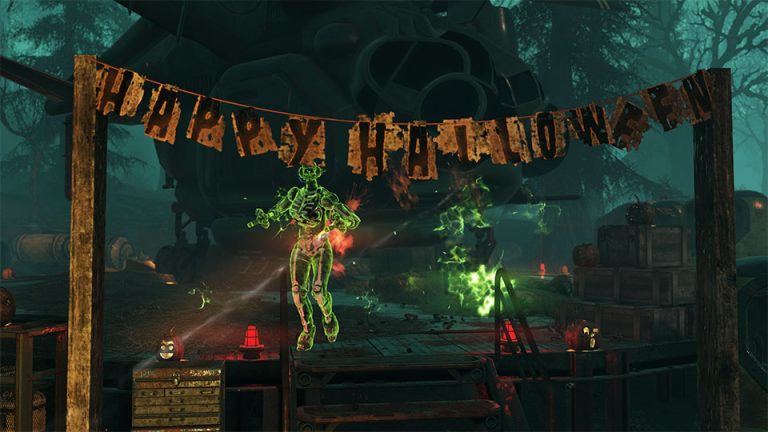
Fallout 76 Freezing Touch Daily Ops has a straightforward answer: Freezing Touch causes enemy attacks to freeze and slow players. The difference between a clean run and a frustrating one is understanding which objectives are mandatory, which rewards are timed and which mechanics change from run to run.
Break line of sight, kill fast-firing enemies quickly and keep objective movement efficient because repeated hits can make repositioning painfully slow. This guide is built around the live objective structure rather than treating the activity like a normal open-world event, so you can spend less time fighting enemies that do not advance the mission.
Fallout 76 Freezing Touch Daily Ops
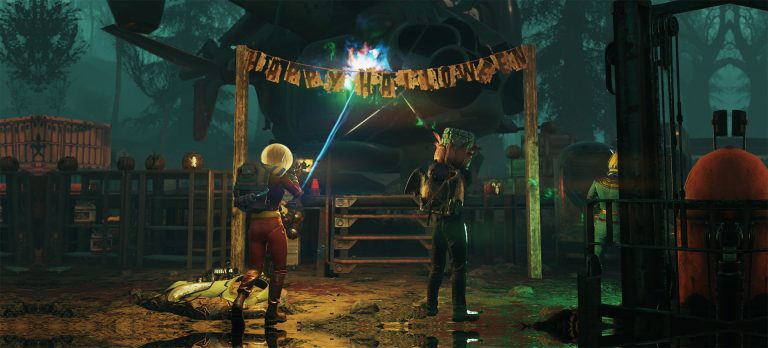
Fallout 76 Freezing Touch Daily Ops Image Bethesda Game Studios.
| Direct answer | Freezing Touch causes enemy attacks to freeze and slow players. |
| Key mechanic | Break line of sight, kill fast-firing enemies quickly and keep objective movement efficient because repeated hits can make repositioning painfully slow. |
| Best preparation | Repair gear, carry enough ammo and check the activity card before entering so the current location and modifiers are known. |
For Fallout 76 Freezing Touch Daily Ops, open the map and inspect the Daily Ops card before joining. Daily Ops rotate location, enemy faction and mutations every day. Uplink and Decryption are the two core modes, and a Double Mutation period can apply two enemy mutations at once.
How to handle the objective
- Join or create a Daily Ops team before entering if you want the best chance of a fast clear.
- Check whether the mode is Uplink or Decryption and read the listed mutation before the timer begins.
- Freezing Touch causes enemy attacks to freeze and slow players.
- Stay focused on objective progress. Enemies are useful for contextual ammo, but unnecessary kills can cost the timed tier.
- Finish the boss or final objective, then check the completion screen for the reward tier reached.
Daily Ops reward timing
Fallout 76 Freezing Touch Daily Ops sits inside a repeatable activity. Bethesda allows repeat runs for base rewards, but the Initiate, Paladin and Elder timed reward tiers are earned once per day. Initiate is 16 minutes or less, Paladin is 12 minutes or less and Elder is 8 minutes or less.
Daily Ops also provide contextual ammunition, so the ammo dropped is often tied to the weapon being used. That makes repeated runs useful even after the daily tier rewards have been claimed, especially for weapons with expensive ammunition.
Common mistakes
The biggest mistake with Fallout 76 Freezing Touch Daily Ops is treating every hostile as mandatory. Read the objective text, follow marked carriers or interactables, and only stop for enemies that block the route or contribute directly to progress. Repair before the run rather than spending the timer at a workbench.
Quick reference
- Objective: Freezing Touch causes enemy attacks to freeze and slow players.
- Key mechanic: Break line of sight, kill fast-firing enemies quickly and keep objective movement efficient because repeated hits can make repositioning painfully slow.
- Preparation: Repair gear, carry enough ammo and check the activity card before entering so the current location and modifiers are known.
For Fallout 76 Freezing Touch Daily Ops, this quick reference is useful because the activity can punish wasted movement more than low damage. Check the objective first, then use the shortest route that keeps the required progress moving. Only stop for optional fights or loot when they will not cost the completion condition you are chasing.
Related Fallout 76 activity guides
For more activity progression, Fallout 76 Healing Factor Daily Ops: How to Beat It and Fallout 76 Swift-Footed Daily Ops: How to Beat Fast Enemies cover nearby objectives. Fallout 76 Adhesive Farm is also useful if you need to unlock the activity itself first.
Once you understand the objective order, Fallout 76 Freezing Touch Daily Ops becomes a repeatable farming route rather than a navigation problem. The activity card and mission text are the source of truth for that particular run because the randomized faction, mutation or mission task can be different from the previous day.
Fallout 76 Freezing Touch Daily Ops becomes much easier when the team plays the objective instead of treating the Op as an unrestricted enemy farm. Check the map card before entering so the location, faction and mutation are known before the timer matters.
The direct answer for Fallout 76 Freezing Touch Daily Ops is: Freezing Touch causes enemy attacks to freeze and slow players. That is the condition to build the run around, so unnecessary enemy fights should never take priority over the objective that determines completion or reward tier.
The mechanic that matters most in Fallout 76 Freezing Touch Daily Ops is Break line of sight, kill fast-firing enemies quickly and keep objective movement efficient because repeated hits can make repositioning painfully slow. Read the operation card before starting because the same map can play very differently when the mode, enemy faction or mutation changes.
Official Fallout 76 information
For official changes to Daily Ops, Expeditions and reward pools after using this guide, check the official Fallout 76 website.