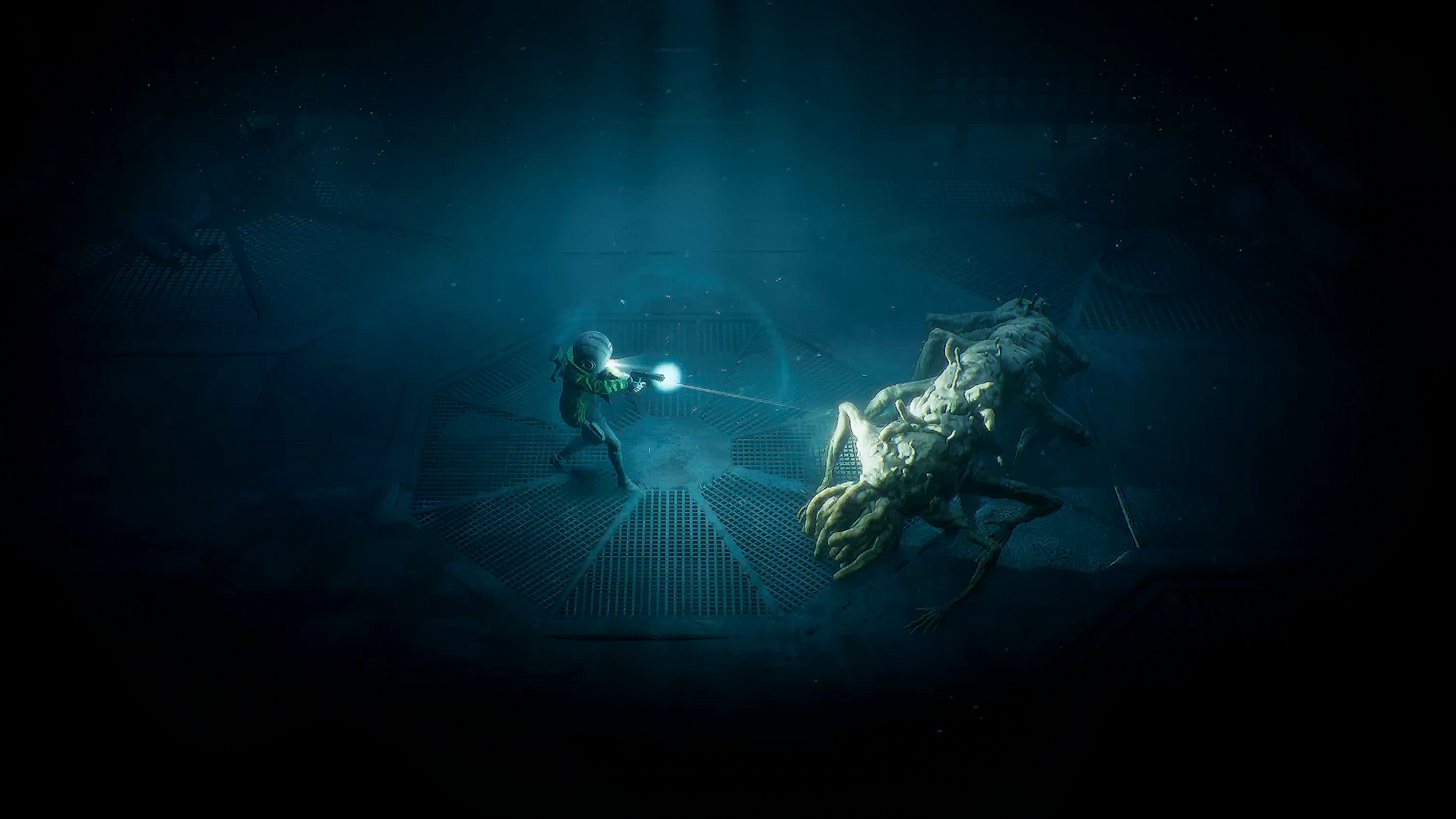
End of Abyss freeze fix in Update 1.012 addresses a very specific crash-like lockup: the game could freeze when Cel was revived with the Defibrillator mod while she was still taking damage. The October 2 patch targets that interaction on the current builds, so players hitting the problem should update before changing graphics settings or reinstalling the game.
The update also repairs an energy-node door progression problem and several map-state issues, which makes version checking especially important in a newly released game. A freeze during Defibrillator revival has a different cause from a random PC driver crash, and the troubleshooting should reflect that.
End of Abyss freeze fix: what Update 1.012 changes
The documented condition is revival with the Defibrillator mod while damage is still being applied. The End of Abyss freeze fix prevents that state from leaving the game frozen. On PS5 the patch is reported as 1.012, while Xbox Series and PC use version 1.0.1.2.
If your game only froze during that exact revive sequence, installing the patch is the direct correction. You should not need to avoid the Defibrillator permanently once your build is current.
How to apply the End of Abyss freeze fix
- Close End of Abyss completely.
- Check your platform for the latest update.
- Allow version 1.012 or 1.0.1.2 to finish installing.
- Restart the console or PC client if the old session was suspended.
- Load the affected save and continue normally.
A clean restart matters because Quick Resume, suspend states and an already-running PC process can keep an older game session alive after files have changed. The End of Abyss freeze fix only helps when the new executable is actually running.
Do you need to stop using Defibrillator?
Not after updating for this documented problem. The patch specifically targets the revive interaction, so removing a useful mod should not be your long-term workaround. If you are still on an older build and cannot update immediately, avoiding risky Defibrillator revives while incoming damage is active may reduce the chance of reproducing the freeze.
Once 1.012 is installed, test the End of Abyss freeze fix naturally rather than deliberately forcing repeated deaths into a valuable save. Normal play is enough to confirm whether the issue has stopped.
What if End of Abyss still freezes?
First identify whether the remaining freeze happens during Defibrillator revival. If it occurs elsewhere, treat it as a different bug. On PC, verify files, update the GPU driver and remove unstable overlays or overclocks for one test. On console, fully restart the system and make sure the game is installed on healthy internal or supported expansion storage.
The End of Abyss freeze fix is narrow, so a freeze in a cutscene, at startup or while loading a different room should be reported with its own reproduction steps.
Energy node doors are fixed too
Update 1.012 fixes a progression block where dying between destroying energy nodes could leave a door permanently closed. The patch is also described as unblocking players who had already encountered the issue, so you should revisit the affected door after updating rather than restarting the entire game.
This is separate from the End of Abyss freeze fix, but it is another reason not to keep playing an older launch build. Progression-state corrections are much more valuable when applied before you try manual save workarounds.
Map fixes in Update 1.012
The patch includes a missing room correction and a problem where some doors looked reset after restarting. These fixes do not change the intended exploration structure. They correct map and state presentation so previously explored areas behave consistently.
If a door icon or room still appears wrong after the End of Abyss freeze fix update is installed, capture the exact map section and report it rather than assuming every door is part of the same resolved issue.
Back up progress before deeper troubleshooting
End of Abyss is a single-player game, so protecting the current save is more important than chasing aggressive fixes. Use the platform’s normal cloud or local backup options where available before deleting configuration or save data.
For the documented Defibrillator problem, the official response is the patch itself. The best use of the End of Abyss freeze fix is to update first, preserve your progress and only investigate other causes if the freeze appears outside the repaired interaction.
Official source: Section 9 Interactive official End of Abyss site.