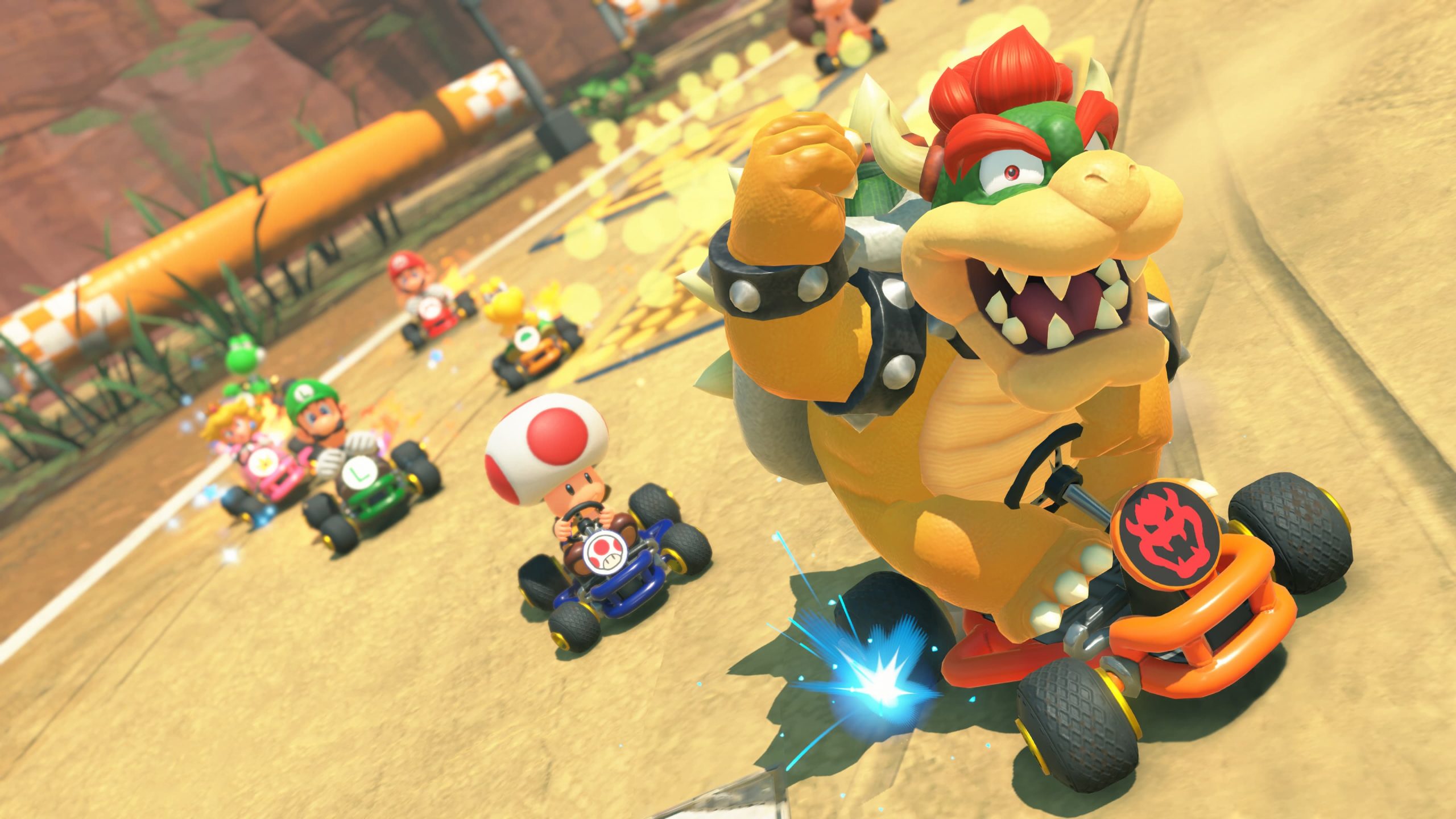
Choco Island in Mario Kart World is hidden in a slightly unintuitive place: both SNES Choco Island courses are selected through Choco Mountain after the version 1.8.0 update.
There are two retro layouts here, Choco Island 1 and Choco Island 2. Neither needs a separate challenge or collectible requirement, so once the update is installed the only real trick is knowing which course menu to open.
Where to find Choco Island in Mario Kart World
Choco Island in Mario Kart World sits under Choco Mountain in the course selector. Open Choco Mountain and you should see SNES Choco Island 1 and SNES Choco Island 2 available as separate choices.
Nintendo lists both courses for VS Race, Time Trials, Online Play and Wireless Play. That is the useful distinction if you have been driving around Free Roam looking for a brand-new Choco Island icon: the update makes the old layouts selectable races, but it does not give each one a new top-level map marker.
Choco Island 1 and Choco Island 2 are both included
Choco Island in Mario Kart World is one of only three retro groups in version 1.8.0 with more than one selectable SNES course. Choco Mountain holds two, while Mario Circuit and Ghost Valley each hold three.
That is useful when you are working through the full update because both Choco Island slots count toward the 10-course total. Our all 10 classic courses list shows the entire set and the parent menu used for each one.
Do you need to unlock Choco Island?
Choco Island in Mario Kart World is not locked behind wins, coins, P Switches or Free Roam objectives. Version 1.8.0 adds the two SNES layouts directly to the supported race modes.
If Choco Mountain does not show the retro options, check your installed version before doing anything else. From the Switch 2 HOME Menu, highlight Mario Kart World, press + or -, then use Software Update if the game is older than 1.8.0. Nintendo’s official update page lists both Choco Island courses in the patch notes.
Why the item pickups look different
Choco Island in Mario Kart World uses the flat ?-marked Item Panels from the retro course set instead of normal floating Item Boxes. Drive over a panel to collect an item during the SNES race.
It is a deliberate Super Mario Kart throwback and one of the easiest ways to tell that you are on the classic layout rather than another modern Mario Kart World route. Our Item Panels guide covers how the mechanic is used across all 10 SNES courses.
The quickest route into a race
For the shortest answer: update the game, open VS Race or another supported mode, select Choco Mountain and choose either SNES Choco Island 1 or SNES Choco Island 2. Choco Island in Mario Kart World is available from there immediately once the software is current.
If you want to keep going after both tracks, our SNES course guide points you straight to Mario Circuit, Ghost Valley, Sky-High Sundae and Koopa Beach for the rest of the new retro races.
Choco Island in Mario Kart World is therefore a menu-location question rather than a progression grind: Choco Mountain is the place to look, and both SNES versions are part of the free 1.8.0 update.