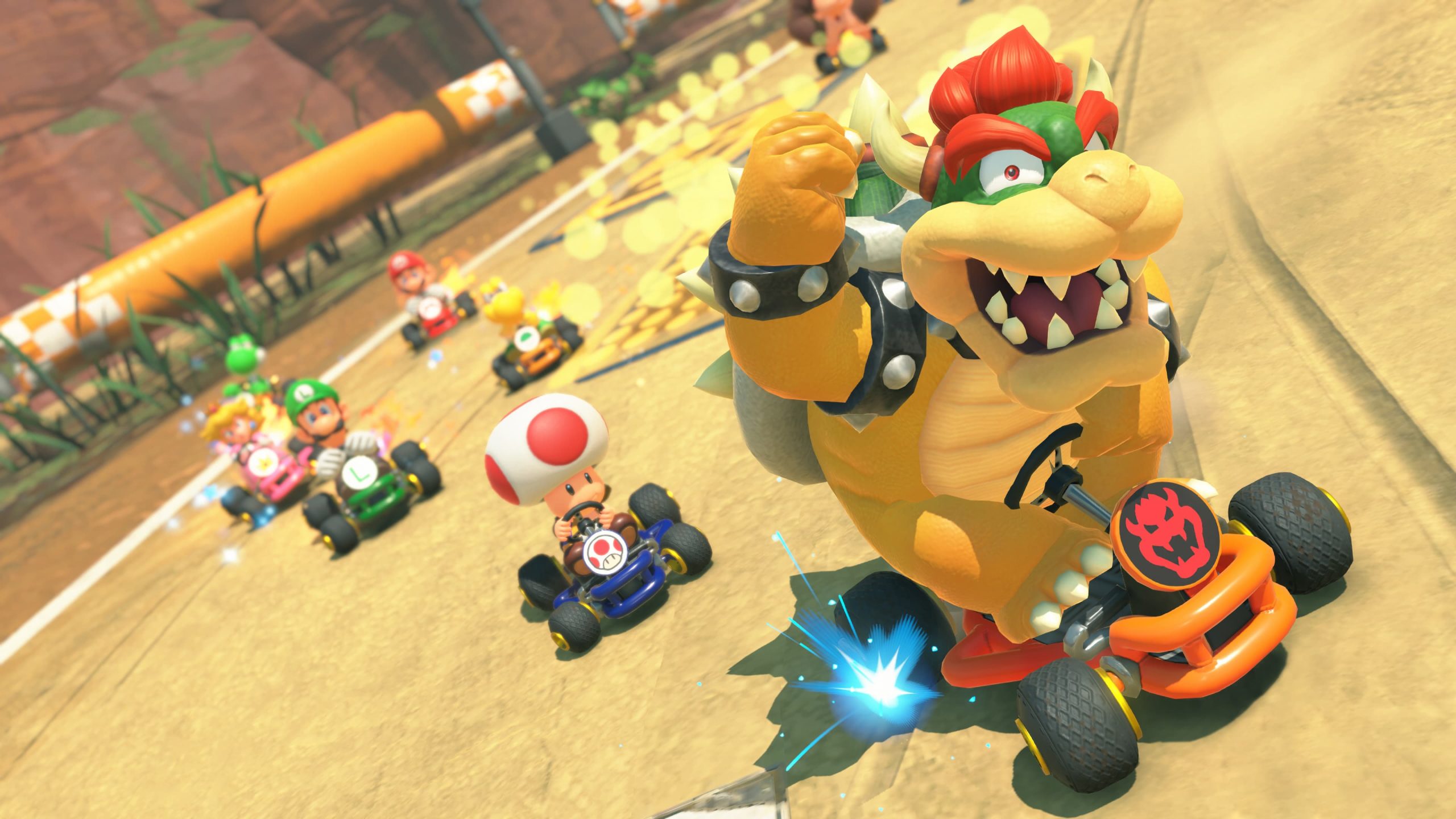
Classic SNES courses in Mario Kart World are now selectable races after installing version 1.8.0, so you no longer have to settle for spotting their layouts while driving around the connected world.
Nintendo added 10 courses from the original Super Mario Kart to the normal race selection. The slightly confusing part is that several are grouped beneath an existing Mario Kart World course rather than receiving a totally separate top-level icon, so knowing where to look saves a lot of menu hopping.
Where to find the classic SNES courses in Mario Kart World
Classic SNES courses in Mario Kart World can be selected in VS Race, Time Trials, Online Play and Wireless Play. Open the course selection for the matching modern location, then choose the SNES layout listed underneath it.
There are three Mario Circuit layouts, three Ghost Valley layouts, two Choco Island layouts, one Vanilla Lake layout and one Koopa Beach layout. If you want the compact reference version, our list of all 10 classic courses keeps the complete set in one place.
| Open this course | Choose this SNES course |
|---|---|
| Mario Circuit | SNES Mario Circuit 1, 2 or 3 |
| Ghost Valley | SNES Ghost Valley 1, 2 or 3 |
| Choco Mountain | SNES Choco Island 1 or 2 |
| Sky-High Sundae | SNES Vanilla Lake 1 |
| Koopa Beach | SNES Koopa Beach 1 |
Do you need to unlock the retro tracks?
Classic SNES courses in Mario Kart World do not have separate win requirements, collectible requirements or hidden challenges attached to them. Once version 1.8.0 is installed, the new selections should be available in the supported race modes.
That matters because the same patch also adds Propeller Rally and Turnip Rally, and those Knockout Tour routes do have an access condition: you need to have played at least one Knockout Tour Rally first. If the retro tracks are missing, use our classic-course unlock troubleshooting guide rather than grinding races that are not required.
How the SNES races differ from normal courses
Classic SNES courses in Mario Kart World keep one of the most recognisable item systems from the 1992 game. Instead of driving through a floating Item Box, you collect items by crossing a ?-marked Item Panel placed flat on the track.
The change is visual and functional enough to make the retro layouts feel distinct without replacing Mario Kart World’s modern driving model. Nintendo specifically notes that Item Panels appear on these courses; the race leading to Mario Circuit still uses normal Item Boxes. Our Item Panels guide explains what to look for.
What to check if a course is missing
Classic SNES courses in Mario Kart World were added in version 1.8.0. From the Switch 2 HOME Menu, highlight Mario Kart World, press the + or – Button, check the displayed version and choose Software Update followed by the internet update option if you are behind.
Online features also require everyone in the group to be on the same software version. Nintendo keeps the current version and full change list on its official support page, which is the quickest place to confirm whether another update has superseded 1.8.0.
Once the software is current, classic SNES courses in Mario Kart World are best treated as extra selectable layouts rather than a new region of Free Roam. Pick the correct parent course in a supported race mode and the SNES choices appear there.
Best way to work through all 10
If you want to see the whole set without repeatedly scanning the map, start with Mario Circuit and Ghost Valley because each contains three SNES options, then move to Choco Mountain for both Choco Island tracks. Sky-High Sundae and Koopa Beach finish the set with one course each.
Classic SNES courses in Mario Kart World are a small but very welcome expansion to the selectable race list, and the grouped menu structure makes much more sense once you know those five parent selections.