Crimson Desert Ether Rest Power Core not detected was a confirmed progression problem fixed by Crimson Desert Hotfix 2.03.02. Pearl Abyss says progression in the Ether Rest Abyss could be blocked because the Power Core was not recognised. The fix is already live on Steam PC/Mac, PlayStation, Xbox and Epic Games Store; Mac App Store rollout is listed separately by Pearl Abyss.
If Crimson Desert Ether Rest Power Core not detected is still happening, the first job is to confirm your game is actually on Version 2.03.02 or later. Do that before reloading an older save or repeating a long quest chain, because the bug was in the game state rather than a hidden requirement the player was expected to discover.
The official Crimson Desert Hotfix 2.03.02 notes specifically include the Ether Rest Abyss Power Core detection fix. If Crimson Desert Ether Rest Power Core not detected still appears, check that your platform has actually installed the hotfix before reloading an older save.
Crimson Desert Ether Rest Power Core not detected: What to Do Now

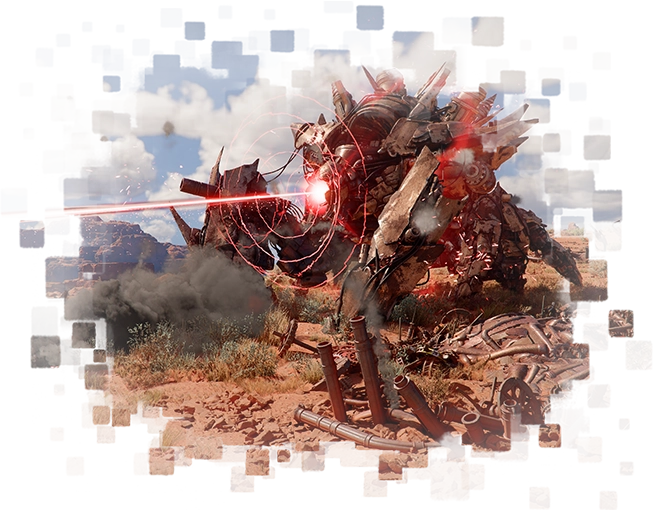
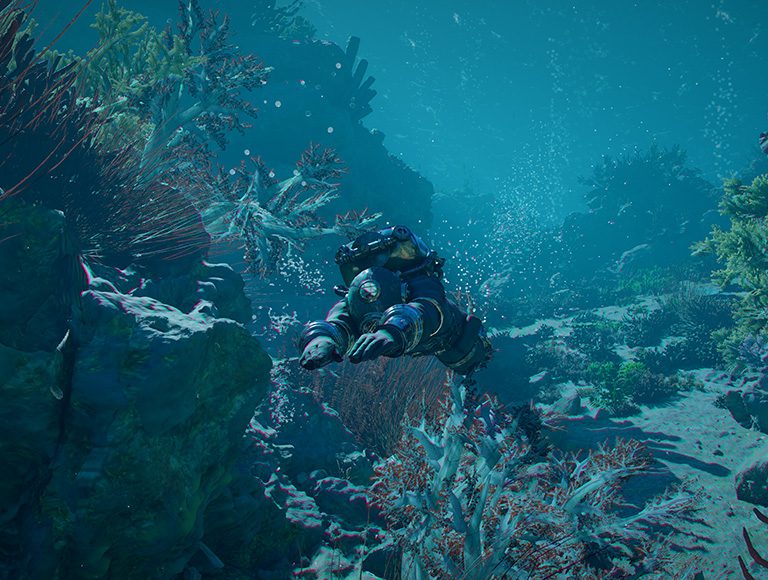
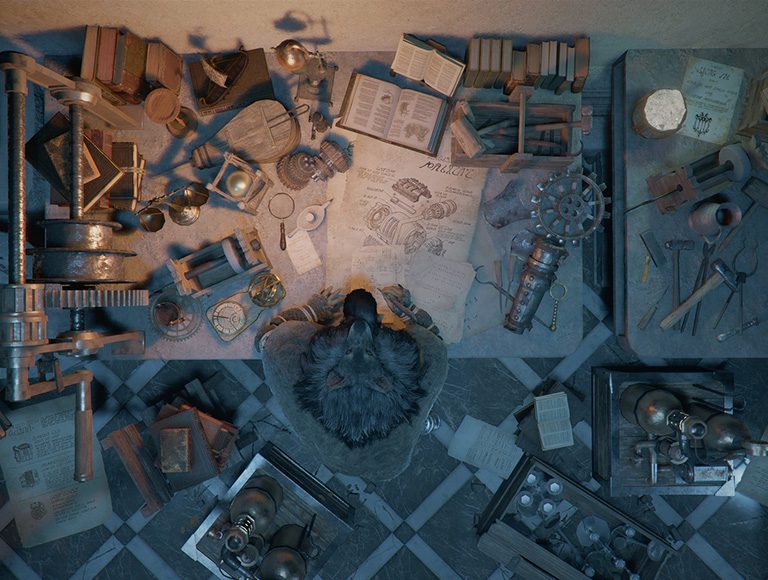
Crimson Desert Ether Rest Power Core not detected Image Pearl Abyss.
- Install Version 2.03.02 or newer.
- Load the save before or during the Ether Rest Abyss.
- Return to the Power Core objective rather than abandoning the entire questline.
- Interact with or place/use the Power Core as the objective instructs.
- Confirm the objective updates and the next part of the Abyss becomes available.
After updating, return to the blocked step and test it again. Because the old build could fail to detect a valid Power Core, collecting another unrelated item or repeating side content was not the real solution. If the state was created before the hotfix, a fresh reload of the current save after installing the patch is a sensible first retry because it forces the game to rebuild the area and quest state under the corrected version.
How to verify Crimson Desert Ether Rest Power Core not detected is being tested on the patched build
Before changing saves, make sure Crimson Desert Ether Rest Power Core not detected is being reproduced on Version 2.03.02 or newer. Fully close Crimson Desert, let the platform finish the update, relaunch the game and check the version information on the title or settings screen if available. Then load the affected save and travel back to the exact objective instead of testing a different region or side activity.
If Crimson Desert Ether Rest Power Core not detected worked normally after that clean relaunch, continue from the current save and make a fresh manual save at the next safe opportunity. If it still fails, note whether the objective marker, NPC, interaction prompt or map state is missing. That distinction gives support a much clearer reproduction case than simply reporting that the quest is stuck.
Do you need to restart the whole game?
Pearl Abyss does not say that affected players must begin a new playthrough. The official note describes the underlying issue as fixed. Start with the current save, reload the relevant area and retry the exact interaction that previously failed. Only consider an older save if your present file remains stuck after the updated client has fully loaded it.
What if the problem still happens after 2.03.02?
If Crimson Desert Ether Rest Power Core not detected survives the hotfix, capture the version number, platform, quest/objective text and what happens when you reach the blocked point. Pearl Abyss maintains a live Known Issues page and report form. That information is more useful than repeatedly reinstalling the entire game without checking whether the save is reproducing a known edge case.
For Crimson Desert Ether Rest Power Core not detected, avoid stacking several troubleshooting changes at once. Test the patched save first, then one reload, then an older checkpoint only if necessary. Doing those steps separately tells you which action actually restored progression and reduces the risk of abandoning useful progress for no reason.
Why this was not a normal puzzle or quest requirement
The important distinction is that Pearl Abyss named this behaviour in the hotfix notes. You were not missing a secret item, dialogue choice or unexplained prerequisite. Treating a confirmed bug like a puzzle can waste hours because the game simply could not advance correctly in the affected state.
Version 2.03.02 platform status
| Platform | Hotfix status |
|---|---|
| Steam PC | Available |
| Steam Mac | Available |
| PlayStation | Available |
| Xbox | Available |
| Epic Games Store | Available |
| Mac App Store | Rolling out separately / check current client |
Once the corrected client is installed, Crimson Desert Ether Rest Power Core not detected should no longer require workarounds. Update first, reload the affected area, reproduce the intended quest or map step once, and only escalate to support if the same failure remains on the patched version.
The practical rule for Crimson Desert Ether Rest Power Core not detected is to preserve your progress until you have tested the official fix. Do not delete a save, restart a campaign or spend hours searching for an undocumented prerequisite before confirming the same failure still exists on the current hotfix.
If you are checking Crimson Desert Ether Rest Power Core not detected after updating, use one object you personally discovered before the patch and one newly discovered object after the patch as comparison points. That gives you a simple before-and-after test without requiring a complete map sweep.