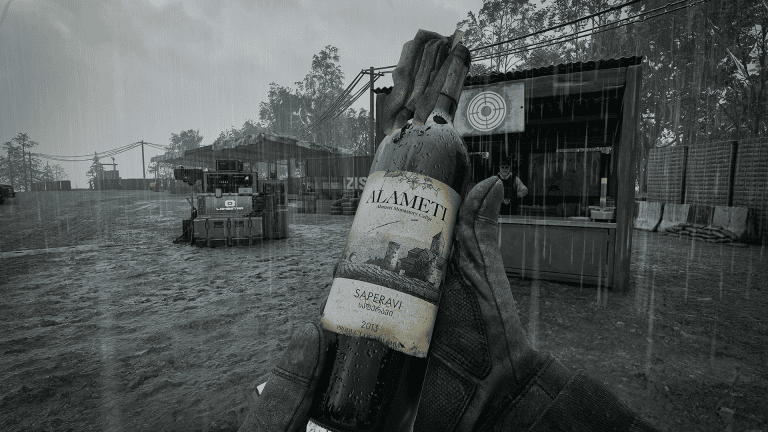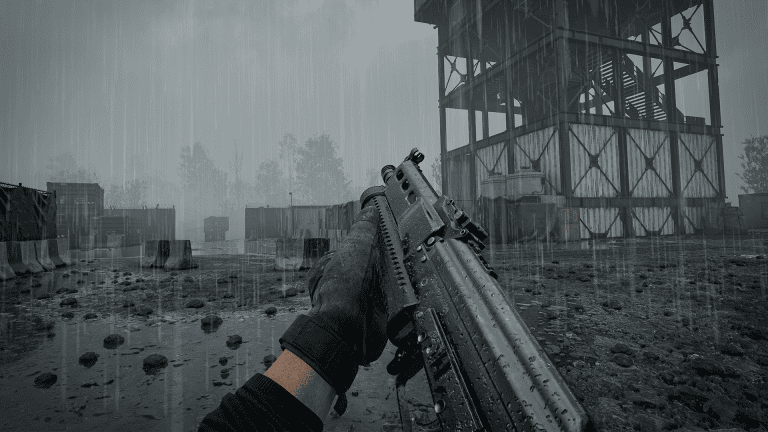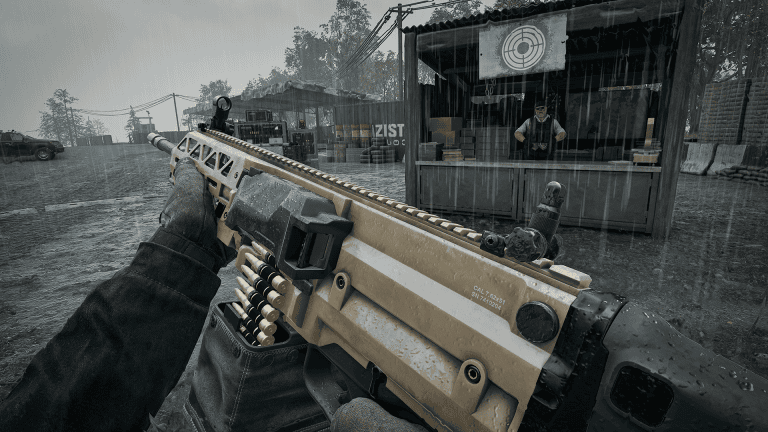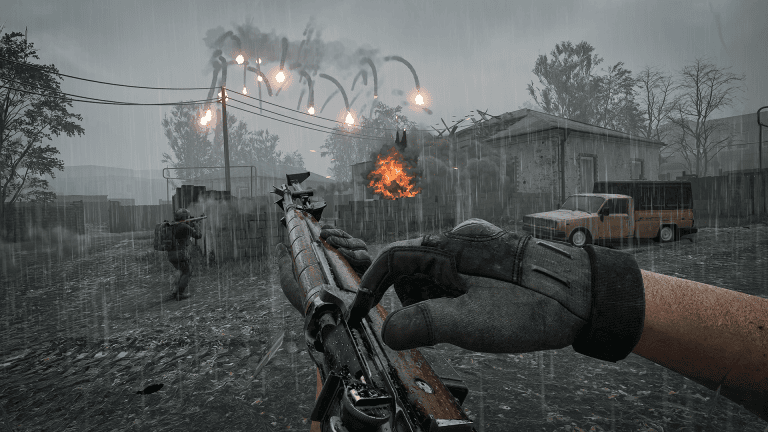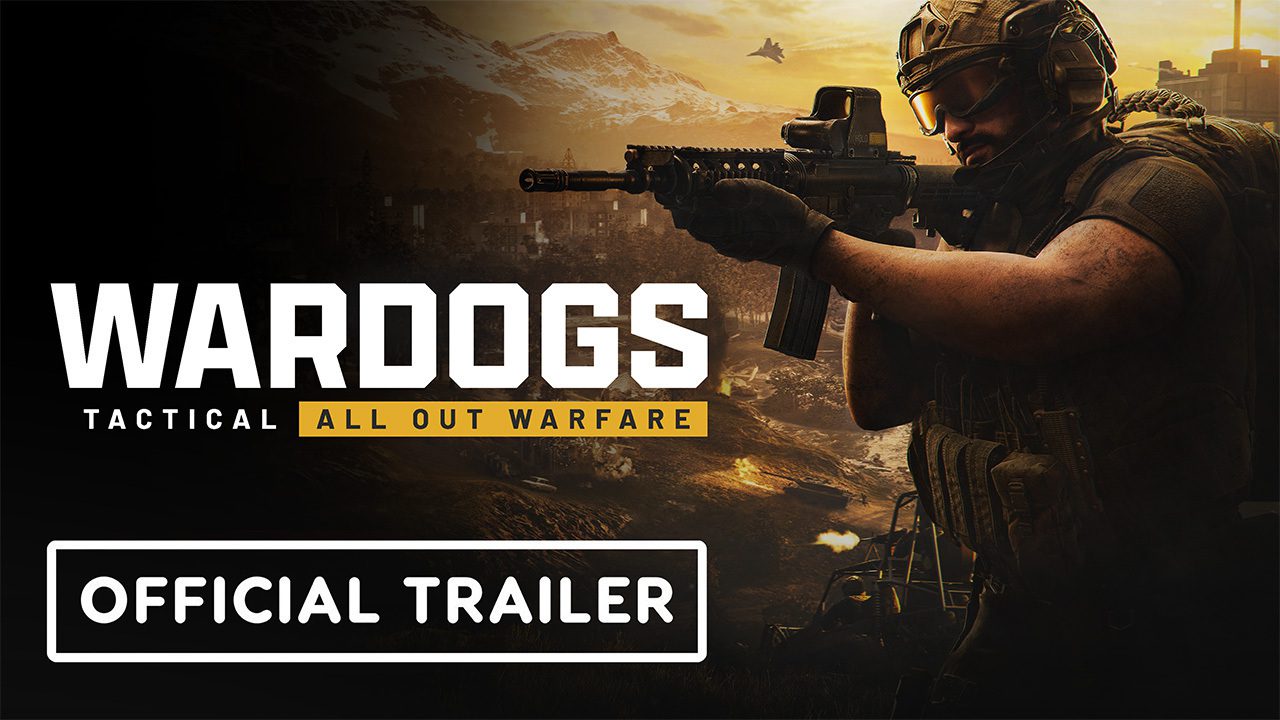
WARDOGS controller support exists in a limited form on PC, but it is not yet the same as a fully polished console-style controller experience. BULKHEAD’s pinned FAQ described controller support as limited, and launch-era players have reported that core movement, aiming, menus and some vehicle controls can work while individual actions or rebinding coverage may still need a keyboard. If you play entirely on gamepad, expect Early Access rough edges.
What WARDOGS controller support can do right now
The safest way to describe WARDOGS controller support is partial rather than complete. WARDOGS was built for Windows PC first, with mouse and keyboard as the primary input. The game includes controller-related options and players have used Xbox-style pads for infantry and vehicle play, but reports have been inconsistent enough that you should not buy it assuming every menu, interaction and specialist vehicle control is perfectly mapped.
Before troubleshooting WARDOGS controller support, connect the controller before launching Steam and confirm Windows and Steam can see it. Open Steam’s controller settings, then launch WARDOGS and check the in-game Controls menu. If native input is incomplete, Steam Input can sometimes map missing keyboard actions to a pad, but custom mappings are a workaround rather than proof of full native support.
Controller use is more attractive for vehicles
One reason players care about WARDOGS controller support is the combined-arms side of the game. Analog sticks and triggers can feel natural for driving and helicopter control even if mouse aiming remains stronger for infantry. WARDOGS includes separate vehicle and rotary-wing controls, so test a controller in the firing range before risking an expensive helicopter or armored vehicle in a live match.
Do not confuse WARDOGS controller support with HOTAS support. BULKHEAD has separately said joystick-and-throttle support is on the development pipeline but was not a priority before launch. A standard Xbox or PlayStation-style pad and a dedicated flight stick are different input cases, and support for one does not guarantee support for the other.
Will controller support improve before consoles?
It would be surprising if WARDOGS controller support stayed limited forever because official PS5 and Xbox Series X|S versions are now listed for 2028. Those console releases will require a complete gamepad experience. That does not give PC players a promised date for every missing bind, but it does give the developers a clear reason to improve controller coverage during Early Access.
What to do if your controller is not detected
- Restart WARDOGS with the controller already connected.
- Check that Steam detects the pad and test Steam Input both enabled and disabled.
- Remove duplicate virtual-controller software if the game is seeing two devices.
- Reset any unusual controller profile before testing a custom layout.
- Use the firing range to confirm infantry, menu and vehicle controls before joining a live server.
If WARDOGS controller support works for movement but one action is missing, bind only that missing action through Steam rather than rebuilding the entire layout immediately. Early Access updates can change native bindings, and a huge custom layer can become harder to maintain than the original problem.
Overall, WARDOGS controller support is usable for some players but should still be treated as limited on the current PC build. Keyboard-and-mouse players have the most complete experience today, while controller-only players should test their own pad and layout during the Steam refund window rather than assuming every function is already console-ready.
Steam Deck and handheld players should be cautious
Limited WARDOGS controller support also matters for handheld PCs. A Steam Deck, ROG Ally or similar device may be able to translate keyboard and mouse inputs through Steam Input, but that is not the same as a fully supported handheld layout. Anti-cheat compatibility, performance and missing controller actions are separate issues, so a working gamepad profile does not guarantee the whole game is comfortable on a handheld.
If accessibility is the reason you need a controller, test the specific actions you rely on rather than only checking that the left stick moves your character. Inventory interaction, squad communication, building, vehicle seats, map use and specialist equipment all matter in a long match. A controller can appear fine for five minutes of infantry play and still expose a missing bind later.
For official game information, updates and Early Access details, visit the WARDOGS website.