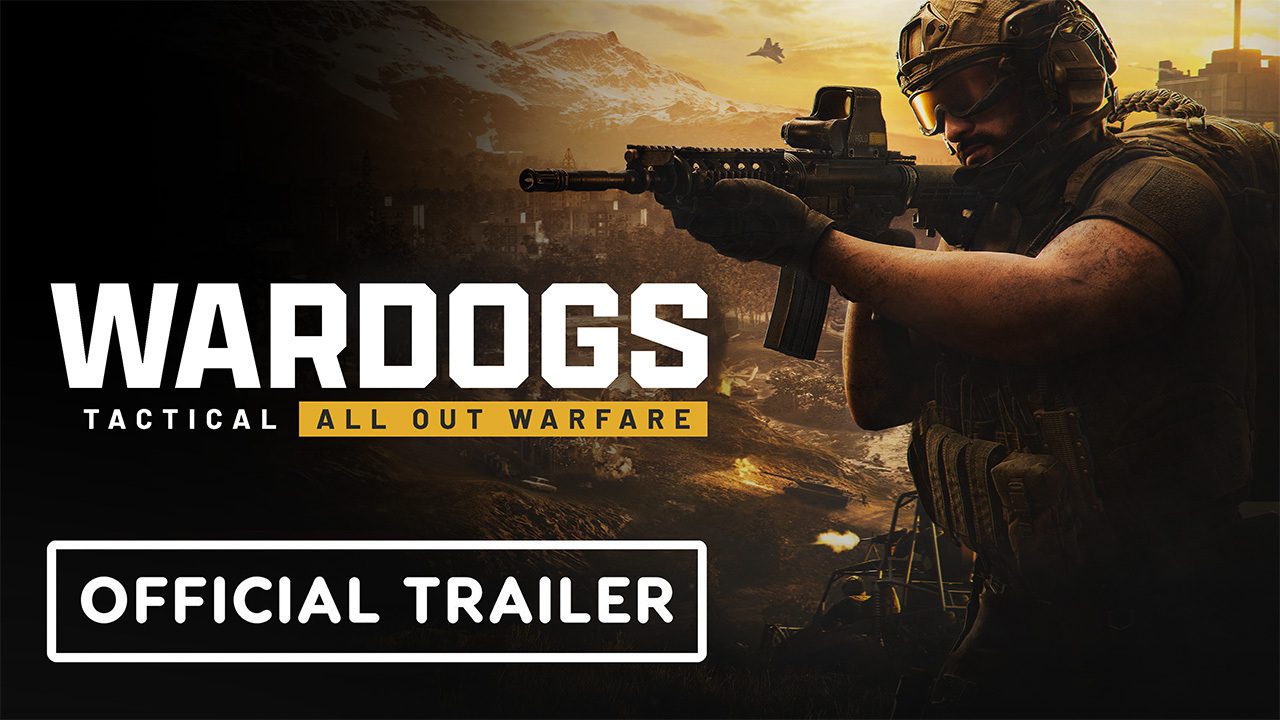
A WARDOGS Elytra Anti-Cheat error can stop the game before you ever reach the WARDOGS server browser. Players have reported Elytra launcher and service failures during the September builds, while BULKHEAD’s official security policy confirms that anti-cheat runs alongside WARDOGS and can refuse launch or online access when the required protection cannot start correctly.
What does a WARDOGS Elytra Anti-Cheat error look like?
A WARDOGS Elytra Anti-Cheat error can appear as a launcher failure, an anti-cheat module that cannot be downloaded or installed, an Elytra service that will not start, or a module-validation problem. These are different from WARDOGS numeric server-entry errors because the failure happens before normal online play is established.
The exact wording matters. Take a screenshot before changing anything and note whether WARDOGS closes, whether Windows displays an Elytra service message, and whether Steam finishes launching the game at all.
How to fix WARDOGS Elytra Anti-Cheat error
- Close WARDOGS and Steam completely.
- Restart Windows.
- Open Steam and install every pending WARDOGS update.
- Verify WARDOGS through Properties, Installed Files, Verify integrity of game files.
- Install pending Windows updates and reboot if required.
- Launch WARDOGS normally through Steam.
These are the safest first checks for a WARDOGS Elytra Anti-Cheat error because they repair ordinary client files and refresh the anti-cheat service without weakening Windows security. If Elytra still gives the same message, keep the error text and contact official support rather than stacking random registry or BIOS changes.
Do not disable security features blindly
Community discussions around WARDOGS Elytra Anti-Cheat error include suggestions to disable security tools, virtualization or other Windows protections. Those are not appropriate first-line fixes. BULKHEAD does not publish the technical details of its anti-cheat detection, and changing low-level security settings can create new problems while making the original error harder to diagnose.
Is Linux or Proton supported?
A WARDOGS Elytra Anti-Cheat error on Linux or SteamOS has an important limitation: BULKHEAD stated before launch that Linux is not officially supported yet and that the team is still working on Proton compatibility. If WARDOGS fails under Proton, reinstalling Elytra repeatedly may not solve it because official compatibility has not been confirmed.
Is Elytra the same as a ban?
No. A WARDOGS Elytra Anti-Cheat error that says the service or module failed is a launch problem. WARDOGS can also apply server restrictions, temporary suspensions, permanent account bans and hardware bans, but those enforcement outcomes are separate. Do not assume an anti-cheat startup error means the account has been punished unless the game explicitly says so.
What if file verification does not help?
If WARDOGS Elytra Anti-Cheat error survives a reboot, current update and Steam verification, stop repeating the same steps. Record the exact Elytra message, Windows version, whether the service starts and whether the problem began after a specific WARDOGS patch. That gives support something reproducible to investigate.
WARDOGS Elytra Anti-Cheat error FAQ
WARDOGS Elytra Anti-Cheat error troubleshooting should stay conservative: update, reboot, verify, then escalate the exact error. Do not delete drivers, weaken Windows security or make BIOS changes based on an unrelated forum post. Linux and Proton are not officially supported at launch, so compatibility errors there require a developer-side solution rather than endless local reinstalls.
If WARDOGS worked before a patch and Elytra fails immediately afterward, include that timing in your report. A clean before-and-after update boundary is useful evidence and is safer than experimenting with unrelated drivers or system services.
If WARDOGS worked before a patch and Elytra fails immediately afterward, include that timing in your report. A clean before-and-after update boundary is useful evidence and is safer than experimenting with unrelated drivers or system services. Keep the exact time and full on-screen wording because WARDOGS is changing quickly during Early Access and those details make later troubleshooting much more precise.
If WARDOGS worked before a patch and Elytra fails immediately afterward, include that timing in your report. A clean before-and-after update boundary is useful evidence and is safer than experimenting with unrelated drivers or system services. Keep the exact time and full on-screen wording because WARDOGS is changing quickly during Early Access and those details make later troubleshooting much more precise. Keep the exact time and full on-screen wording because WARDOGS is changing quickly during Early Access and those details make later troubleshooting much more precise.
For official game information, updates and support information, visit the WARDOGS website.