Pokémon GO Routes not showing usually means there are no approved Route start points close enough to your location, but location permissions, removed Routes and app issues can cause the same problem.
Why are Pokémon GO Routes not showing?
The most common reason for Pokémon GO Routes not showing is simply that there are no approved Route start points close enough to your current map area. Routes are community-created or partner-created paths, so coverage varies dramatically between city centres, parks and quieter areas.
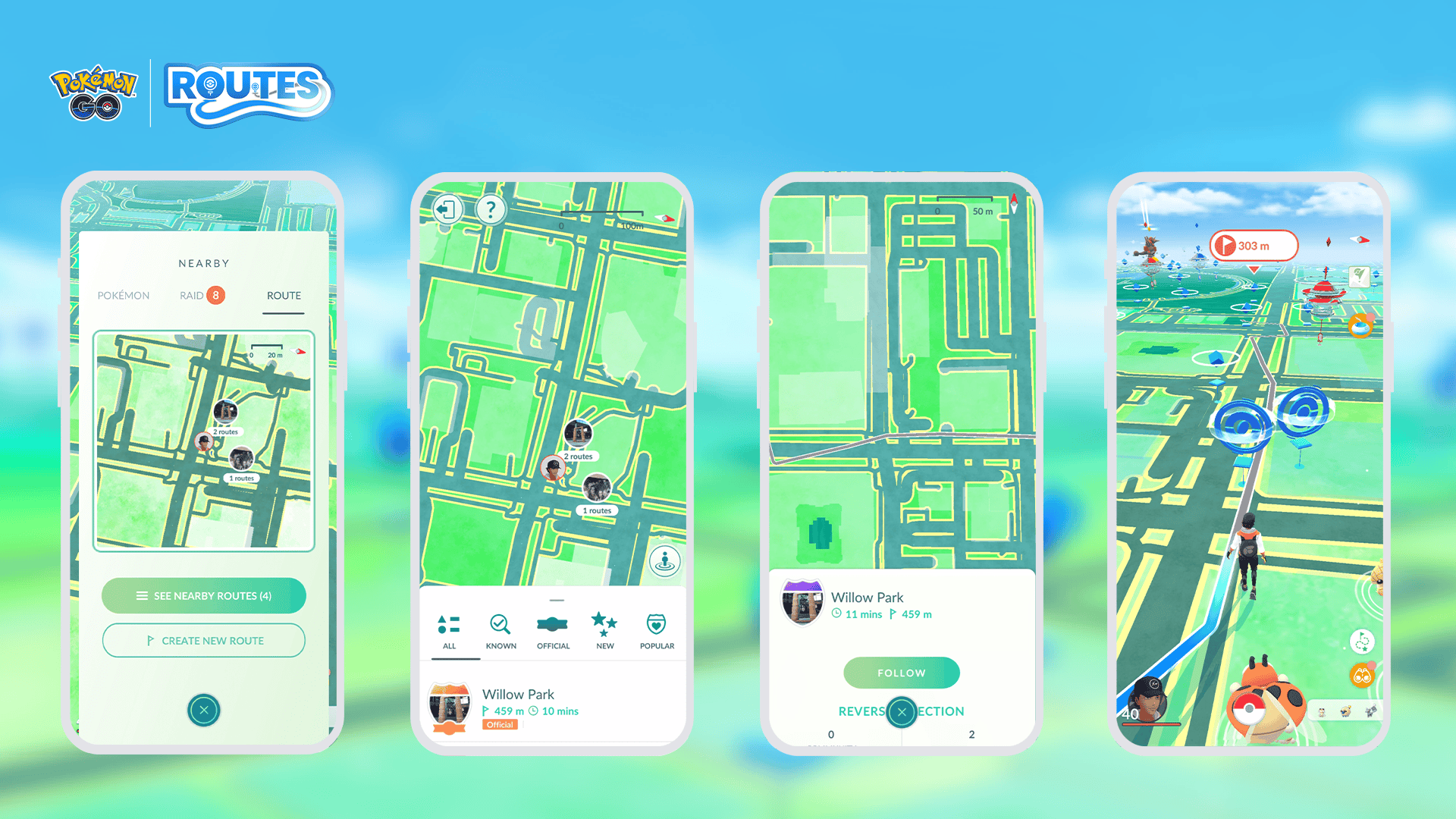
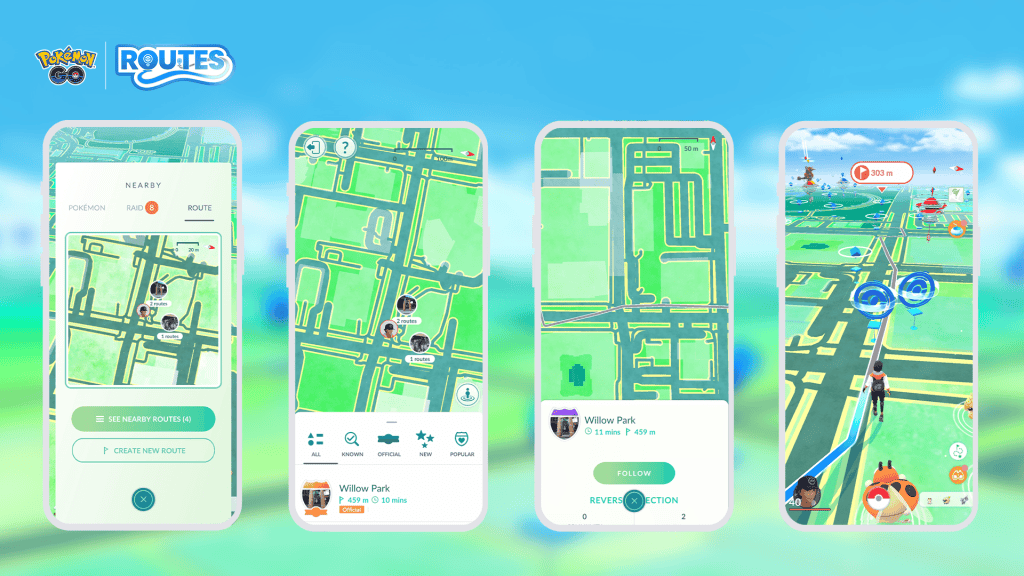
Open the Nearby menu, choose the Route tab and use See Nearby Routes to expand the search map. If Pokémon GO Routes not showing continues even though you know local Routes exist, Campfire can help confirm whether those Routes are still published and where their start points are located.
Check your location and app permissions
Pokémon GO Routes not showing can also be caused by stale location data. Pokémon GO needs reliable location access to decide which Route start points are nearby. Check that location permission is enabled, restart the app and allow the map to settle before opening the Routes tab again.
- Make sure Pokémon GO has location permission.
- Turn precise location on if your phone offers the setting.
- Disable a VPN or location-spoofing service.
- Restart Pokémon GO after changing permissions.
- Check for a game update in your app store.
You do not have to stand directly on the start PokéStop to browse every nearby path, but you do need to travel to the start point before following one. If Pokémon GO Routes not showing only happens from home and Routes appear when you move closer to town, distance is probably the explanation rather than a bug.
A Route may have been removed or changed
Sometimes Pokémon GO Routes not showing affects only one specific Route. Routes can be rejected, removed, edited or become unavailable when their start or end PokéStop changes. A path you followed previously is not guaranteed to remain available forever.
Check Campfire or ask another local Trainer to see whether the same Route is visible to them. If nobody can see it, the Route is likely no longer active. If other players can see it but you cannot, restart the app and check your account/device settings before assuming the Route has disappeared.
Can Routes be hidden during an event?
Events normally add bonuses to Routes rather than remove the feature, so an event is not a typical cause of Pokémon GO Routes not showing. Temporary server problems can still affect map features, however. If PokéStops, raids or other Nearby features are also behaving strangely, the issue may be wider than Routes.
What to do if no Routes exist nearby
If Pokémon GO Routes not showing is genuinely because your area has none, eligible Trainers can create and submit a Route using PokéStops or Gyms as start and end points. Submitted Routes must be reviewed before appearing publicly, so creating one does not make it visible immediately.
For Cell farming, do not waste time repeatedly refreshing an empty Route list. Check Campfire for the nearest cluster, travel to a known start point if practical, or create a safe local Route for future use. Once a Route is approved, it can also become useful to other Trainers in your area.
Quick fix checklist
When you have Pokémon GO Routes not showing, first expand the Nearby Route map, then check Campfire, location permission, precise location, app updates and whether the Route still exists. Those checks separate a normal “nothing nearby” situation from an actual app or account problem quickly.
Check Campfire before travelling
If Pokémon GO Routes not showing is stopping you from planning a walk, Campfire is particularly useful because it can display nearby Routes on a larger map before you physically reach the start point. Use it to confirm whether a Route cluster still exists, then open Pokémon GO once you are close enough to begin. This saves wasted journeys to an old start point that has been removed. It also helps distinguish “nothing near my current location” from “my game is failing to display a Route everyone else can still see.”
For current feature changes, event bonuses and game updates, check the official Pokémon GO website.