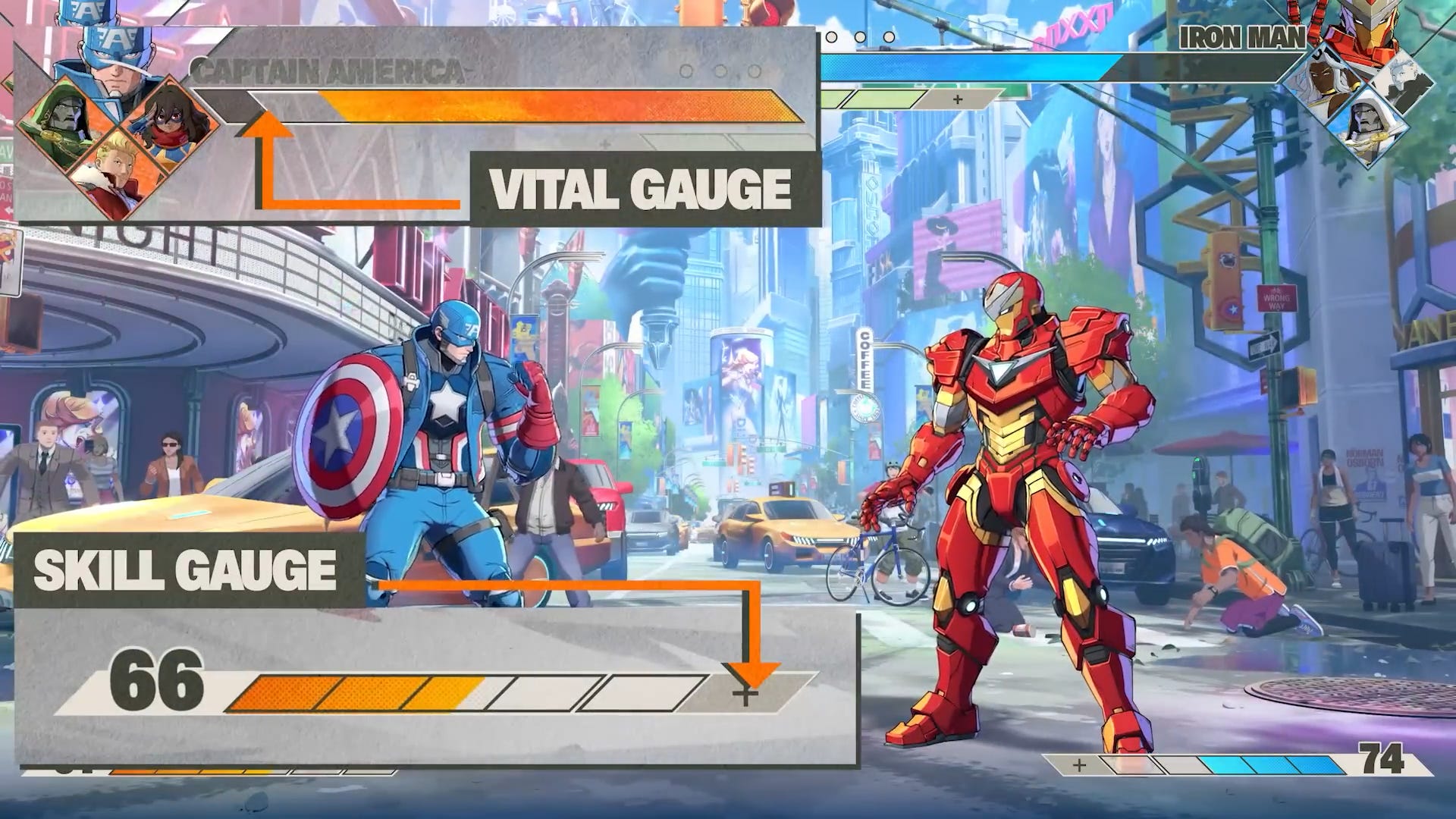
Marvel Tōkon local multiplayer lets two players battle on the same PlayStation 5 or PC without needing an internet connection. Alongside its online features, Marvel Tōkon includes an offline Versus Mode, making it easy to play against friends or family using the same system.
If you’re wondering how Marvel Tōkon local multiplayer works, here’s everything you need to know.
| Feature | Details |
|---|---|
| Local Multiplayer | Yes |
| Offline Play | Yes |
| Players | 2 |
| Internet Required | No |
| Online Account Required | No for offline play |
| Available at Launch | Yes |
Does Marvel Tōkon Have Local Multiplayer?
Yes.
Marvel Tōkon local multiplayer is available through the game’s offline Versus Mode.
This allows two players to compete against one another using the same console or PC without connecting to the online servers.
Offline Versus is ideal for learning new characters, practising against friends or simply enjoying matches together without entering Ranked or Casual online matchmaking.
How to Play Marvel Tōkon Local Multiplayer
Starting Marvel Tōkon local multiplayer is straightforward.
Simply launch the game and select the offline Versus Mode from the available offline game modes.
From there, both players can:
- Choose their four-character team.
- Select a stage.
- Adjust match settings if required.
- Begin battling immediately.
Because the match is played locally, an internet connection is not required.
How Many Players Does Local Multiplayer Support?
Marvel Tōkon local multiplayer supports two players.
Each player controls their own four-character team during the match, creating the game’s signature 4v4 combat system while still remaining a traditional one-versus-one fighting game.
Although eight Marvel characters can appear during combat through assists and Assemble mechanics, only two human players participate in the match.
Do You Need PlayStation Plus?
No.
Marvel Tōkon local multiplayer does not require PlayStation Plus because the match is played entirely offline.
PlayStation Plus is only needed when accessing the game’s online multiplayer features, including Ranked Matches, Casual Matches and the Online Lobby.
Can You Practise in Local Multiplayer?
Absolutely.
Marvel Tōkon local multiplayer is one of the best places to improve without the pressure of online competition.
Many players use offline matches to:
| Practice | Why It Helps |
|---|---|
| Learn new characters | No matchmaking pressure. |
| Test assists | Experiment with different teams. |
| Practise combos | Build confidence before Ranked. |
| Improve defence | Learn blocking against a real opponent. |
| Experiment with strategies | Try different team combinations. |
Because nothing affects online rankings, local matches provide an excellent learning environment.
Local Multiplayer vs Online Multiplayer
| Feature | Local Multiplayer | Online Multiplayer |
|---|---|---|
| Internet required | No | Yes |
| PlayStation Plus on PS5 | No | Yes |
| Ranked Matches | No | Yes |
| Casual Matches | No | Yes |
| Play with friends | Yes | Yes |
| Crossplay | No | Yes, between PS5 and PC |
Both options offer the same core gameplay, with the biggest difference being whether your opponent is sitting beside you or connecting online.
Is Local Multiplayer Available on PC?
Yes.
Marvel Tōkon local multiplayer is available on PC as well as PlayStation 5.
Players simply need enough compatible controllers connected to the same system before starting an offline Versus match.
Is Marvel Tōkon Local Multiplayer Worth Playing?
Marvel Tōkon local multiplayer is an excellent way to learn the game while enjoying matches with friends or family.
Because every feature of the core combat system remains available offline, players can practise movement, assists, Link Attacks and team strategies without worrying about matchmaking or internet connections.
Whether you’re introducing someone to Marvel Tōkon for the first time or preparing for online competition, local multiplayer remains one of the easiest and most enjoyable ways to play.