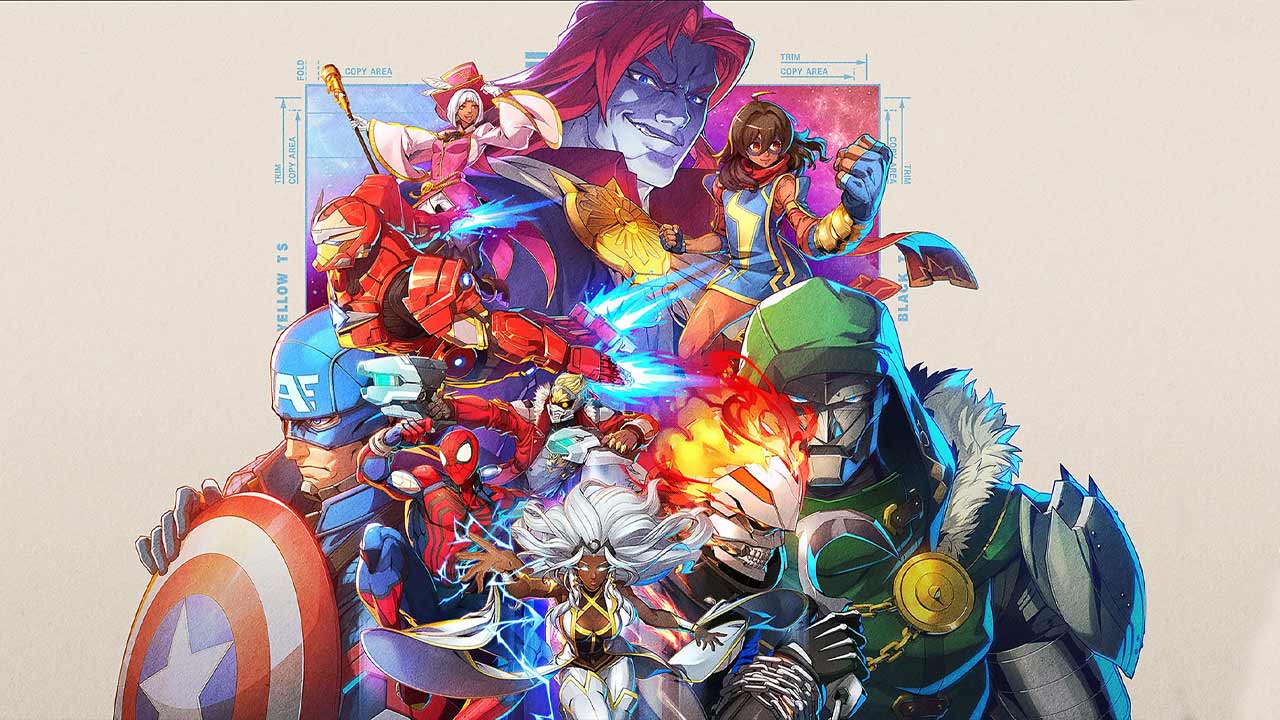
Marvel Tōkon Assists allow supporting characters to enter a fight, perform an attack and help the active fighter without permanently taking control. Every player builds a four-character team, but the assist system means beginners can concentrate on one reliable lead while using the remaining heroes and villains for carefully timed support.
Assists are central to Marvel Tōkon’s 4v4 combat. They can cover space, extend a combo, challenge an airborne opponent or create an opportunity to approach safely. However, calling a teammate without considering timing can also leave the assist accomplishing remarkably little beyond making the screen busier.
| Feature | Details |
|---|---|
| Official name | Assemble Assist |
| Default PS5 input | X |
| Characters available as assists | Supporting team members |
| Assist selection | Determined by directional input |
| Can be used from neutral | Yes |
| Can be used during combos | Yes |
| Aerial assists | Available at double-jump height or higher |
| Assist and character switch controls | Separate buttons |
What Are Marvel Tōkon Assists?
Marvel Tōkon Assists are temporary support actions performed by a member of your team who is not currently under direct control.
Pressing the Assemble Assist button calls a selected teammate into the battle. That teammate performs their assist action before leaving the active fighting position.
The character you directly control remains your lead unless you deliberately follow the assist with a character switch. This separation makes assists easier for newcomers because you can gain help from the full team without immediately learning four complete movesets.
How to Call Marvel Tōkon Assists
On the default PS5 control layout, pressing X calls an Assemble Assist. A directional input determines which available teammate enters the fight.
| Input | Teammate called |
|---|---|
| Neutral and X | Second teammate |
| Right and X | Second teammate |
| Down and X | Third teammate |
| Left and X | Fourth teammate |
For example, pressing Down and X calls the third teammate as an assist. Pressing Left and X calls the fourth teammate once that character is available to the team.
The exact button can be changed through the control settings, so PC players and anyone using a custom controller layout should check their assigned Assemble Assist input.
Marvel Tōkon Assist Types
Official information describes three distinct assist types: Shooter, Vertical and Assault. Each covers a different area or tactical purpose.
| Assist type | General purpose |
|---|---|
| Shooter | Supports from range and controls horizontal space |
| Vertical | Covers the air or space above the active character |
| Assault | Applies direct forward pressure |
A Shooter assist can help a close-range lead approach an opponent who is controlling distance. A Vertical assist can discourage aerial movement, while an Assault assist can support aggressive ground pressure.
The assist category does not automatically tell you every possible use. Individual characters still have unique attacks, ranges and timings, so testing each teammate remains essential.
Do Marvel Tōkon Assists Use Assemble Gauge?
Shooter, Vertical and Assault assists can be called from a neutral situation without consuming Assemble Gauge resources.
This means you do not need to wait for a full special meter simply to involve a supporting teammate. Assists are intended to be used regularly as part of the standard combat flow rather than saved exclusively for rare moments.
They can also be incorporated into combos, giving players additional ways to continue an offensive sequence after the lead character begins an attack.
Can Assists Be Used in the Air?
Yes. Aerial assists can be activated once the active character reaches double-jump height or higher.
This provides additional team options during aerial movement and combos. It also means assists are not limited to situations where both characters are standing safely on the ground behaving sensibly.
Players should practise aerial calls in Training Mode because the position and timing of the active character will affect how useful the incoming support becomes.
Assists and Character Switching Are Different
Marvel Tōkon Assists do not automatically replace the active fighter.
The game maps assists and character switching to separate buttons. Pressing the assist input summons a teammate for support, while directional inputs combined with the switch button let you directly change to another available character.
| Action | Result |
|---|---|
| Call an assist | Teammate performs support action and the lead remains active |
| Direct character switch | Selected teammate becomes the controlled fighter |
| Assist-to-switch | An assist is called before control transfers during the available prompt |
After calling an assist, a brief Switch prompt appears. Pressing the character-switch button during that window transfers control to the supporting teammate.
PlayStation’s official beginner guidance recommends learning assists before direct switching. That is sensible because calling support requires less immediate knowledge of the incoming character’s complete moveset.
How Marvel Tōkon Assists Help Combos
Marvel Tōkon Assists can be used during combos to create additional follow-up opportunities.
A well-timed teammate may keep the opponent vulnerable after the lead character’s normal sequence would otherwise end. This gives the active fighter time to continue attacking or transition into another team action.
Beginners should start with one repeatable setup rather than attempting enormous team combinations immediately:
- Begin with a reliable Link Attack.
- Call one familiar assist.
- Observe where the opponent moves.
- Practise a consistent follow-up.
- Repeat until the timing feels natural.
The purpose of early practice is not to produce a combo long enough to require an intermission. It is to understand how one support action fits into your lead character’s offence.
Using Assists From Neutral
Neutral describes the part of a fight where neither player is currently trapped in a combo or sustained defensive pressure.
Marvel Tōkon Assists can be valuable here because they help control space and create openings. A ranged assist may occupy the opponent while your lead moves closer, while a vertical option can discourage jumping.
Calling support from neutral should still have a purpose. Before pressing the button, consider what you want the teammate to achieve.
| Goal | Useful assist purpose |
|---|---|
| Approach an opponent | Cover forward movement |
| Stop repeated jumps | Control vertical space |
| Maintain distance | Add ranged pressure |
| Begin offence | Force the opponent to defend |
| Extend a confirmed hit | Continue the combo |
Pressing assist whenever the button becomes available may occasionally work. It is also the fighting-game equivalent of throwing cutlery into a drawer and hoping organisation happens naturally.
How to Choose Useful Assists
The best support characters depend on the lead fighter and the problems your team needs to solve.
A close-range character such as Wolverine can benefit from ranged support that helps him move toward the opponent. PlayStation’s official beginner guide specifically uses Wolverine and Iron Man as an example of combining a close-range specialist with a powerful ranged fighter.
When evaluating Marvel Tōkon Assists, ask:
- Does this assist cover a weakness in my lead character?
- Does it control ground or aerial space?
- Can I follow it consistently?
- Does it help my preferred style of play?
- Do I understand when it should be called?
A famous character is not automatically the right support pick. Doctor Doom may look magnificent standing behind everyone, but the team still needs him to perform an actual job.
How to Practise Marvel Tōkon Assists
Startup Battle includes an Assemble section dedicated to team-based mechanics and cooperative actions. This is the best starting point for learning how assist inputs work.
Training Mode then allows players to experiment more freely. Officially documented training features include command-input displays, frame data, damage information, scenario presets, bot settings and recorded bot actions.
Use Training Mode to test:
- The range of every assist
- Whether it targets ground or air space
- When it can extend a Link Attack
- How it behaves from different positions
- The timing of the assist-to-switch prompt
- Which support option complements your lead
Changing the training scenario is considerably faster than discovering every flaw in your team during Ranked Matches while another player observes the investigation.
Marvel Tōkon Assists FAQ
What button calls an assist?
The default PS5 input is X. Controls can be customised.
How do you select a specific teammate?
Use a direction with the assist button. Neutral or Right calls the second teammate, Down calls the third and Left calls the fourth.
Can assists be used during combos?
Yes. Shooter, Vertical and Assault assists can be incorporated into combos.
Can you call an assist in the air?
Yes. Aerial assists become available at double-jump height or higher.
Does calling an assist switch characters?
No. Assists and direct character switching use separate controls. You can choose to switch during the brief prompt that appears after an assist.
Should beginners learn assists or switching first?
The official beginner guide recommends becoming comfortable with assists before moving into direct character switching and assist-to-switch techniques.
Marvel Tōkon Assists make the full four-character squad useful without forcing players to constantly rotate their lead fighter. Learn what each support type covers, practise selecting the correct teammate and give every assist a clear job. Once those fundamentals are comfortable, assists can become reliable tools for approaching, controlling space, defending and building longer combinations.