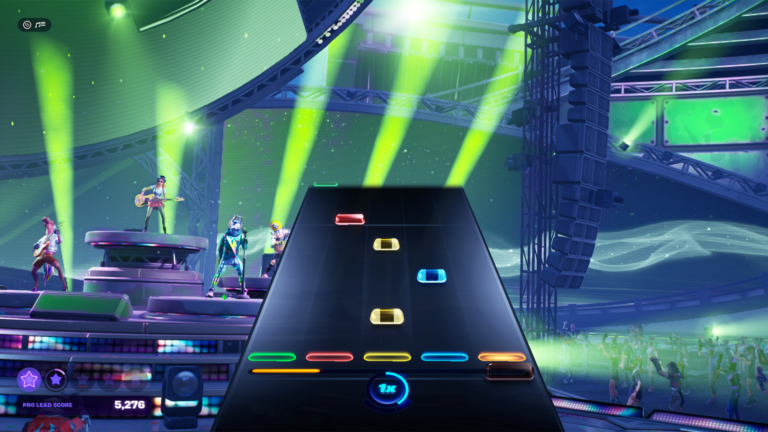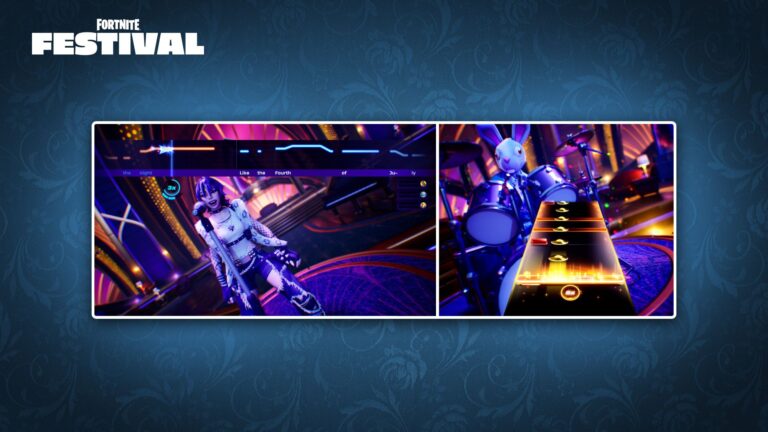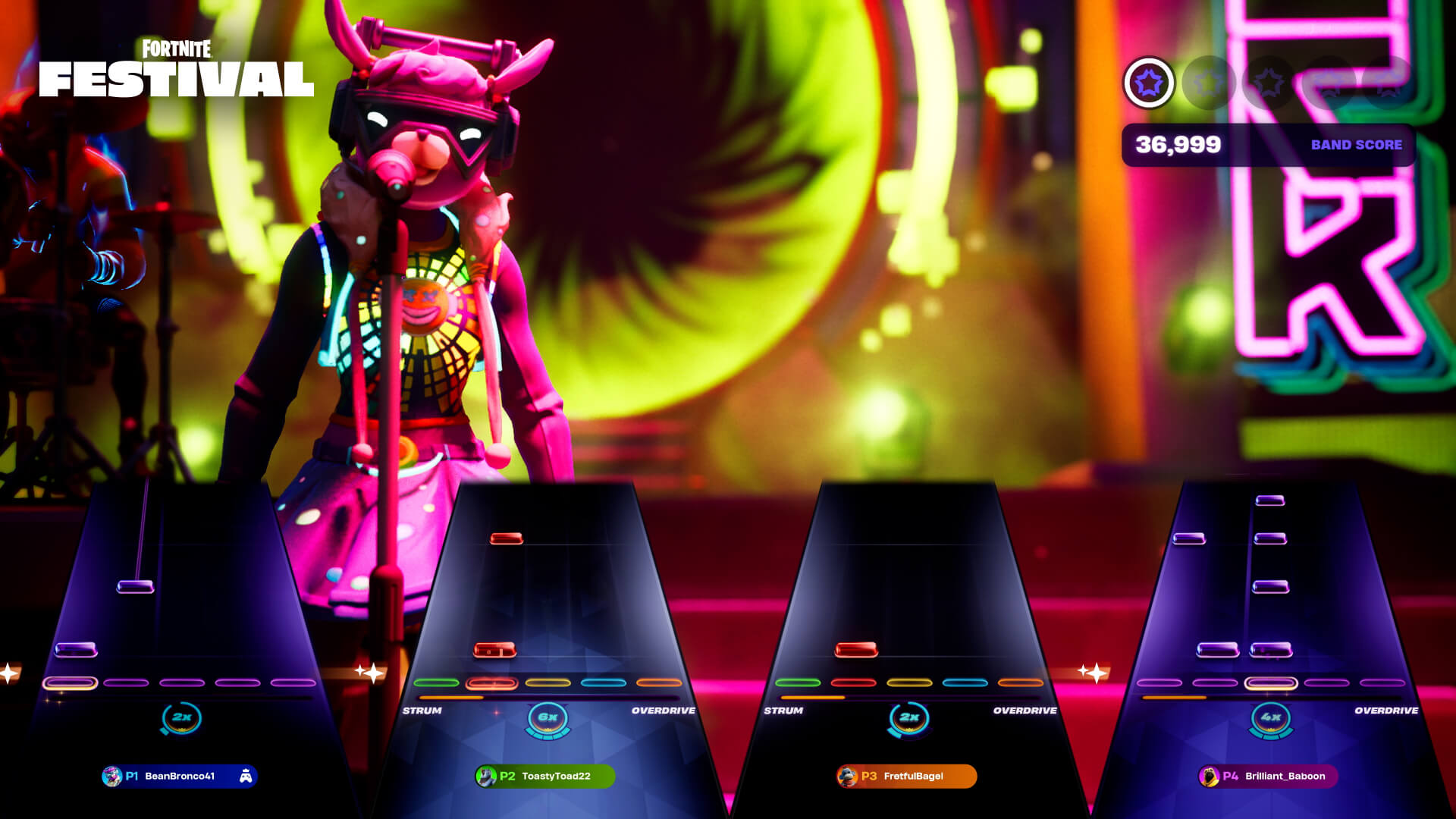
Fortnite Festival Local Multiplayer Ready Up Not Working is a known v43.10 input issue. Epic says some players have trouble using Ready Up in a local Main Stage session, even when they have joined the group and selected their music.
Before blaming the controller, it’s worth checking the way Festival handles local players. Everyone needs to join the party before entering Main Stage, and the Ready button must be held. Once those steps are right, an unresponsive Ready Up control may be the bug Epic has acknowledged.
Fortnite Festival Local Multiplayer Ready Up Not Working: what is known
The November 12, 2026 Festival notes list problems with input while attempting to Ready Up in Local Multiplayer. Epic hasn’t narrowed the issue to a particular console or controller brand, and hasn’t described a guaranteed workaround.
If your group is already together in Main Stage and Ready Up doesn’t respond when held, that matches the reported symptoms. If a second player never appears in the party, you’re dealing with an earlier step in local setup instead.
You can try leaving and re-entering the local session once, but Epic hasn’t confirmed that restarting the session repairs this bug. There’s no evidence that wiping your settings or reinstalling Fortnite is necessary.
How to set up local Festival Main Stage correctly
Epic’s local multiplayer instructions support up to four players together on one PlayStation or Xbox console. Players must join the Fortnite Lobby party first, then enter Festival Main Stage together.
Each person needs an active Epic Games account and platform account. Platform guest accounts aren’t supported, and Epic says each account needs permission to access T-rated experiences. Those requirements are stated in the official local-multiplayer launch guidance.
Choose the setlist, instruments and difficulties backstage. Epic’s Main Stage help page then tells players to hold the Ready button. If your party meets the account requirements and the button still won’t respond, you may be encountering Fortnite Festival Local Multiplayer Ready Up Not Working.
What to try when the Ready Up control is unresponsive
Check that every local player has signed in using their own eligible profile before entering Main Stage. If someone hasn’t joined the Lobby party, sort that out first. It’s a different problem from a Ready Up button failing once you’re all together.
If one player can ready up and another can’t, note which profile and controller are involved. You can also try re-entering Main Stage to see whether the same symptom returns, without treating a restart as a verified fix.
A solo Main Stage session may help you compare how your controls respond. Working controls in solo play don’t solve local multiplayer, but they can help you narrow down which mode triggers the problem.
Is it the same as the D-pad or green fret bug?
The Fortnite Festival Local Multiplayer Ready Up Not Working issue happens before the performance. It isn’t the same as the D-pad being unresponsive in the Restart / Return to Backstage menu or the green guitar fret stopping during local Pro Lead or Pro Bass.
Epic gives an official workaround for the D-pad Song Menu bug: use the analogue stick. It hasn’t provided the equivalent for Ready Up. Our green fret guide covers the separate guitar issue.
If you report the failure, include your console, how many people are playing, whether they’re using regular accounts or guests, and which screen stops accepting input. These details make it easier to describe the exact fault.
Epic has acknowledged Fortnite Festival Local Multiplayer Ready Up Not Working, but a patch is still pending. Get the local profiles and hold-to-ready steps right first; if the input still fails, the current official notes don’t offer a reliable player-side repair.
Related Guides
Official source: Epic Games’ Fortnite Festival v43.10 update notes.