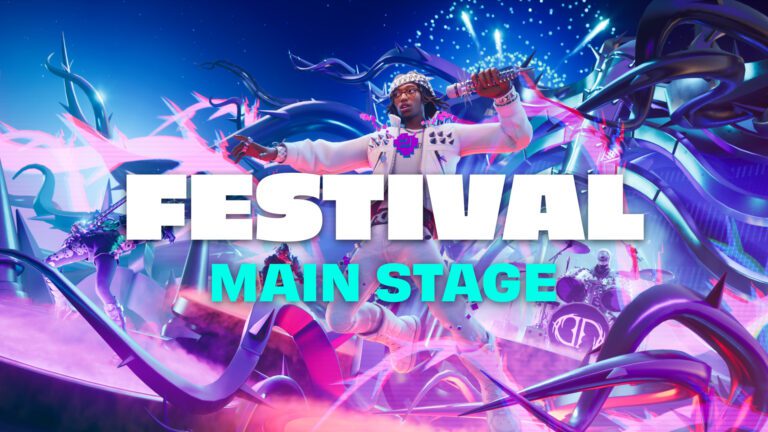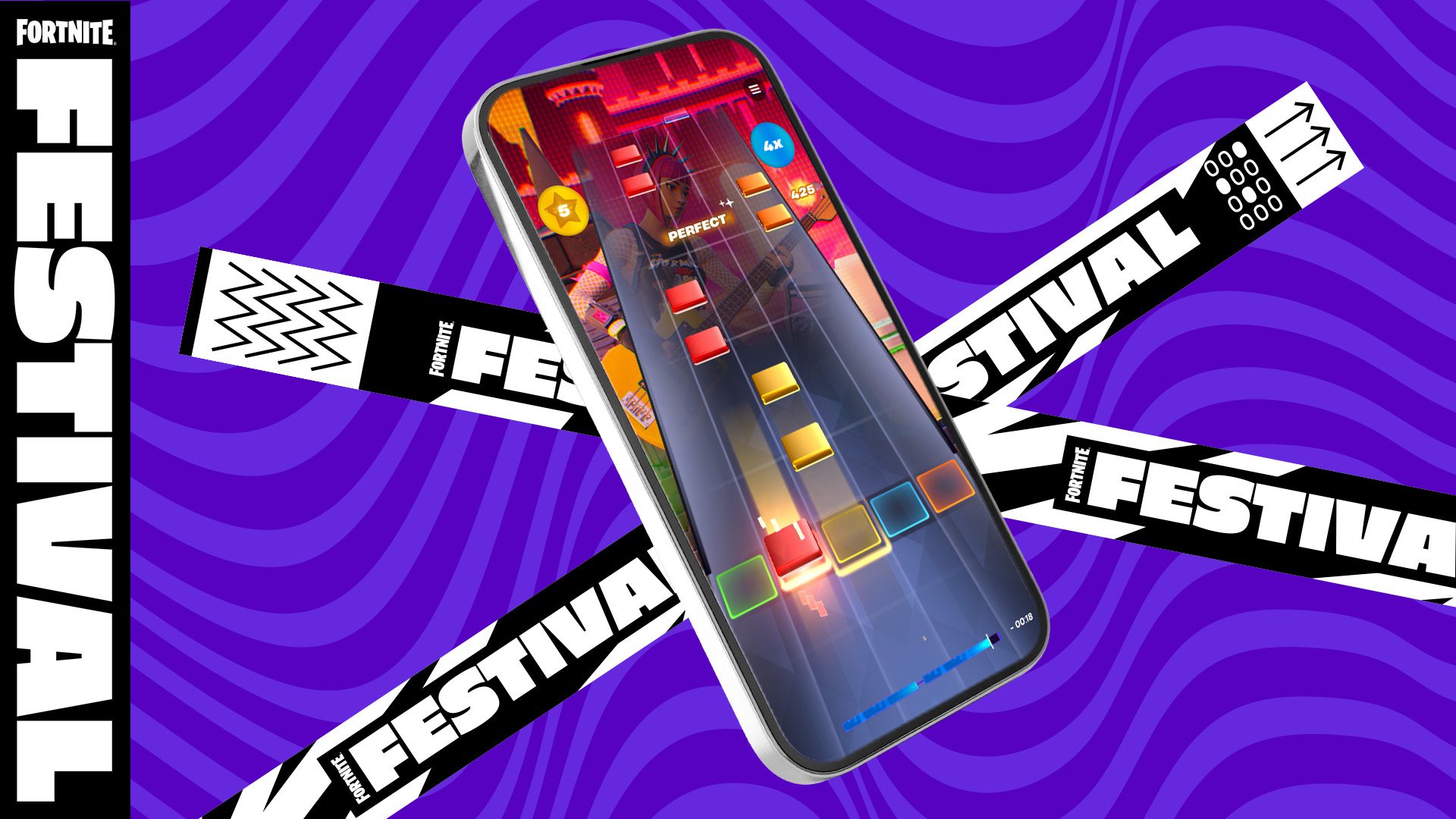
Fortnite Festival portrait mode now works across Main Stage on mobile, from choosing songs to playing them. Before v43.00, the phone switched orientation for the note chart. Now you can browse music, check Festival quests and play your setlist without moving between portrait and landscape screens.
If you’ve played Festival on your phone before, the new layout should feel less fiddly. Here’s what changed, how the touch controls work and where to find Tune Up if the notes don’t seem to line up with the music.
What’s new with Fortnite Festival portrait mode?
Epic describes Fortnite Festival portrait mode as an end-to-end update for Main Stage on mobile. The new song carousel, random selection and Festival quests all work in the vertical layout, alongside the actual performance screen.
You may notice that Epic’s older mobile help page still says backstage returns to landscape after a setlist. That guide describes how mobile Festival worked before the v43.00 change. For the newer layout, Epic’s Festival update notes are the relevant instructions.
This change is specifically for Festival Main Stage. It isn’t a promise that Battle Royale or every other Fortnite mode now runs in portrait, and it isn’t a Music Pass reward you have to unlock.
How to play Fortnite Festival portrait mode on mobile
To try Fortnite Festival portrait mode, open Fortnite on your mobile device and choose Festival Main Stage. Then:
- Browse the refreshed carousel for the songs available to you.
- Choose tracks for your setlist, or use the random selection option.
- Follow the on-screen prompts to begin playing.
- Tap the falling notes when they line up with their targets in the portrait chart.
- Check your performance results and quest progress after finishing your songs.
There isn’t a second playlist to install. Fortnite Festival portrait mode is part of Main Stage in v43.00, and Epic hasn’t listed a separate rotation setting you need to enable. If you don’t see the updated layout, check the game version first.
Tap, slide and hold: the mobile controls
Fortnite Festival portrait mode uses the same basic touchscreen actions described in Epic’s mobile guide. Tap notes as they meet their targets. Slide towards another lane when the notes call for it, and hold a sustained note until it ends.
Watch the target line at the bottom of the chart rather than tapping a note as soon as it appears. On supported devices, haptic feedback accompanies inputs and Overdrive. If a gesture isn’t clear, the in-game Tips menu explains the mobile controls.
Use Tune Up if the notes feel out of sync
On your first visit to mobile Festival, Epic walks you through Tune Up. Follow each on-screen prompt and tap when asked. Epic recommends a Bluetooth headset during this setup if you have one available.
You can run it again later. Open More Options in the upper-left corner, select Tune Up and follow the prompts. If the notes feel consistently out of time with the music, start there rather than reinstalling Fortnite.
The Tune Up and Tips options are part of Epic’s mobile Festival instructions. You don’t need another app to access them.
How to use Overdrive on mobile
There are two official ways to trigger Overdrive on mobile. Swipe up from a note you’ve just played, or tap the on-screen Overdrive button. Epic says haptic feedback indicates when Overdrive begins and ends.
Use whichever method feels easier. Fortnite Festival portrait mode supports those touchscreen actions without requiring you to connect a guitar or drum controller.
Where did the Festival quests move?
Festival quests are part of the updated vertical interface, so you can check them while using Main Stage. Epic has also announced the first six-week Festival mini-season, with quests and rewards across the event.
The announcement doesn’t provide a full quest list, exact XP values or all reward names. Check the Festival Quests screen for the tasks available to you. Don’t confuse the mini-season quests with the separate paid Music Pass.
For context on a previous pass, see our Neon Dreams Music Pass guide. The Fortnite Festival portrait mode update doesn’t change that earlier reward track.
What if portrait mode doesn’t appear?
Check that you’ve selected Main Stage and installed v43.00 or a later update. If touch inputs feel out of sync, open More Options > Tune Up. The Tips option in the same menu can help with unfamiliar controls.
Epic has also acknowledged a controller problem in the Main Stage Song Menu: the D-pad can fail to select Restart or Return to Backstage. The analogue stick still works. That is a separate controller issue, not a confirmed problem with Fortnite Festival portrait mode.
We’ve covered the controller issue in our Fortnite v43.00 known issues guide. If you’re trying to find the old competitive playlist instead, see why Festival Battle Stage closed. That shutdown didn’t remove Main Stage or Fortnite Festival portrait mode.
Related Guides
Official source: Epic Games, Fortnite Festival v43.00 Update Notes.