Fortnite Festival D-Pad Not Working in Song Menu has an official workaround: use your controller’s analogue stick. Epic says the D-pad currently fails to navigate the in-game menu containing Restart and Return to Backstage, while the stick continues working.
So if you open the Song Menu mid-performance and the selection won’t move, you can still navigate it without changing your controls. Epic has acknowledged the problem in its November 12, 2026 Festival v43.10 notes and lists a proper fix for a later update.
Fortnite Festival D-Pad Not Working in Song Menu: what to press
Open the Song Menu as usual. When the D-pad won’t highlight Restart or Return to Backstage, move the selection with the analogue stick instead. Confirm your choice using the button shown on-screen. This is the workaround Epic actually recommends, rather than a setting somebody has guessed might help.
The affected screen is specifically the Song Menu in Festival Main Stage. Epic hasn’t said every D-pad input across Fortnite is broken. If yours also stops working in the console dashboard or another game, that points to a different problem.
The Fortnite Festival D-Pad Not Working in Song Menu issue is easy to mistake for a controller fault. But if you can use the D-pad normally elsewhere and only the two Song Menu options refuse to move, your symptoms line up with Epic’s known issue.
Is your controller broken or is this a Festival bug?
Try the D-pad in another part of Fortnite, then open the Song Menu and check the analogue stick. A controller that works everywhere else doesn’t need replacing just because one Festival menu isn’t responding.
If the analogue stick also fails, you’re seeing more than the issue Epic has described. Make a note of where input stops and whether it affects other screens before changing settings or troubleshooting the controller itself.
The v43.10 notes don’t say remapping the D-pad restores navigation. On PC or console, changing bindings at random can leave you with another problem once the actual menu bug is patched.
When will the Fortnite Festival Song Menu D-pad bug be fixed?
Epic still lists this among bugs planned for a future game update. It was also present in earlier Festival patch notes, including v42.30. That establishes the issue hasn’t just appeared, but it doesn’t give us a release date for the fix.
Reinstalling the game or resetting a controller isn’t an official remedy for this particular menu fault. For now, the practical solution is simply to use the analogue stick for Restart and Return to Backstage.
If you report an input problem to Epic, mention your platform and whether the D-pad works outside the Song Menu. Those details help distinguish this acknowledged bug from a controller that isn’t connecting correctly.
Other Main Stage input problems in v43.10
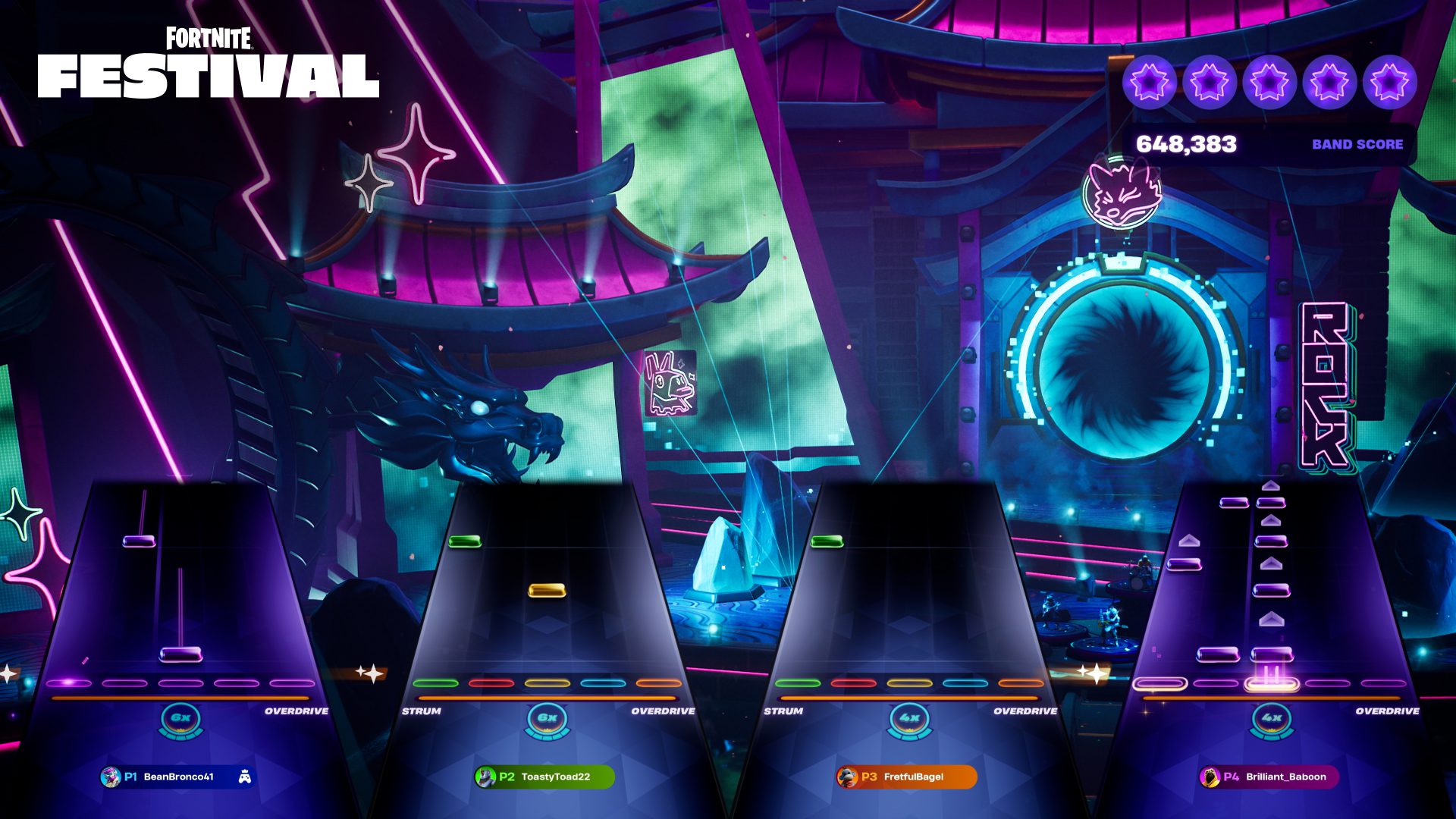
The same Festival update names two other control issues: players may struggle to Ready Up in local multiplayer, and the green fret on a guitar peripheral can stop responding during local Pro Lead or Pro Bass. Neither is the Song Menu problem.
If the issue happens before a song, read our local multiplayer Ready Up guide. If you’re missing green guitar notes, the green fret guide covers that separate fault.
Until Epic releases a patch, Fortnite Festival D-Pad Not Working in Song Menu has one confirmed workaround: navigate with the analogue stick. You can keep using the normal menu options while the D-pad fix is being developed.
Official source: Epic Games’ Fortnite Festival v43.10 known issues.