Arkheron PC system requirements start at 8 GB RAM, a six-core processor and a GTX 1060 graphics card with 6 GB VRAM. You’ll also need Windows 10 or later, broadband internet and 25 GB of free storage. Bonfire’s current recommended specification raises the CPU and graphics target, with 12 GB RAM.
The numbers have changed since July’s closed beta, which is why some older guides still mention 12 GB minimum RAM, 16 GB recommended and 35 GB of storage. For the 27 November Early Access release, the latest Steam listing and Bonfire’s support page both give the lower figures shown below.
Arkheron PC system requirements: minimum and recommended
Here are the official Arkheron PC system requirements as listed by Bonfire Studios in November 2026. The processor entries also allow an equivalent model with the stated core count, but the developer doesn’t name a specific AMD replacement on its current requirements page.
| Component | Minimum | Recommended |
|---|---|---|
| Operating system | Windows 10 or later | Windows 10 or later |
| Processor | Intel Core i5-9600K or equivalent six-core CPU | Intel Core i7-9700K or equivalent eight-core CPU |
| Memory | 8 GB RAM | 12 GB RAM |
| Graphics | Nvidia GTX 1060, 6 GB VRAM | Nvidia RTX 2070, 8 GB VRAM |
| Network | Broadband internet | Broadband internet |
| Storage | 25 GB available space | 25 GB available space |
How much RAM does Arkheron need?
The minimum is 8 GB RAM, while Bonfire recommends 12 GB RAM. If your machine has 8 GB, it meets the listed threshold, though you’ll have less memory left over for browsers, voice chat and other background apps. Closing unnecessary programs is a sensible starting point if your PC is right on the minimum.
Older beta requirements said 12 GB minimum and 16 GB recommended. That information was published in July and no longer matches the current support page. Use the current Arkheron PC system requirements when deciding whether to upgrade your memory.
Which graphics cards and processors are supported?
For minimum hardware, Bonfire lists an Intel Core i5-9600K or equivalent six-core CPU with an Nvidia GTX 1060 6 GB. The recommended tier specifies an Intel Core i7-9700K or equivalent eight-core CPU and an Nvidia RTX 2070 8 GB. These are reference specifications, not a complete list of every compatible part.
The current Arkheron PC system requirements don’t name AMD graphics cards or specific Ryzen processors. An AMD system might meet the stated performance level, but the publisher hasn’t provided model-for-model AMD equivalents in its latest table. It would be misleading to present an RX 580 or RX 7600 XT as officially listed when those cards aren’t in the current source.
Does Arkheron require an SSD?
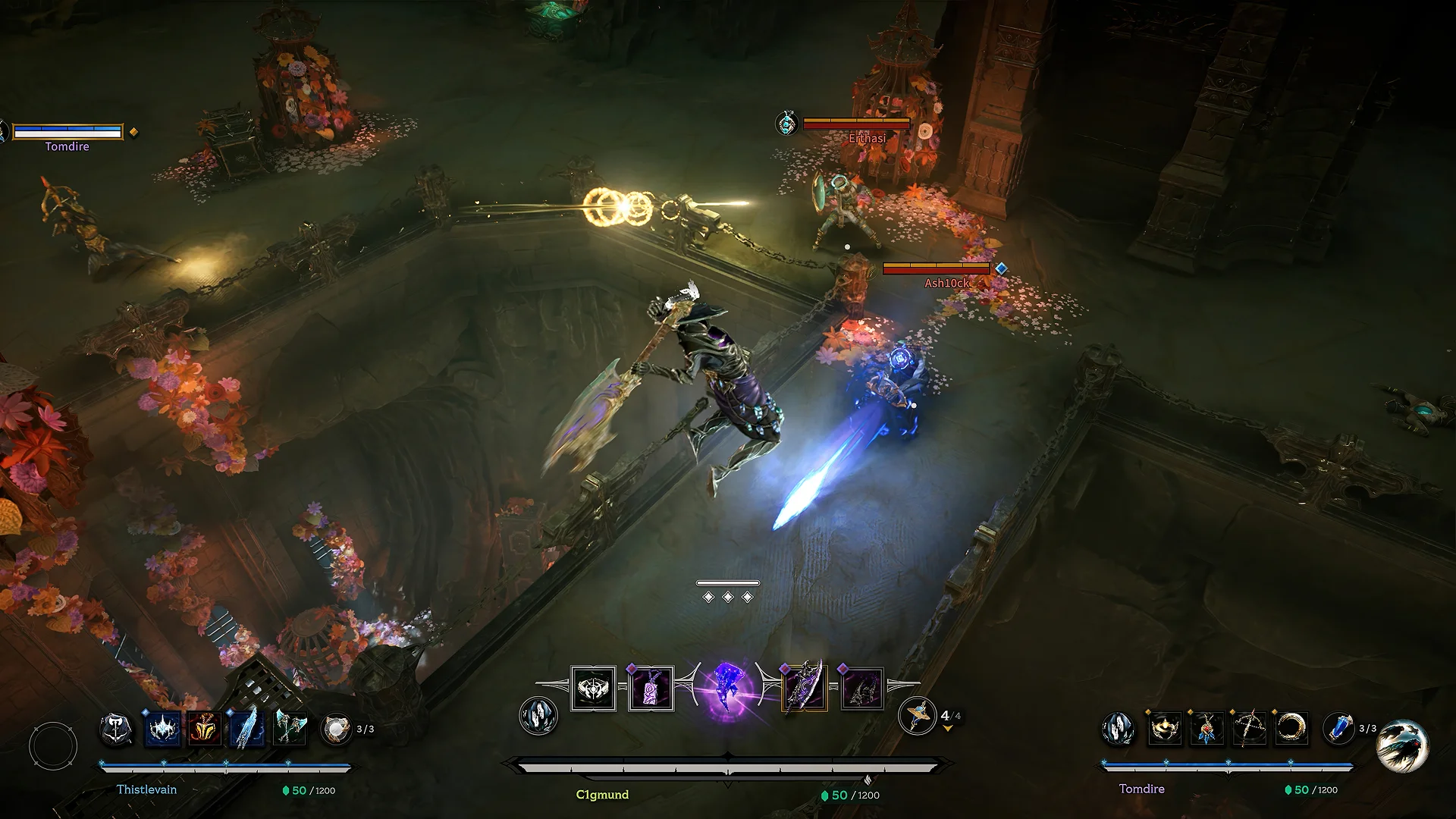
The July closed-beta specifications explicitly mentioned an SSD and 35 GB of space. The newer Steam and Bonfire support listings specify 25 GB of available storage but no longer explicitly say that installation on an SSD is mandatory. At present, the safest description is that 25 GB free space is confirmed, while a compulsory SSD is not stated in the latest requirements.
Installing on an SSD is still a sensible choice for loading performance if your PC has one. However, that’s practical advice, not a new official Arkheron PC system requirements rule. A mechanical hard drive meeting the space figure alone shouldn’t be described as officially supported or unsupported without a current developer statement.
Is 25 GB the Arkheron download size?
No confirmed final download size appears in the current Arkheron PC system requirements. The 25 GB figure is the available storage listed for installation, not a measurement of how many gigabytes the Steam or Xbox app will transfer. Downloads can be compressed, and updates may need temporary working space.
If you’re preparing for launch, leave more than the bare minimum available on your chosen drive. Once the 27 November client is downloadable, the storefront will show its actual transfer size. Don’t mistake older beta package sizes or test-client downloads for the final installation.
Will Arkheron run on Steam Deck or a Windows handheld?
Bonfire’s published PC table is written for Windows 10 or later. It does not confirm Steam Deck compatibility or a specific handheld frame-rate target. Arkheron is also listed as an Xbox Play Anywhere title, so eligible digital purchases can be used through the Xbox app on supported Windows devices; that entitlement doesn’t guarantee that a lower-powered handheld meets the game requirements.
If you’re checking Arkheron PC system requirements for a handheld, compare its processor, memory and graphics capabilities with the official minimum. Wait for tested device-specific compatibility information before treating a Steam Deck or Windows handheld as guaranteed to run well.
What settings should you change on a lower-end PC?
Bonfire has continued improving performance and dynamic resolution ahead of Early Access, including changes in the 17 November hotfix. The current published specs don’t promise a particular frame rate at every resolution, so settings may still need adjusting even if your machine passes the minimum.
Start by closing demanding background applications, installing current graphics drivers and lowering in-game graphics options if you run into stutter. Bonfire’s support team also recommends checking available disk space when troubleshooting crashes. That approach is more useful than assuming a PC that meets the Arkheron PC system requirements will deliver identical performance in every match.
Official source: Bonfire Studios, current PC requirements. Images: official Bonfire Studios screenshots.
The Click Flare: Related Arkheron Guides
- Arkheron Xbox Play Anywhere: Does One Purchase Cover Xbox and PC?
- Arkheron Cross-Progression: How to Keep Progress Across Platforms
- Can You Play Arkheron Solo? Matchmaking and Bot Modes
- Arkheron Party Spectators: How to Watch and Join Matches
- Arkheron Discord Party Invites: How to Join Friends on PC
- Arkheron Training While Queueing: Play vs Just Queue
- Arkheron Crossplay: Xbox, PS5 and PC
- Arkheron Friend Pass: Free Team Access