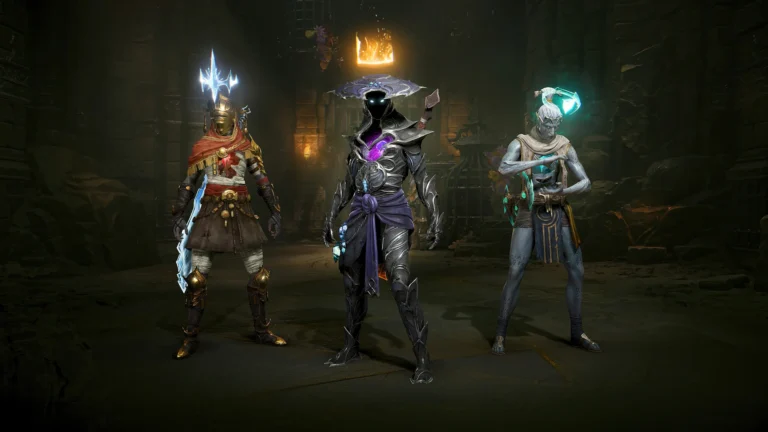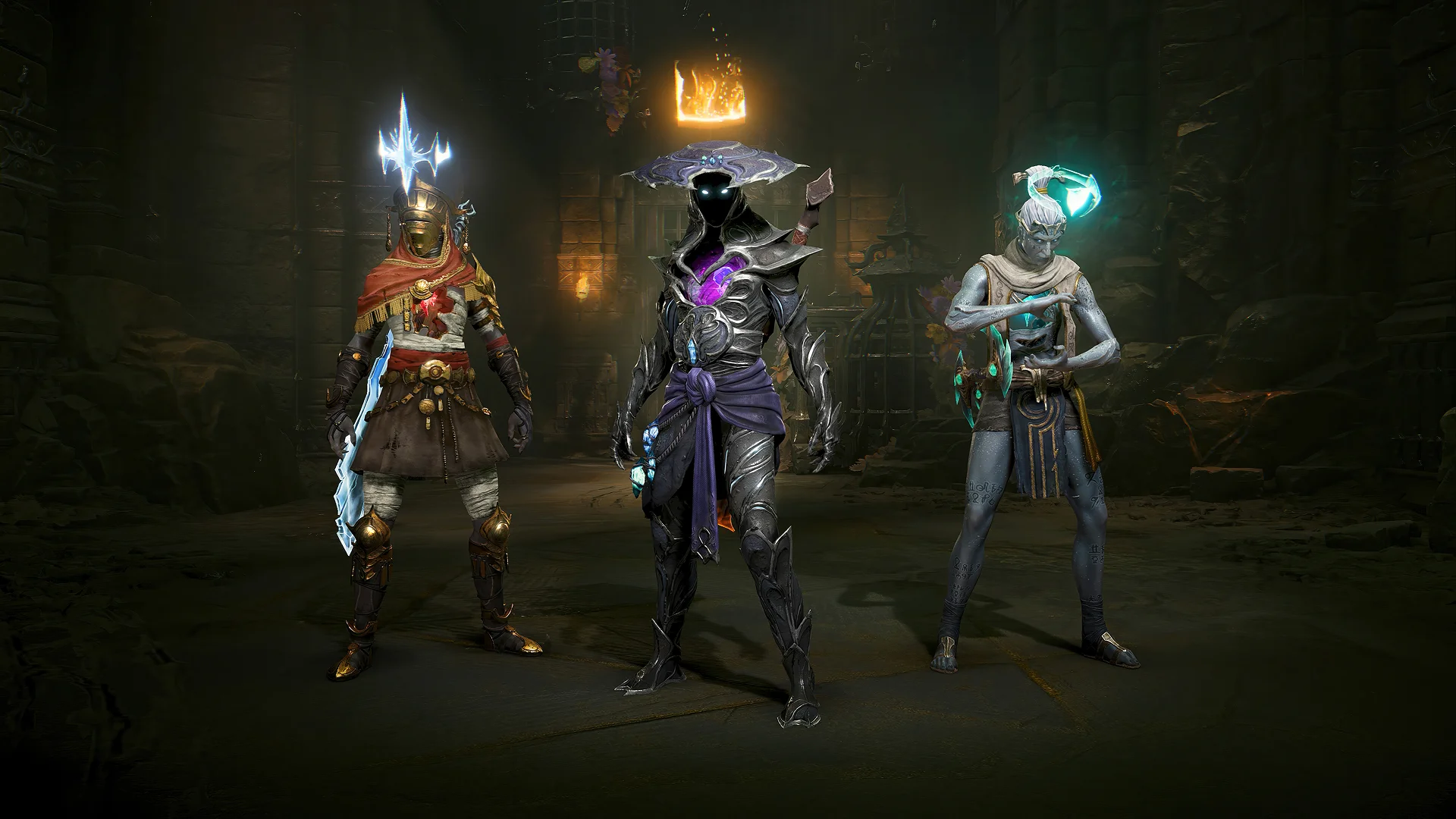
Arkheron Discord party invites let PC players jump into friends’ parties from Discord activity or share a party or custom-lobby invitation in a channel. Bonfire added the integration in its November provisional 1.0 notes, with clear requirements for the desktop app and activity-sharing settings.
You can join a friend’s session without copying a lobby code or waiting for a separate in-game invitation. The feature is particularly handy for a three-player squad on PC, although it only works when the Discord setup and the party’s join permissions allow it.
How do Arkheron Discord party invites work?
Arkheron Discord party invites are part of the game’s PC integration. Your Discord activity can show the game mode, party size and whether you’re queueing, playing or spectating. A friend can select Join from that activity and enter the party or custom lobby if the game permits it.
Bonfire says Join can also launch Arkheron if it’s closed, then take you into the selected session. It saves a few clicks, but the game’s usual purchase and Friend Pass rules still apply. Competitive access still requires the same paid, Game Pass or owner-party entitlement that applies when you invite somebody through the game itself.
What do you need before using Discord party invites?
The Discord desktop app must be running on your PC, and activity sharing must be enabled in Discord’s Activity Privacy settings. Bonfire’s announcement describes the integration as available on PC. It doesn’t promise matching Discord Join controls in the Xbox or PlayStation Discord apps.
Before using Arkheron Discord party invites, sign in to Discord, verify activity sharing and launch the current Arkheron client. If your activity isn’t appearing to friends, check whether the game is detected and whether your privacy settings allow others to see it. The instructions here are for Discord on PC, rather than the mobile or console apps.
How to join an Arkheron party from Discord
Find a friend’s Arkheron activity in Discord and choose its Join option. Bonfire says the game should take you to their party or custom lobby. If the game isn’t running, the integration can start it first. The Join option depends on the host’s party permissions and current match state.
Arkheron Discord party invites are not guaranteed to work while a party is queueing or already full. Bonfire says joining requires being at the main menu and not already in another party. Friends can still join during a match and regroup afterward, but that is not the same as instantly taking an active combat slot.
How to share a party invite in a Discord channel
Bonfire’s November notes say PC players can post both party and custom-game invites directly in Discord channels. Anyone able to see that invite may be able to use it. This can be useful for arranging community matches, but think carefully before putting a join link in a very busy public channel.
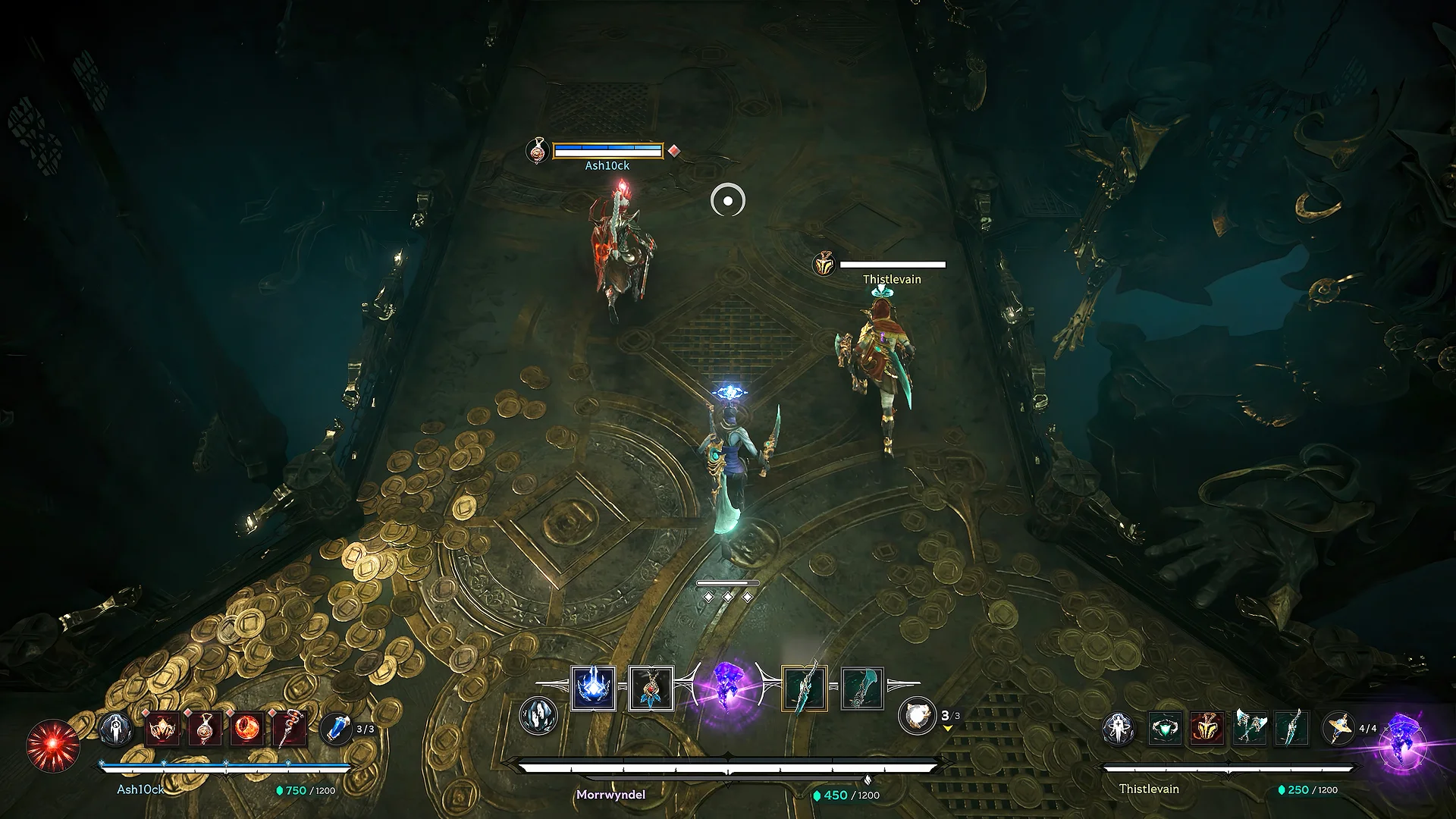
A Discord channel can double as a way to find a squad, but shared invitations still obey the party leader’s settings and the three-player active team limit. When a slot fills, someone else may have to wait or join as a spectator where that role is supported.
How to fix Join missing or disabled
Start with the host’s Open Party option under Settings, Gameplay, Social. Bonfire says this setting is off by default, and the party leader’s choice applies to the entire group. If only the leader is allowed to invite, only the leader’s Discord activity shows Join.
Arkheron Discord party invites may also be unavailable if the party is full, queueing, or if you’re already in a party. The game client needs to be in its main menu before direct joining. Those are the restrictions Bonfire documents, and they’re worth checking before you troubleshoot Discord itself.
Can you use Discord to find teammates?
Yes. The November patch also introduces Communities, linking Discord-based party finding to Arkheron’s client. This is separate from direct Join on an existing friend: it helps players find a group when they don’t already have two teammates ready.
Arkheron Discord party invites are especially relevant to solo players trying to get a full squad before queueing. The game remains crossplay-capable between Xbox, Steam and PlayStation 5, but the specific Discord integration described here is the PC desktop feature. Other platforms can still use Arkheron’s in-game friend codes.
Official source: Bonfire Studios. Images: official Bonfire Studios gameplay and press artwork.
The Click Flare: Related Arkheron Guides
- Arkheron Xbox Play Anywhere: One Xbox and PC Purchase
- Arkheron PC System Requirements: Minimum and Recommended
- Arkheron Cross-Progression: Linked Accounts
- Can You Play Arkheron Solo? Matchmaking and Bot Modes
- Arkheron Party Spectators: Watch and Join Games
- Arkheron Training While Queueing: Play vs Just Queue
- Arkheron Crossplay: Xbox, PS5 and PC
- Arkheron Friend Pass: Playing Together Free