How to Keep Playing Games After Game Pass comes down to getting a separate licence for the game, usually by buying a compatible copy. Once a title leaves the Game Pass catalogue, your subscription no longer grants access to it. Keeping the installation on your console or PC does not change that, but you can often pick up your existing save once you own the right version.
Before spending anything, check which edition you used on Game Pass and whether your progress has synced. Microsoft also has more than one kind of member discount, and the plan you have affects which ones are offered. A little checking can save an unnecessary purchase.
How to Keep Playing Games After Game Pass: Your Main Options
- Buy the digital game: the most straightforward option if you play on Xbox or through the Xbox PC app and want to keep the same version.
- Buy a physical console copy: useful where the game has a compatible disc edition and you have a console with a disc drive.
- Use another valid entitlement: if the game is available through a separate subscription or platform you already use, check that service’s rules and save compatibility.
- Finish before removal: if you are close to the credits, completing the game before the catalogue deadline may be more sensible than purchasing it.
If you’re close to finishing a single-player campaign, you might get there before the removal deadline. If you regularly play the game with friends, buying it makes more sense. That’s what matters when deciding how to keep playing games after Game Pass: renewing the same subscription doesn’t bring a departed game back into the catalogue.
How to Keep Playing Games After Game Pass: Buying a Copy
Open the Microsoft Store page under the account you used for Game Pass and choose the purchase option. Check the console or PC edition and your final price before paying. Xbox currently lists up to 20% off selected catalogue games for Ultimate, the legacy Console plan and PC Game Pass. Premium and Essential have separate Deals offers. Discounts aren’t guaranteed for every game, and Microsoft’s terms exclude titles within 30 days of launch and certain other games.
Make sure you’re buying the game you played. A base-game purchase may be enough for the campaign but won’t necessarily include extra DLC or a bundle you had access to previously. Check which add-ons you actually own before choosing a more expensive edition.
How to Keep Playing Games After Game Pass Without Re-Downloading
Often, yes. If the copy you buy uses the same Xbox installation, ownership can restore access without downloading the full game again. You might still need an update. A different edition or another PC store can require a separate install, so check your library after buying.
How to keep playing games after Game Pass isn’t about keeping the files hidden on your drive. When the Game Pass licence ends, an installed copy still needs a valid licence to launch. Purchasing a compatible version usually solves that.
Will Your Save and Achievements Still Be There?
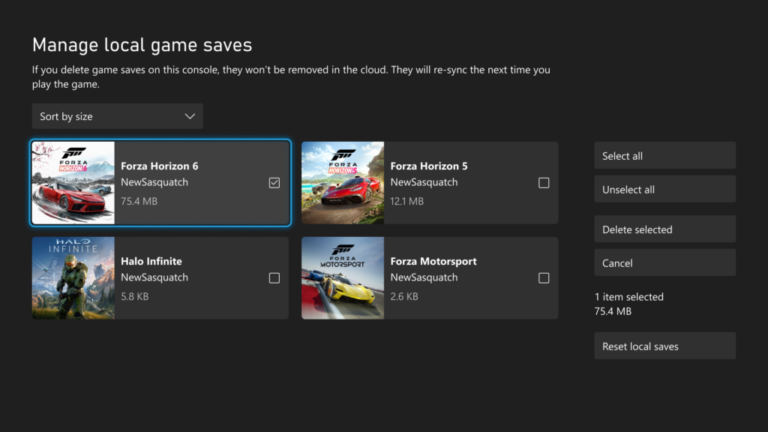
With standard Xbox cloud saves, your progress usually remains associated with your account even if you stop having access to the game. A compatible purchased copy can load a synced save when you sign in with that same account. Any achievements already earned on the Xbox network remain recorded.
PC saves need a closer look. A Game Pass version in the Xbox PC app and a Steam version don’t necessarily share files. The same is true of some console-to-PC moves unless the game supports Xbox Play Anywhere or another form of cross-progression. For the details, read our Game Pass save-data guide.
Can You Still Play a Game Through Cloud Gaming If You Buy It?
Only if that owned title is supported in Xbox Cloud Gaming for your membership, device and region. Owning a game doesn’t automatically make it streamable. If cloud play is the main reason you’re buying it, check the current supported library first.
How to keep playing games after Game Pass through the cloud therefore has an extra step: confirm Microsoft lists that purchased game as eligible to stream. Our UK cloud-gaming guide covers the wider service options.
Which Games Leave Game Pass on 30 November?
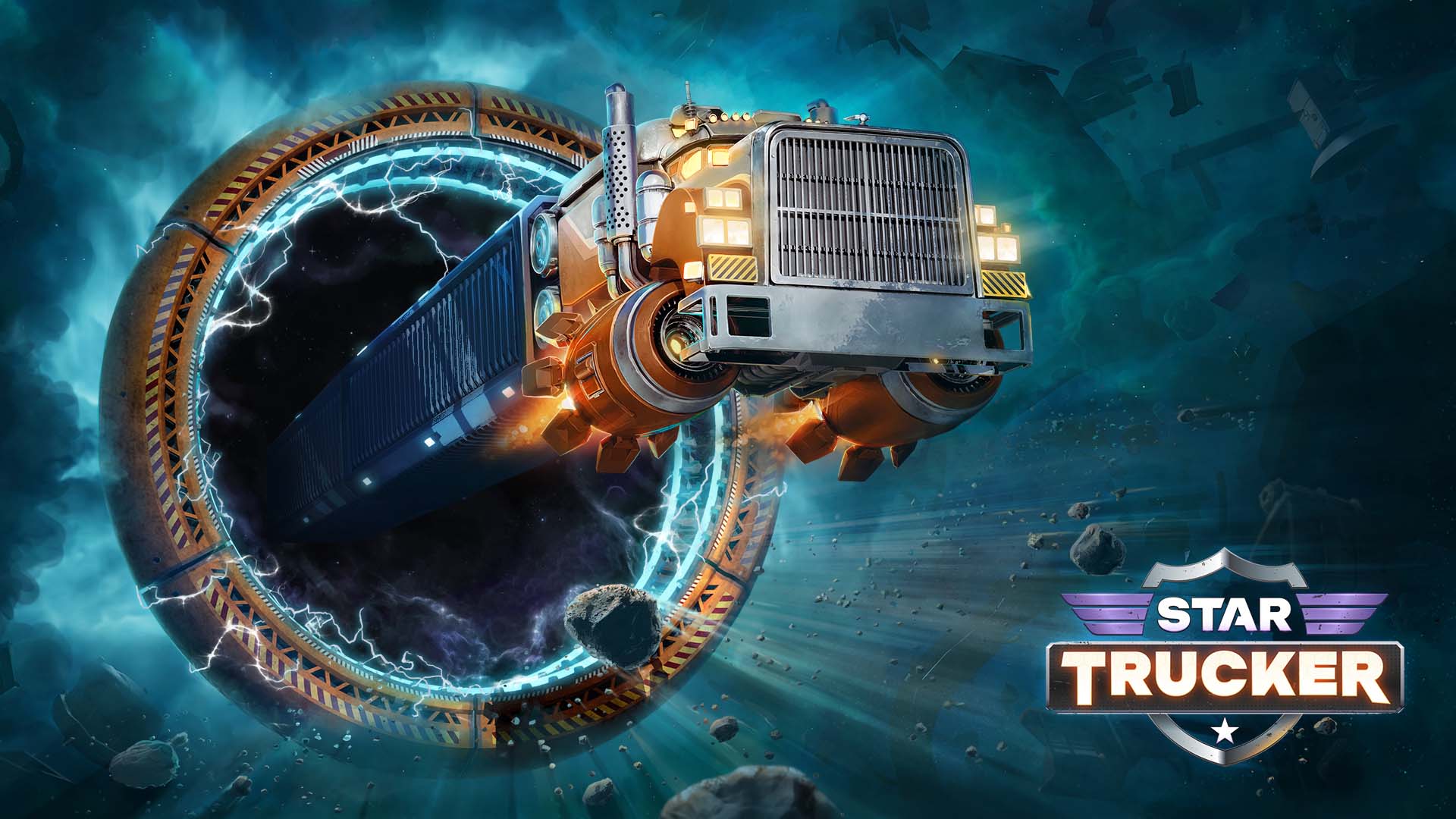
Xbox lists Aliens: Dark Descent, Banishers: Ghosts of New Eden, DreamWorks Gabby’s Dollhouse: Ready to Party, Generation Zero, Kill It With Fire! 2, Moving Out 2, Star Trucker and Totally Reliable Delivery Service for removal on 30 November. The announcement covers cloud, console and PC.
See the November 30 removal list for the deadline and confirmed games. The Wave 2 arrivals also give you alternatives if you’re ready to move on to something new.
How to Keep Playing Games After Game Pass Without Paying Full Price
Waiting is fine if you don’t mind taking a break. Leaving Game Pass doesn’t automatically mean the game is being taken off sale, so you may find a better offer later. A particular member discount or sale price isn’t guaranteed to return, though.
For most people, how to keep playing games after Game Pass comes down to three choices: buy a compatible copy now, finish before the removal date, or wait until you feel like returning. If your progress has synced with Xbox, it shouldn’t disappear just because you take a break.
Official source: Xbox’s Game Pass member deals and discount information.