Sons of Sparta missing save data is a horrible thing to see after spending hours playing. If you’ve opened God of War Sons of Sparta and the slots where your progress should be are suddenly empty, do not start a new game. Mega Cat Studios specifically warns that doing so may overwrite data that is still there.
There are a few different save problems in Sons of Sparta, and they’re not all fixed by the same patch. Some older bugs were addressed months ago, but the developer’s latest known-issues update on 16 November 2026 still lists two save-related problems under investigation. Here’s how to protect what you have and what the official fixes actually cover.
What to do first if you see Sons of Sparta missing save data
First, close the game completely. From your PlayStation home screen, highlight Sons of Sparta, press Options and choose Close Game. Then launch it again and check the save slots.
That’s Mega Cat Studios’ recommended first step for missing slots. It’s not a promise that every save will reappear, but it’s the safest thing to try before touching any of the slots. Do not save over an empty-looking slot just to test whether the game is working.
If your progress comes back, keep it safe. Check for the latest update and, if you use cloud backups, make sure you understand which copy is the good one before allowing anything to overwrite it.
Which updates fixed Sons of Sparta missing save data?
The first major round of fixes came in patch 1.005. Mega Cat Studios corrected an issue caused by repeatedly triggering the save command at campfires and made other changes intended to reduce save loss and progress rolling back. Patch 1.006 followed with more stability work.
Patch 1.007 specifically targeted save loss or rollback linked to the screenshot system. The known-issues page marks that screenshot-spam problem as fixed. But that’s only one of the causes the team has identified.
That difference matters if you’re searching for Sons of Sparta missing save data after installing recent updates. Being on a newer version does not mean every possible rollback problem has disappeared.
Sons of Sparta missing save data: issues still under investigation
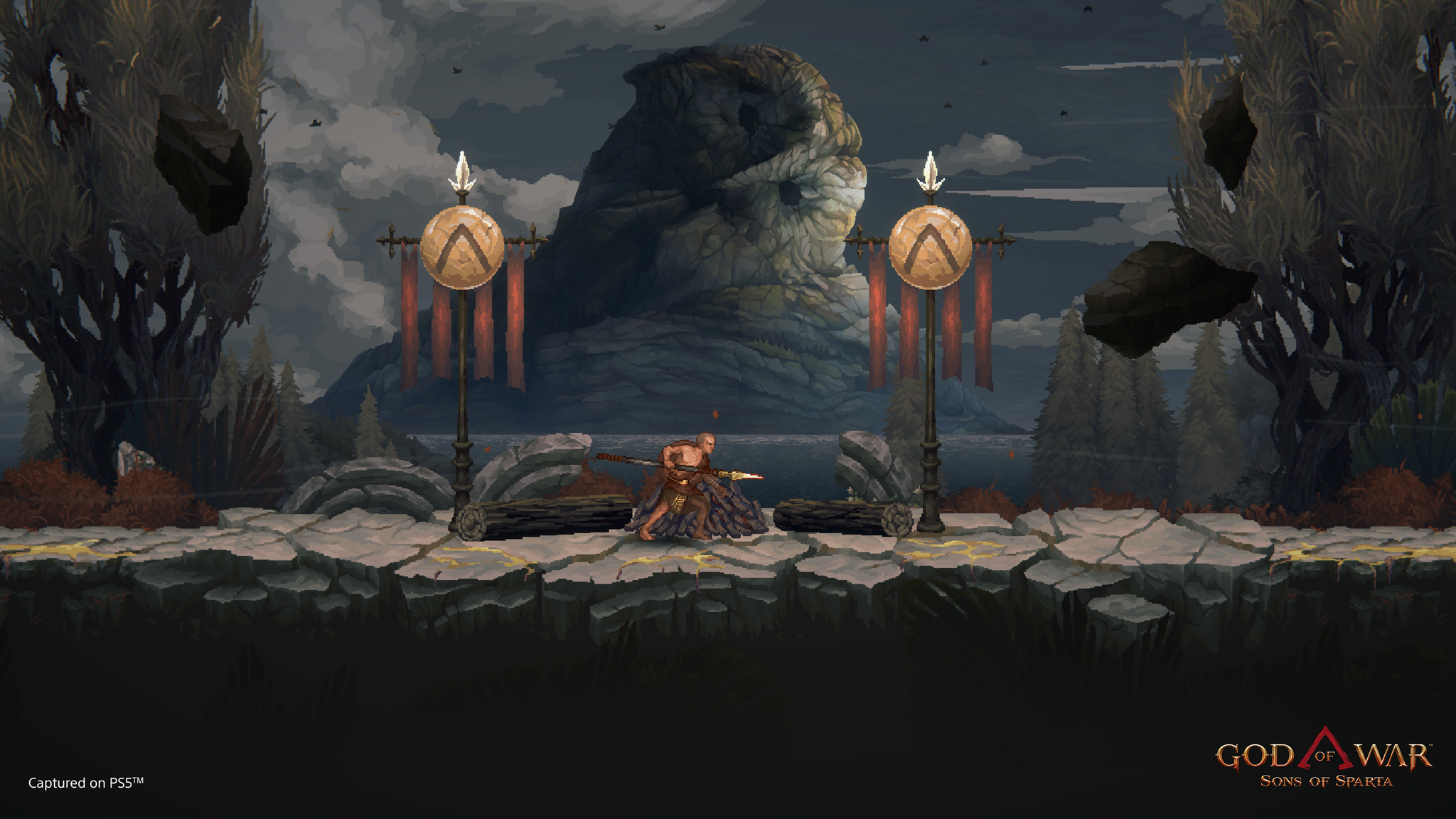
On 16 November, the developer’s known-issues page continued to list a rollback risk affecting certain performance settings or modes. It can happen when several save-related actions are queued quickly, such as taking screenshots or changing settings, and then a manual campfire save is attempted. The page specifically mentions low-energy mode, slower hard drives and save-command spam.
There’s a separate issue involving overwriting a slot that contains seven or more screenshots. According to Mega Cat Studios, the first session of a new game in that slot might not save at all, although later sessions save normally. That issue is also being investigated.
The studio has a deletion-and-restart procedure for someone deliberately starting a completely new game in an old slot. That’s not a recovery procedure for a missing save, so don’t delete anything while you’re still trying to retrieve lost progress.
How to check your game version
To check whether you’re running the patched game, highlight Sons of Sparta on the PlayStation home screen, press Options and open Information. Look for the Version number. You can check for a game update from the same Options menu.
If you’ve left the game installed but haven’t played for a while, updating before resuming makes sense. Just don’t assume that an update can reconstruct a save that has already been overwritten or lost.
Can PlayStation Plus help with Sons of Sparta missing save data?
Possibly, if you have a usable backup. Check the cloud save’s timestamp and the console’s local save information before you download or upload anything. You don’t want to replace an older, good copy with one that reflects the missing progress.
PS4 and PS5 versions also need to be treated separately. Sony’s standard PS4 save-transfer tools don’t automatically establish that a native PS5 game can read an older PS4 save. If you’ve switched console editions, our PS4 versus PS5 comparison explains why buying both versions and transferring progress are not the same thing.
What if Sons of Sparta missing save data doesn’t come back after restarting?
If the original slot is still missing, keep it untouched and send a report to Mega Cat Studios. Explain whether the slot vanished completely or your progress rolled back, which console you play on, which version is installed and what happened immediately beforehand. Mention things like repeated screenshots, menu changes or campfire saves if they were involved.
The distinction between a missing slot and lost recent progress can help the developer identify which save-system bug you’re seeing. The official knowledge base includes a support request option, and the November list confirms work on the remaining cases is ongoing.
Most importantly, don’t make things worse by starting over in a slot you still hope to recover. For Sons of Sparta missing save data, the right first move is to close the application, check again, and protect any backup you still have.
Related Guides
- Sons of Sparta Quest Bugs: Herding Cats and Nike Fixes
- Sons of Sparta Pit of Agonies: Unlock Code and Rewards
- Sons of Sparta PS4 vs PS5: Cross-Buy and Saves
- Sons of Sparta Hermes Mode: Unlock Code and Erebus
- Sons of Sparta Digital Deluxe Edition: Bonuses Explained
- PS5 Cloud Saves Not Syncing: Upload and Download Fixes
- Can You Copy PS5 Saves to USB?
Official source: Mega Cat Studios known issues, updated 16 November 2026.