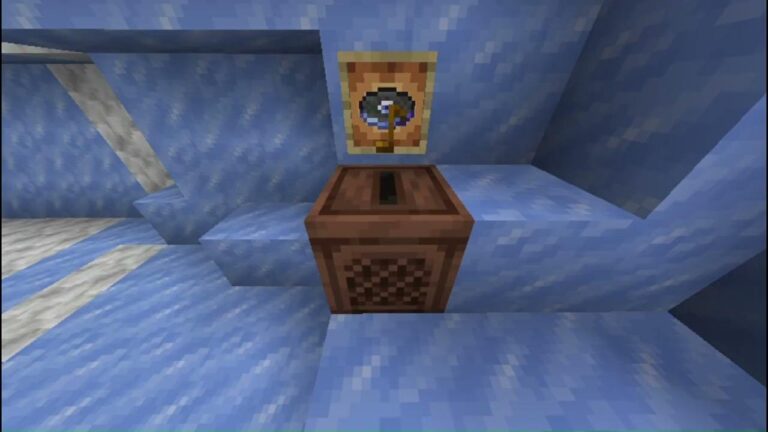
The Minecraft Chiseled Soulshale give command is /give @s minecraft:chiseled_soulshale 1 in Java 26.4 Snapshot 7 or later. It puts the hidden Deep Freeze decorative block in your inventory without searching Ancient City chests. Bedrock Preview 26.70.24 fixed an earlier problem with obtaining and placing the block by command.
If you’re trying the Minecraft Chiseled Soulshale give command, enable cheats or use an account with command permissions in a test world. The block has no normal crafting recipe, and Java doesn’t list it in the usual Creative inventory.
Minecraft Chiseled Soulshale give command for Java
For Java Edition, launch a supported 26.4 snapshot, enable cheats or operator permissions, and enter the line below in chat. @s targets the player running the command, while the final number sets the quantity.
/give @s minecraft:chiseled_soulshale 1
A successful Minecraft Chiseled Soulshale give command adds one block to your inventory. Change the number if you’re decorating a larger build. This block doesn’t have a confirmed portal-activation or mob-summoning use.
Don’t use this in the normal stable Java release and expect the block to be recognised before Deep Freeze launches. The key detail is the snapshot version. Check the Java Launcher installation profile rather than assuming you updated simply because you saw the latest game news.
How to get Chiseled Soulshale with commands in Bedrock Preview
Bedrock Preview 26.70.23 had a command issue with this block. Mojang’s 26.70.24 notes say Chiseled Soulshale can now be obtained and placed using commands. Check your installed version before trying an old workaround.
In a cheats-enabled Bedrock Preview 26.70.24 or newer world, try the same item identifier below. Mojang confirmed that command access was fixed, although the patch notes don’t give a complete example of the syntax. If it isn’t recognised, check command autocomplete.
/give @s minecraft:chiseled_soulshale 1
You can also test placing the block into an empty space with the standard /setblock command and the same block identifier, provided your Preview recognises it. Use an open coordinate beside you rather than replacing a valuable block or a chest. Mojang fixed its command placement behaviour in Preview 26.70.24 specifically, so commands from 26.70.23 are not a reliable comparison.
Minecraft Chiseled Soulshale give command not working
The first check is your game version. If you’re in normal Bedrock 26.60, even with the Drop 4 of 2026 world experiment enabled, it doesn’t mean every feature introduced later in Preview 26.70.23 exists. The Chiseled Soulshale command is tied to the relevant test builds. Likewise, a regular Java release doesn’t contain the snapshot’s experimental block.
The Minecraft Chiseled Soulshale give command uses the identifier minecraft:chiseled_soulshale. Check the underscore, ensure cheats are enabled, and confirm you aren’t running regular Bedrock 26.60, which doesn’t have every later Preview item.
The Chiseled Soulshale command can also fail when a guide uses a Bedrock-specific workaround in Java or a Java command option that Bedrock doesn’t accept. Don’t paste old syntax into a new Preview without checking which edition the author used to test it.
Can you place Chiseled Soulshale using /setblock?
The standard form of the command places a named block at a specified coordinate. In a supported development version, you can test the following at a position beside the player: /setblock ~1 ~ ~ minecraft:chiseled_soulshale. The tildes mean the coordinates are relative to where the command runs.
That is useful if you’re examining the block in Creative without opening Ancient City chests, but be careful: /setblock can replace a block already in the targeted location. Use a disposable test world. If Minecraft reports an unknown block name, check the Preview version first. Mojang’s 26.70.24 patch is the point where it explicitly fixed command placement.
Does the command work in Minecraft Creative mode?
Creative mode doesn’t automatically show the hidden block in its normal item search. In Java’s 26.4 Snapshot 7 data, Chiseled Soulshale is deliberately not listed as a normal Creative-inventory selection. The Chiseled Soulshale command is still usable if you have permission to run commands. That distinction matters because players sometimes think an empty Creative search proves the block was removed.
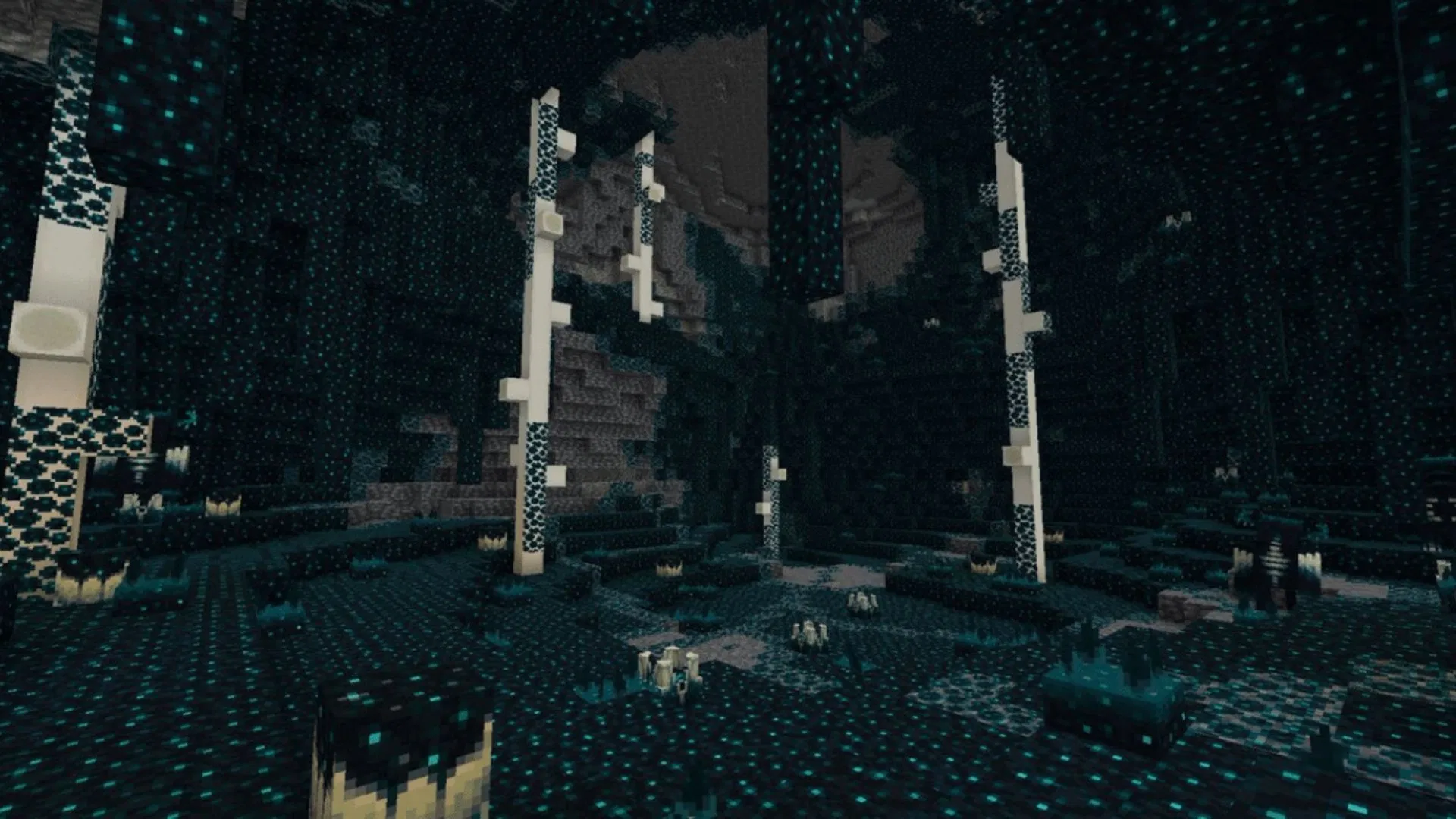
If you only need it in Survival, you don’t have to use commands at all. The intended loot source is Ancient City chests. There are also Java and Bedrock test-build bugs involving loot tables and command access, so the chest route may be more useful in one version than another. Our separate Ancient City guide covers the Survival search and how to avoid the Warden.
Can I craft Chiseled Soulshale instead?
Chiseled Soulshale isn’t craftable in these test builds. Ancient City chests are its Survival source; the Minecraft Chiseled Soulshale give command is simply for creating or testing a build with cheats enabled.
If you want several copies for a build, the Java /give command accepts an item count at the end. In Bedrock, verify the command is available on your current Preview first. Don’t risk an important world experimenting with unsupported command syntax, and remember that using cheats can affect achievements.
Chiseled Soulshale command troubleshooting checklist
1. Confirm Java 26.4 Snapshot 7 or later, or Bedrock Preview 26.70.24 or later. 2. Enable cheats or ensure operator permission. 3. Spell the item identifier as minecraft:chiseled_soulshale. 4. Use Java’s /give syntax on Java. 5. On Bedrock, use the fixed Preview build and check autocomplete. 6. Test in a new world before trying commands in your main save.
If the Minecraft Chiseled Soulshale give command fails, check the version, permissions and item identifier before changing your world. The 26.70.23 Bedrock bug was addressed in 26.70.24, so old tutorials may no longer apply.
Minecraft Chiseled Soulshale give command: Related Guides
Official source: Mojang’s Preview 26.70.24 changelog confirming Chiseled Soulshale command fixes.