You can transfer PlayStation Plus PC saves before Sony closes its Windows streaming app. Copy your progress from game-streaming storage into PlayStation Plus online storage. The files aren’t saved in an ordinary Windows folder.
Sony’s announcement says the PC app closes from 10 December 2026, but its UK support notice says 11 December. Neither gives a final UK shutdown hour. Copy important saves before 10 December. PS Remote Play and separately purchased PC games are not being shut down.
How to transfer PlayStation Plus PC saves to online storage
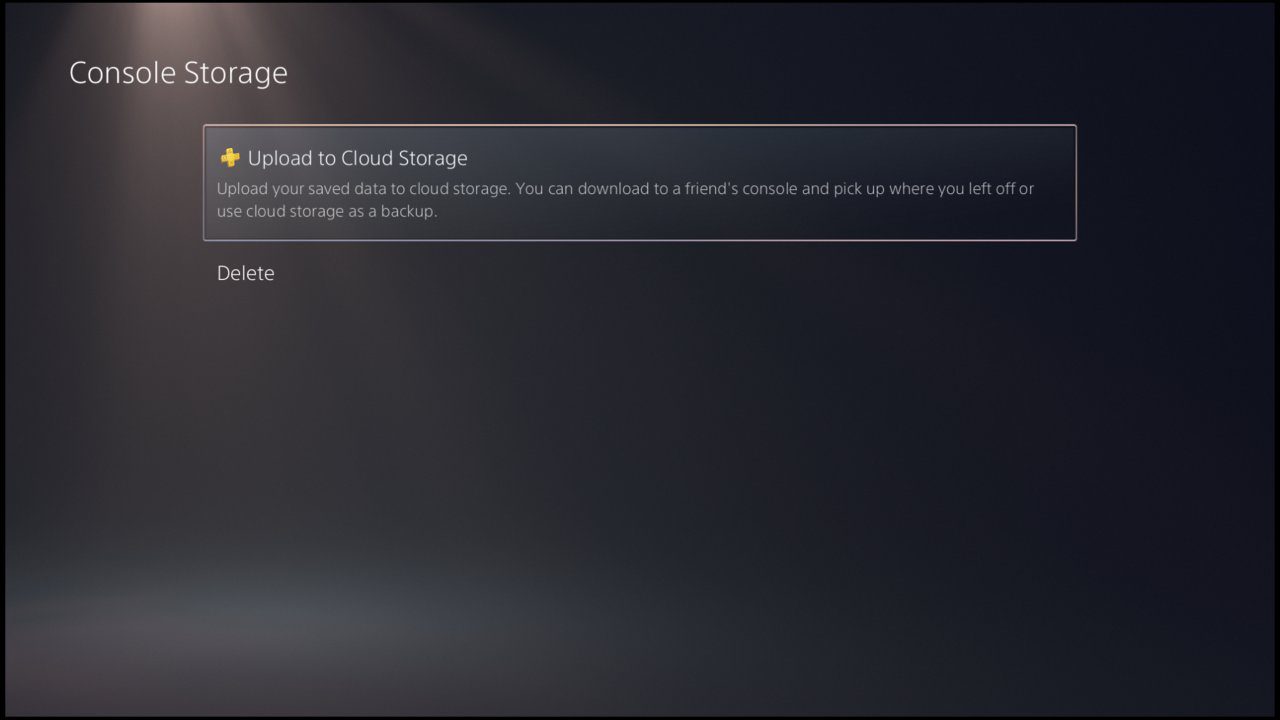
Open the PlayStation Plus PC app with the account you used to stream your games. These are the steps on Sony’s official US support page for the PC app, rather than the different menus used on a PS5 or PS4:
- Start the game you want to keep. Make a fresh in-game save if the game supports manual saving.
- Press the PS button on your controller. Choose Application Saved Data Management. You may be asked to close the running game.
- Choose Saved Data in Game Streaming Storage. Select Copy to Online Storage.
- Choose the saved data and confirm. Let the copy finish, then repeat these steps for each game whose progress you want to keep.
The direction matters. Game Streaming Storage > Copy to Online Storage is the step that moves a streamed save into your cloud storage. Online Storage > Copy to Game Streaming Storage does the opposite. Do not use the second option when you mean to back up your streamed progress.
Where your data goes when you transfer PlayStation Plus PC saves
Streamed saves are held on PlayStation’s servers. Downloaded-game saves live on your console. Sony says you can pick up the same supported stream on another device without a manual transfer, but streamed and downloaded versions do not automatically share saves.
| How you’re playing | Where progress is saved | Do you need to move it? |
|---|---|---|
| Cloud-streamed game on the PlayStation Plus PC app | PlayStation game-streaming storage | Yes, to continue in a compatible downloaded console version |
| The same compatible game streamed on another supported device | PlayStation’s streaming storage | Usually not. Sony says you can pick up the stream on another device |
| Game downloaded on PS5 or PS4 | Console storage | Use PlayStation Plus online storage to move a compatible save between devices |
| A separate Windows, Steam or Epic Games Store copy | The PC game’s own save system | Sony has not announced a direct streaming-save export to these games |
The safe approach is to copy your streamed progress while the PC app still works, then check whether your console’s version of the game accepts it.
How to open the copied save on PS5 or PS4
Sign in with the same PlayStation account and make sure you have a compatible game version. On PS5, Sony’s documented route for PS4 saves is Settings > Saved Data and Game/App Settings > Saved Data (PS4) > Download or Delete from Cloud Storage. Choose Download to Console Storage. This is a PS4-save menu, not a universal method for PS5-native titles.
On PS4, highlight the game in Library, press OPTIONS and select Upload/Download Saved Data. Download the copied save after checking any overwrite warning. PS4 and PS5 editions aren’t guaranteed to share progress.
If you continue streaming on a supported device, the same streamed save should normally already be available. Check the title and account before relying on that.
Can you transfer PlayStation Plus PC saves to Steam or another PC game?
No direct export has been announced. A PlayStation streaming save copied to online storage is not a Steam or Epic Games Store save. PC-only players can copy the progress now, but may need a compatible PlayStation device and access to the game to use it later.
PS Remote Play still requires a PS5 or PS4 you own. PlayStation Portal can cloud-stream selected games for eligible Premium members, but not necessarily everything the PC app offered.
Will the shutdown delete your saves?
Sony has announced the end of the Windows app, not the deletion of every cloud save on 10 December. It also hasn’t guaranteed access to every save or game afterwards. Transfer PlayStation Plus PC saves now, check that the copy finished and avoid overwriting your console’s progress.
Use Sony’s exact menus below when you transfer PlayStation Plus PC saves. Our PC app shutdown guide covers the closure dates and alternatives.
Related Guides
- PlayStation Plus PC App Shutdown: What Ends in December
- PS5 Cloud Saves Not Syncing
- PlayStation Portal Without a PS5
- PlayStation Portal Cloud Streaming vs Remote Play
- PlayStation Plus Game Catalog November 2026
- PS Plus November 2026 Game Catalog Missing: Fixes
- PlayStation Portal Cloud Streaming Not Showing
- PlayStation Plus Family Sharing on PS5
Official source: PlayStation Support: Save and transfer PlayStation Plus game progress.