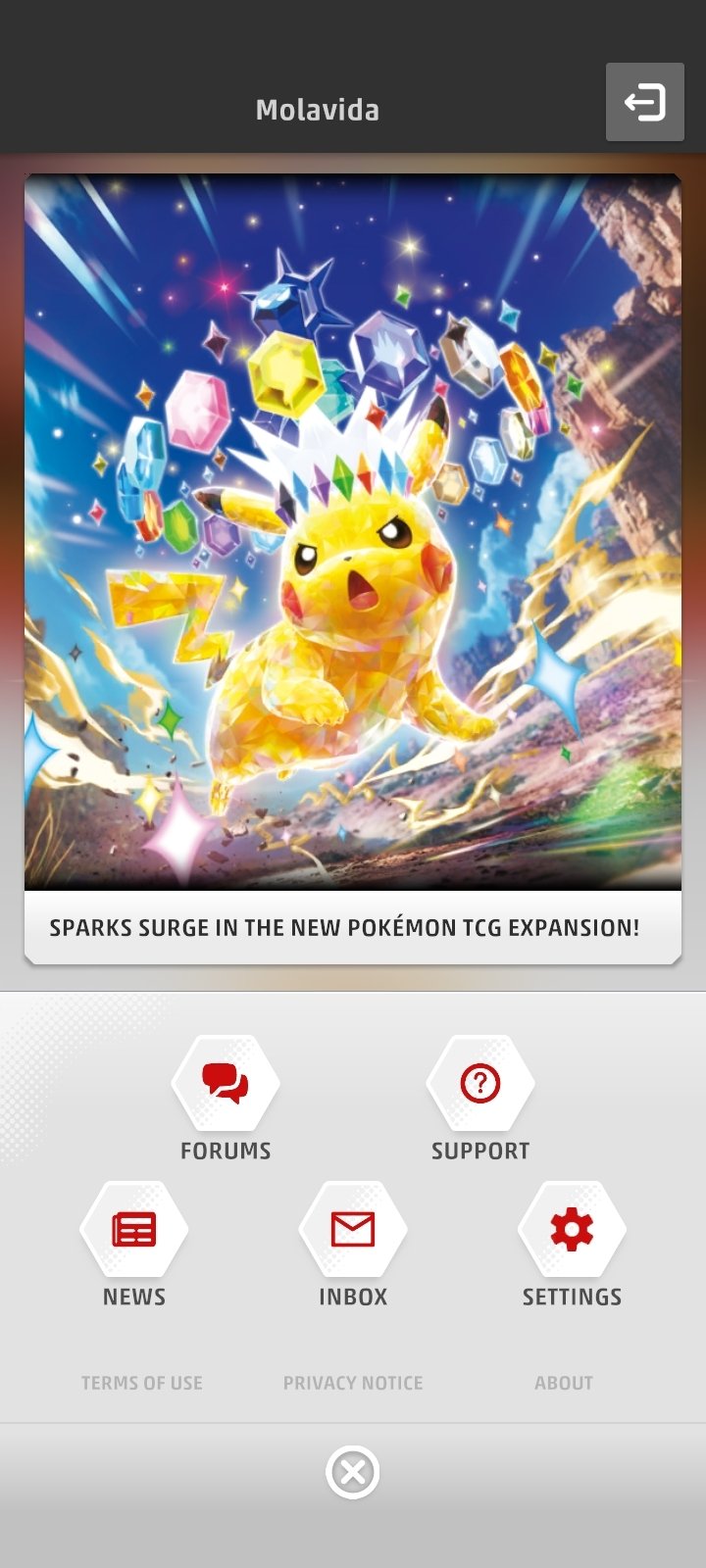
Pokémon TCG Live Inbox Friend Requests and match invitations now appear in the new Inbox via the game’s navigation bar. The feature arrived with the November 4, 2026 update.
The same Inbox supports invitations to Expanded-format friend battles, a separate addition in version 1.44. You don’t need to search through your email or a separate application to respond to someone who wants to play.
Where to find Pokémon TCG Live Inbox Friend Requests
The Inbox is part of Pokémon TCG Live. Sign in and choose Inbox from the navigation bar to see friend requests and battle invitations.
Pokémon TCG Live’s official account highlighted that navigation-bar location in November. You don’t have to open your normal email provider or install a separate messaging application to access these requests.
Pokémon added the Inbox with the 4 November update. The first release supports friend requests and match invitations, including the new Expanded friend battles.
If you’re expecting a request, check the correct game account. An invitation sent to a different Trainer identity will not appear just because you’re using the same device.
How to accept a match invite from your Inbox
Open the Inbox, find the invitation, read its details and use the response options presented by your game client. The official announcement doesn’t supply a universal list of button labels for every platform.
When the invite has been handled, follow the game’s match prompts to play with your friend. Both players need to be online and using a deck that’s eligible for the chosen battle format.
With Pokémon TCG Live Inbox Friend Requests, you can read a request before responding. Opening Inbox won’t automatically accept anything.
Can you use the Inbox for Expanded friend battles?
Yes. Expanded friend battles were added in the November 4 update. The new Inbox can handle invitations for those matches as well as normal friend requests.
Pokémon TCG Live’s supported Expanded card pool currently starts with Sun & Moon. Not every card legal in the physical game’s full Expanded history is playable in Live, so check your deck in the client before challenging a friend.
If you’re looking for deck-legality details rather than the Inbox menu, read our Expanded friend battles guide. It explains the supported formats without mixing them up with Standard Trainer Trials.
Inbox handles invitations; the Expanded deck rules still apply when you accept one.
Is the Inbox the same as an item-reward mailbox?
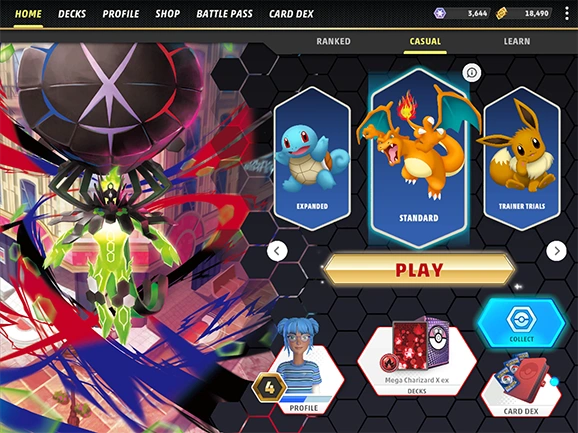
The Inbox can also receive rewards from redeemed codes. Friend requests and match invitations are different messages from booster packs waiting to be claimed.
If you redeemed a booster-pack passcode and can’t see the reward, our code redemption guide explains the Submit and Claim Now steps. Those actions have nothing to do with approving a friend request.
You still redeem codes in the Shop or through the official website. For Pokémon TCG Live Inbox Friend Requests, open Inbox and respond to the player who contacted you.
Why aren’t Pokémon TCG Live Inbox Friend Requests appearing?
First make sure you’re running the November client version or a later update. The Inbox launched with version 1.44, so an older screenshot or menu guide may not show its location.
Then confirm that your friend used the right account details, actually sent the invitation and hasn’t sent it to a different player. Reopen Inbox from the navigation bar to check again.
If the request still doesn’t appear after updating the client, ask your friend to check the recipient account and send it again. Contact Pokémon Support if the problem continues.
The same update also added new card VFX settings. Those affect card visuals, not friend requests.
Related Guides: Pokémon TCG Live Inbox Friend Requests
Official source: Pokémon TCG Live official development announcement.