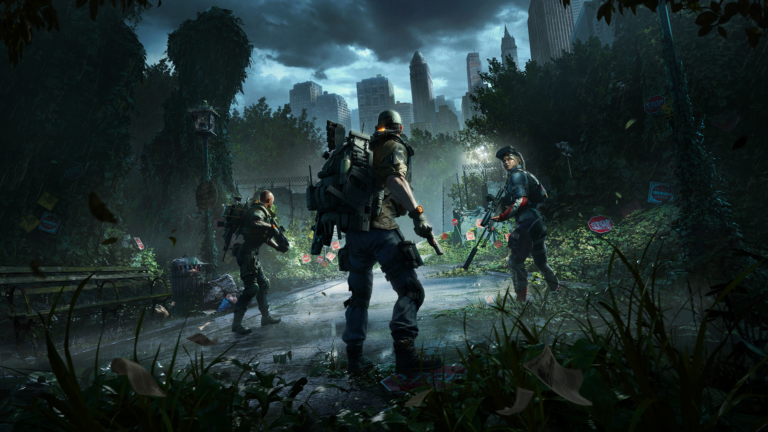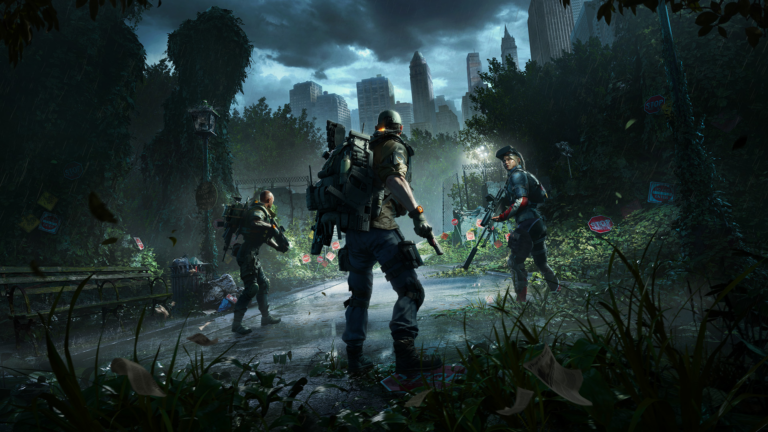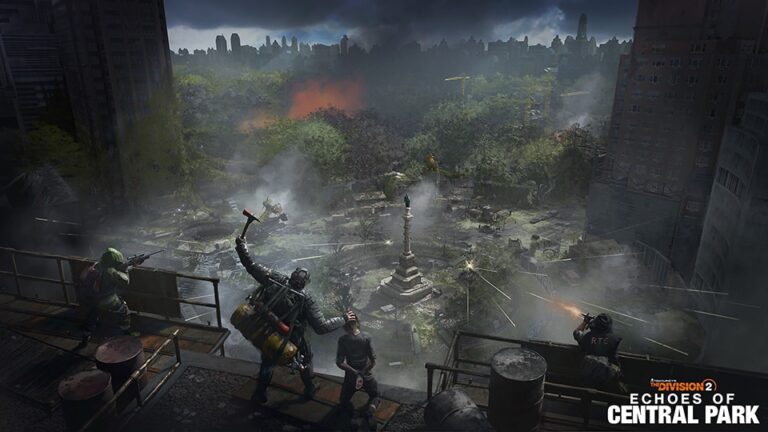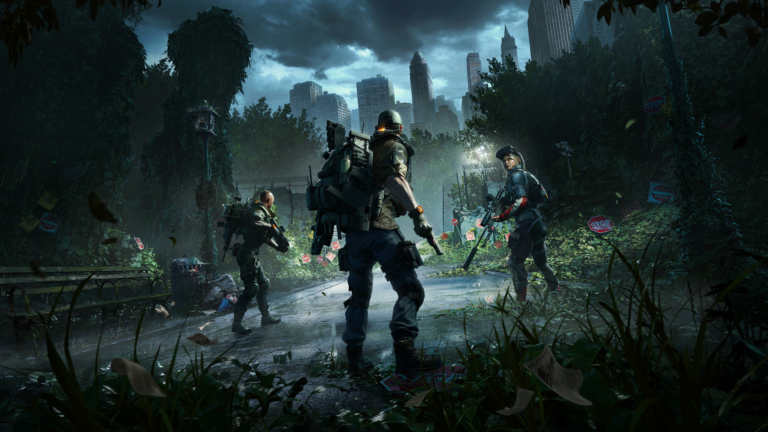
The Division 2 The Block Weapon Skin is the final reward in the Echoes of Central Park Event Pass Twitch Drops campaign. To earn it, watch four hours of eligible Division 2 streams between 10 and 17 November 2026, then claim the reward through Twitch. The four hours are cumulative, not four hours on a single channel.
There’s no Event Pass purchase involved. The Division 2 The Block Weapon Skin comes from Twitch, not the paid pass. You need an eligible stream with Drops enabled and a Twitch login linked to your usual Ubisoft account.
How to unlock The Division 2 The Block Weapon Skin
Here’s how to get it without wasting time watching an ineligible channel:
- Sign into the Twitch account you actually plan to watch on.
- Check that Twitch is linked to your Ubisoft Connect account. Check the PC, PlayStation or Xbox platform linked to that Ubisoft account too.
- Open a partnered The Division 2 stream with Drops enabled. A random stream in the category might not qualify.
- Watch eligible streams until your campaign progress reaches a total of four hours. You can move between qualifying channels without resetting the accumulated watch time.
- Open your Twitch Drops Inventory and claim The Block when it becomes available. Claim earlier milestones when prompted rather than leaving them sitting unclaimed.
- Sign into The Division 2 on the account and platform linked to Ubisoft Connect and check for the cosmetic.
For The Division 2 The Block Weapon Skin, Ubisoft gives the watch-time and claiming requirements but doesn’t specify a particular in-game menu where every player will find the cosmetic. If it doesn’t appear, start by checking the Twitch claim rather than guessing which inventory screen to use.
Do four hours have to be on the same Twitch channel?
No. Ubisoft confirms that eligible watch time adds up across participating channels. You can watch one streamer for an hour and continue with another eligible creator later. What matters is the cumulative total shown by Twitch for this campaign.
Watching two streams side by side is not a shortcut to two hours of credit at once. Give the campaign enough actual viewing time, and use the Drops progress display rather than guessing. If your progress stops, check that you have not switched to a creator without Drops enabled.
The earlier Gnarled Arm Patch, Named Cache, Wrong Path Arm Patch and Exotic Cache appear at the 30-minute, one-hour, two-hour and three-hour milestones. Those rewards belong to the same 10–17 November campaign. For a full breakdown of the other four, see our five-reward Twitch Drops guide.
Is The Division 2 The Block Weapon Skin free, or do you need the Event Pass?
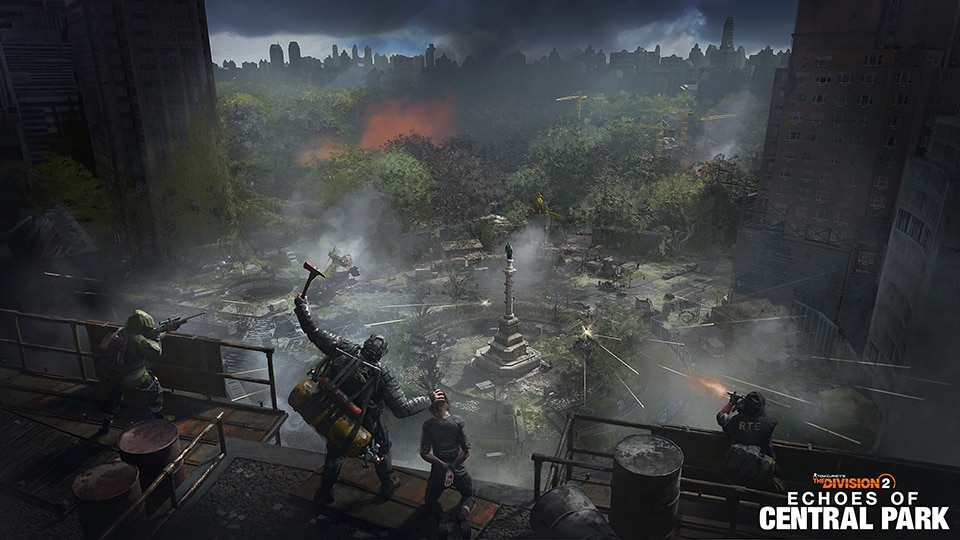
The Division 2 The Block Weapon Skin is free to earn through the eligible Twitch promotion. You do not need to purchase the 1,000 VC premium Event Pass to unlock it. The paid track contains different cosmetics, including Specter, Vulture and Hallow masks and matching weapon skins.
The free Event Pass track is separate too: its rewards include Mire and Thorn masks, two matching weapon skins, the Guardian Outfit and two Named Item Caches. None of those is The Block. If you are looking at the Event Pass screen for The Block, you are looking in the wrong reward programme.
Ubisoft lists Twitch account linking and eligible viewing as the requirements in its announcement. It does not expressly say that ownership of the separate Echoes of Central Park DLC is required for this particular drop, so do not buy the DLC solely on the assumption that it unlocks the Twitch skin.
Why isn’t The Division 2 The Block Weapon Skin showing up?
Start on Twitch, not in the game. Open the Drops Inventory and check the specific four-hour tile. If it shows progress rather than a completed claim, you have not finished the requirement. If it has unlocked but still offers a Claim button, press it. An unlocked item and a claimed item are not the same thing.
Next, check the Ubisoft Connect connection. A Twitch account linked to an old or spare Ubisoft login can send the reward somewhere you do not expect. The same goes for using a console profile connected to a different Ubisoft account from the one you checked on PC.
Also confirm you were watching the Event Pass campaign dated 10–17 November, not the previous launch campaign that ran from 3–10 November. The older promotion had a different final reward: an Outfit Token. If Twitch says The Block is claimed but the item has not appeared after signing into the correct account, allow time for the connection to sync and then contact Ubisoft Support with the reward name and a screenshot of its Claimed status. Do not send anyone your password.
When does The Division 2 The Block Weapon Skin end?
The campaign runs from 10 to 17 November 2026. Ubisoft’s public announcement does not state an exact UK cutoff hour, so check the countdown inside Twitch Drops and finish before the deadline shown there. Don’t assume you can complete the remaining watch time after the promotion disappears.
The separate in-game Event Pass continues until 24 November. That doesn’t extend the Twitch campaign, so finish your viewing by the Twitch deadline.
Related guides for The Division 2 The Block Weapon Skin
- The Division 2 Echoes of Central Park Twitch Drops: All Five Rewards
- The Division 2 Twitch Drops Not Showing: Account Link Fixes
- The Division 2 Echoes of Central Park Free Event Pass Rewards
- The Division 2 Echoes of Central Park Premium Event Pass
- The Division 2 Red Moon Unleashed Twitch Drops
- The Division 2 Legacy Twitch Drops
- The Division 2 Creator Collaboration Rewards
- The Division 2 Red Moon Unleashed Event Keys
Official publisher source: Ubisoft’s Echoes of Central Park Twitch Drops announcement.