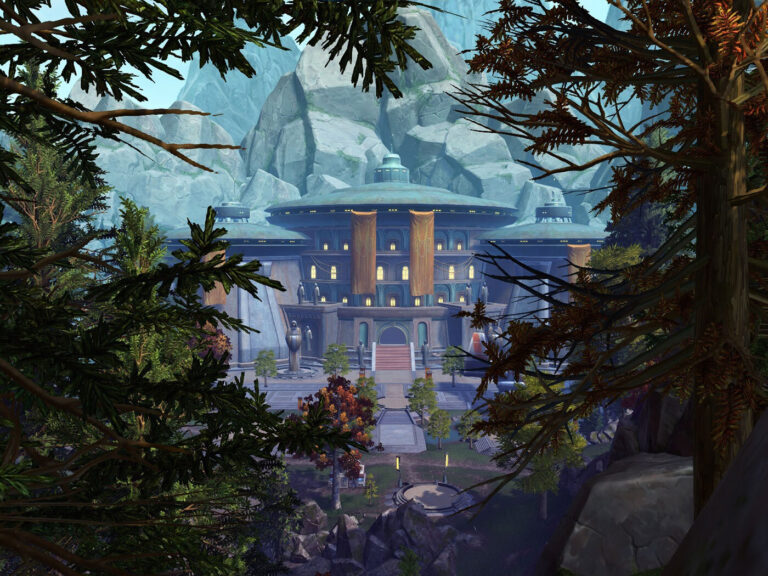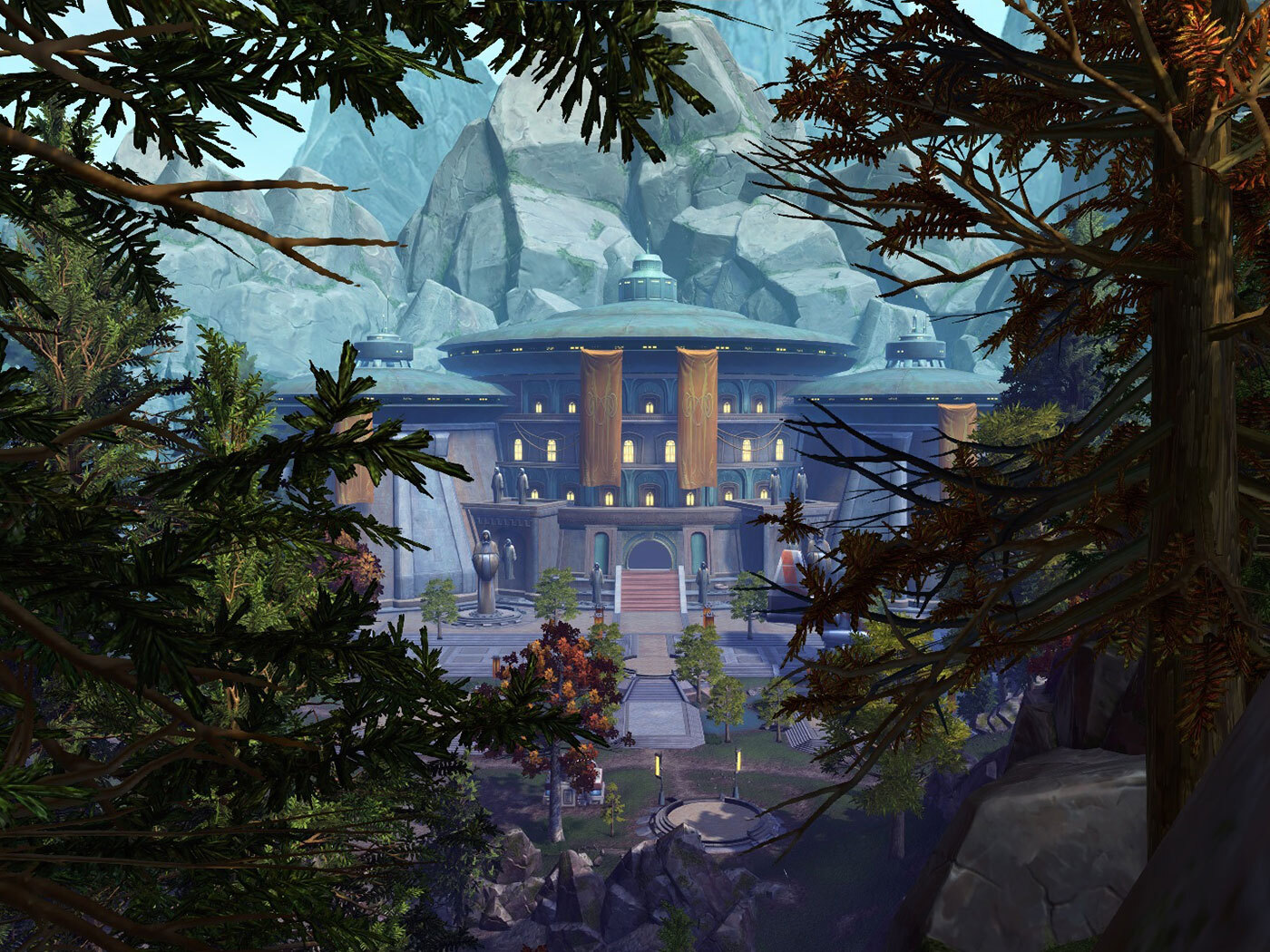
SWTOR DX12 missing textures can be part of the experimental renderer, not a fault with your graphics card. Broadsword has warned that early builds may lack scenery, textures and visual effects found in the normal DirectX 9 version.
The developers are testing whether the new renderer works reliably on a wide range of PCs. If you are getting flickering scenery, poor performance or an outright crash, you can return to the normal game through the launcher. You can also help the developers by sending an issue report that includes the details they actually need.
Why SWTOR DX12 missing textures can appear
The initial experimental renderer is not a like-for-like replacement for the current DirectX 9 client. Environmental assets and visual effects may be incomplete, simplified or absent. Graphics options are also limited while the team rebuilds underlying rendering features. Broadsword says these limitations are intentional at this stage.
If a wall or character effect is missing from the test build, no amount of tinkering with graphics presets is guaranteed to put it back. Broadsword hasn’t advised players to alter Windows settings, delete game files or install third-party texture packs as a fix for SWTOR DX12 missing textures.
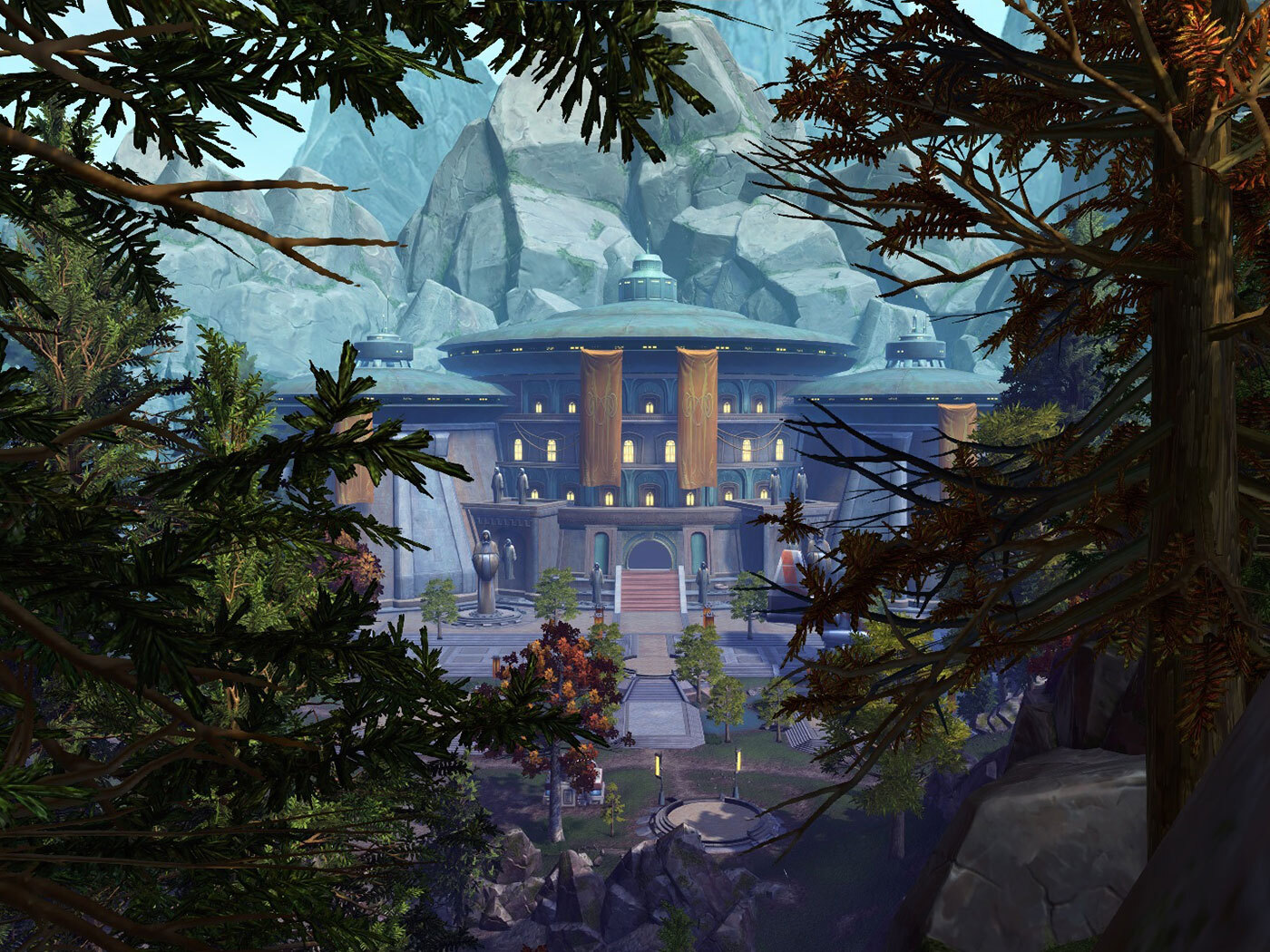
How to stop crashes and return to the standard client
If SWTOR DX12 missing textures make a quest area impossible to navigate, or the client crashes, exit the experimental version. Open the ordinary SWTOR launcher, select the arrow beside Play and change the client to DirectX 9 (Standard). Launch the game again using the usual version.
Broadsword designed the selection menu specifically so that players can return to DX9 at any time. You don’t need another account or a separate PTS client to switch back. Both clients use the live servers and the same characters, with normal character progress preserved.
If the arrow has not appeared in your launcher, remember that the 11 November 2026 announcement described a rollout later in the week. The developer planned a separate confirmation when testing began. A client menu that has not arrived is different from a graphics fault after selecting DX12.
How to report SWTOR DX12 missing textures or hard crashes
A useful bug report tells Broadsword what happened and where, not just that other games run well on your PC. Write down the issue while you can still remember exactly what happened. The official guidance highlights the following information:
- Hardware: your CPU model, GPU model and installed RAM.
- Location: the planet, area, instance or Warzone where the problem appeared.
- Action: what your character was doing immediately beforehand, such as loading into a match, using a taxi or changing zones.
- Symptom: whether you saw missing objects, stuttering, frame-rate drops or a complete crash to desktop.
- Crash dialog: submit the game’s crash report if one appears.
Broadsword will open a feedback thread for SWTOR DX12 missing textures, crashes and other performance problems when testing goes live. Use those official forum prompts rather than guessing which diagnostic files to publish. Avoid posting private login details or account credentials alongside a technical report.
Should you expect better FPS from DX12?
No guaranteed FPS improvement has been announced. This test is meant to uncover how the client runs on different PCs. One player might have a smooth experience while another encounters crashes, stuttering or gaps in the scenery.
Broadsword plans to restore the missing graphical features as development continues. If SWTOR DX12 missing textures make an area difficult to play, the reliable workaround is to choose the DX9 client from the launcher and continue on the same live character.
What about Mac players?
The initial DirectX 12 launcher selector is PC-only. Broadsword has explicitly said the Mac launcher is not being updated for this test. Mac players should not spend time looking for a menu or technical-report workaround that has not been released on their platform.
A visual glitch and a crash are worth reporting separately: describe the affected area for missing artwork, and submit the crash dialog if it appears. For now, the safest way to carry on playing is the standard DX9 client.
Related SWTOR Guides
More on the latest SWTOR events, upcoming changes and rewards:
Official source: Broadsword’s DirectX 12 testing instructions.