Melvor Idle 2 demo save transfer happens automatically when the paid Early Access version launches on 17 November 2026. Games by Malcs says your existing character will be waiting to load, so you won’t have to restart the skills you’ve trained or play through Act 1 all over again.
If you’d like a backup anyway, there’s an official way to copy your character data before launch. Here’s what the developer has confirmed, the exact menu steps for saving a copy, and what the announcement doesn’t promise about older Melvor saves.
Melvor Idle 2 demo save transfer is automatic
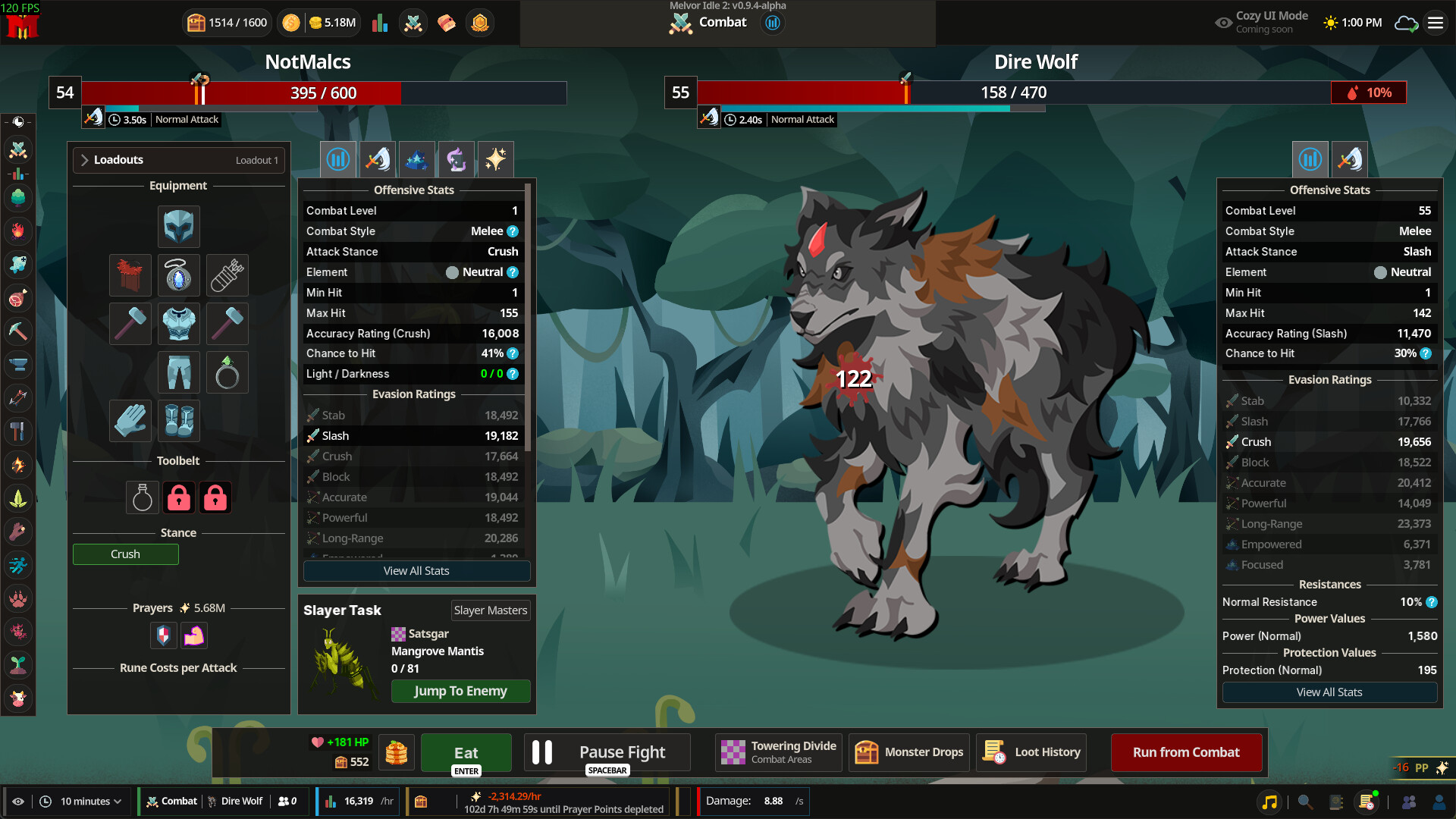
The developer’s 29 October post is explicit: when you launch the paid Early Access version, your demo character should already be available. You don’t need to install a third-party converter, move files into a special folder or create a fresh character to trigger the process.
The announcement is about the Melvor Idle 2 demo moving into Melvor Idle 2 Early Access. That distinction matters. It doesn’t say that you can import an old Melvor Idle 1 save or move somebody else’s character into your account.
How to back up your character with a save string
If you want a separate backup, open the character-select screen in the Melvor Idle 2 demo. Select the gear icon and choose ‘Copy save string to clipboard’. Then open a plain text document, paste the copied string and save the file somewhere private and easy to find again.
Those are the steps Games by Malcs recommends. The resulting string is character data, so don’t put it in a public post or send it to someone offering an unofficial save-transfer service. Keep the file intact rather than editing bits of the string yourself.
Does Melvor Idle 2 demo save transfer require manual import?
No manual import has been announced as part of the standard transition. The normal Melvor Idle 2 demo save transfer should happen without you doing anything beyond loading your character in the paid game. The copied string is an optional safety net in case something goes wrong.
The developer hasn’t published a new Early Access restore walkthrough with a verified import-button name or a special file location. If you later need to restore a backup, follow the studio’s instructions for that build rather than assuming the export menu doubles as an import menu.
Melvor Idle 2 demo save transfer and cloud backups
The October demo announcement says Steam Cloud backs up demo saves, while the later developer update also recommends Melvor Cloud’s automatic saving. That gives players more than one way to protect progress. A separate local save string is useful if you want a copy under your own control as well.
Games by Malcs says Melvor Cloud will be useful for playing the same character on mobile when that version arrives. That’s a future platform plan, not a claim that the November 17 PC release instantly includes Android and iOS versions. Make sure you’re not confusing the cloud’s stated purpose with a mobile launch date.
What changes after Melvor Idle 2 demo save transfer?
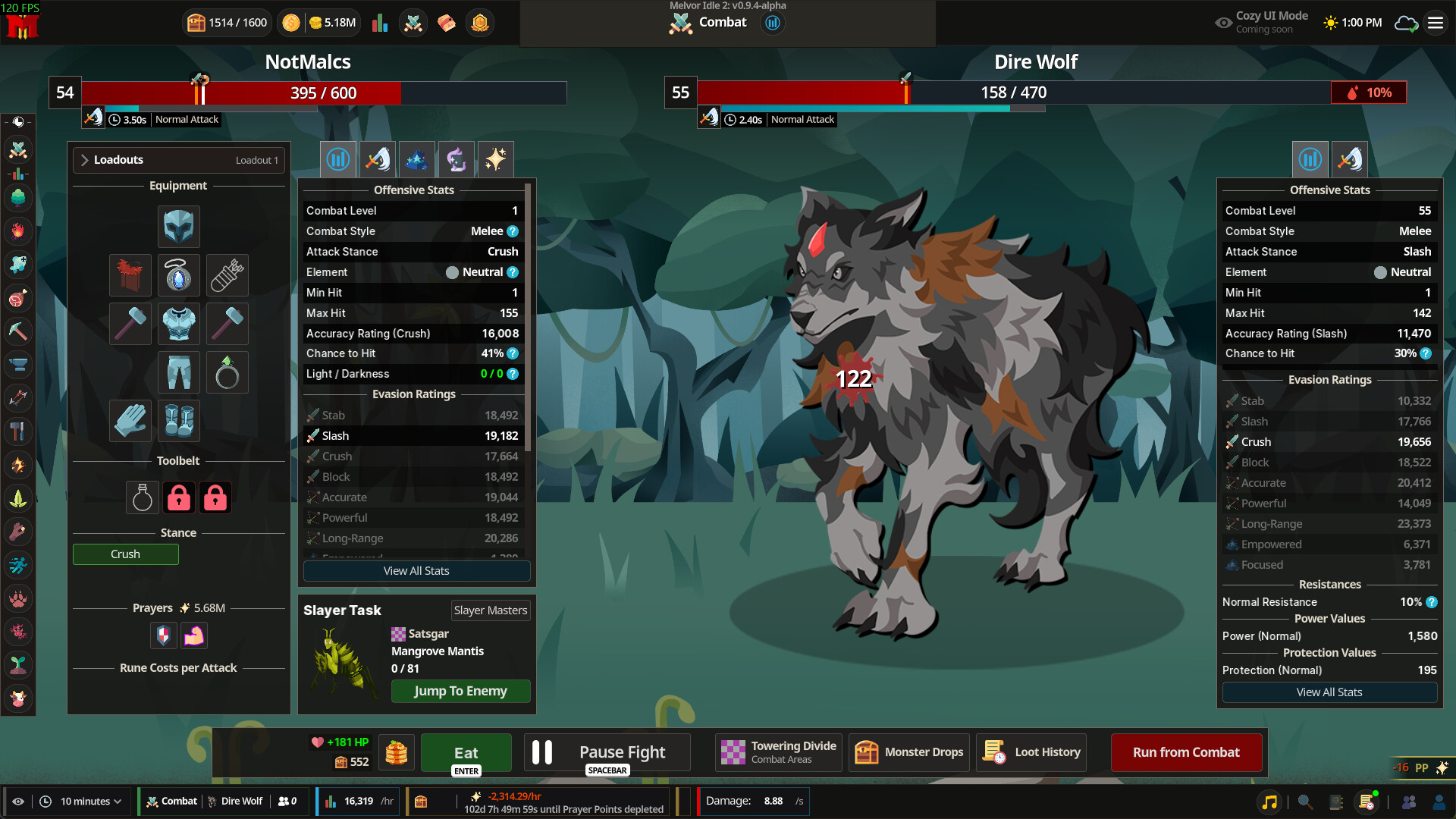
Your existing progression will meet a much larger game. The demo caps skills at level 60, while Early Access increases that to 99. Astrology, Herblore and Agility are added, and Act 2 extends the story beyond the demo. You won’t necessarily have all of that content unlocked immediately just because your save is retained.
That makes it worth loading your familiar character before experimenting with a new one. You’ll be able to see what the updated progression offers without repeating every early action. Keep in mind that Early Access also brings balance and interface changes based on testing feedback.
Do Melvor Idle 1 saves transfer into Melvor Idle 2?
There is no confirmed old-game importer in the announcement. Melvor Idle 2 is a separate sequel with revised mechanics and its own content, and the guarantee specifically refers to the sequel’s demo. Don’t delete your original-game saves or assume you can drop them into the new game’s save system.
For the Melvor Idle 2 demo save transfer, the key advice is simple: let the demo save normally, use the official optional backup method if you want reassurance, and load the same character when Early Access becomes available. If the character is missing, check the developer’s official support channels before trying any third-party tool.
Related Guides
Official source: Games by Malcs’ Melvor Idle 2 Early Access announcement.