PUBG console controller 44.1 brings quicker button responses and an easier Message Radial to Xbox and PlayStation on November 12, 2026. KRAFTON has shortened the wait between tapping and holding buttons, addressing complaints about October’s controller changes.
If prone or throwable commands have felt sluggish since the October controller overhaul, this update is aimed at those delays. It also changes the Message Radial and separates two Inventory shortcuts that were getting in each other’s way.
PUBG console controller 44.1 release date on Xbox and PlayStation
The console fixes arrive with Update 44.1 on November 12. Maintenance is scheduled from 01:00 to 09:00 UTC, or 1am to 9am GMT in the UK. The end of the window is an estimate, not a guaranteed server reopening.
PC controller users won’t get these same adjustments in the November 4 PC update. KRAFTON says they are scheduled for December Update 44.2, so the timing difference between platforms is intentional.
PUBG console controller 44.1 input delay explained
For gameplay actions, the tap-versus-hold threshold drops from 0.3 seconds to 0.2 seconds. That includes actions such as going prone or throwing items, plus World Map and Inventory controls. The smaller wait should be noticeable during fast fights.
Menus have a different threshold. For actions like opening Settings, it falls from 1.0 second to 0.5 seconds. Don’t expect every controller input to respond at the same 0.2-second interval.
KRAFTON says these timing changes apply to every controller preset. You don’t have to find a hidden slider or switch the response update on manually; it is built into the console patch.
How to open the PUBG console controller 44.1 Message Radial
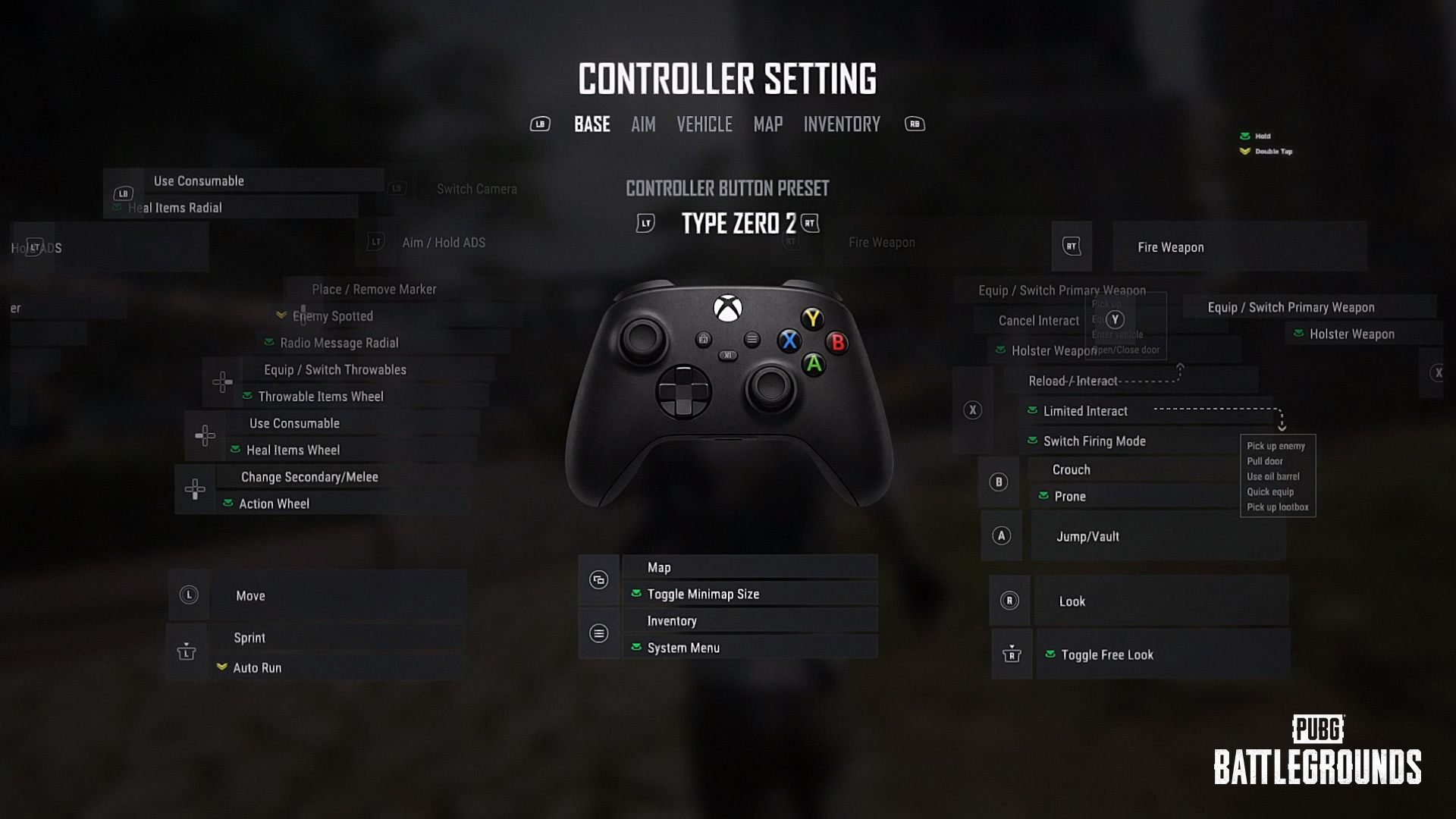
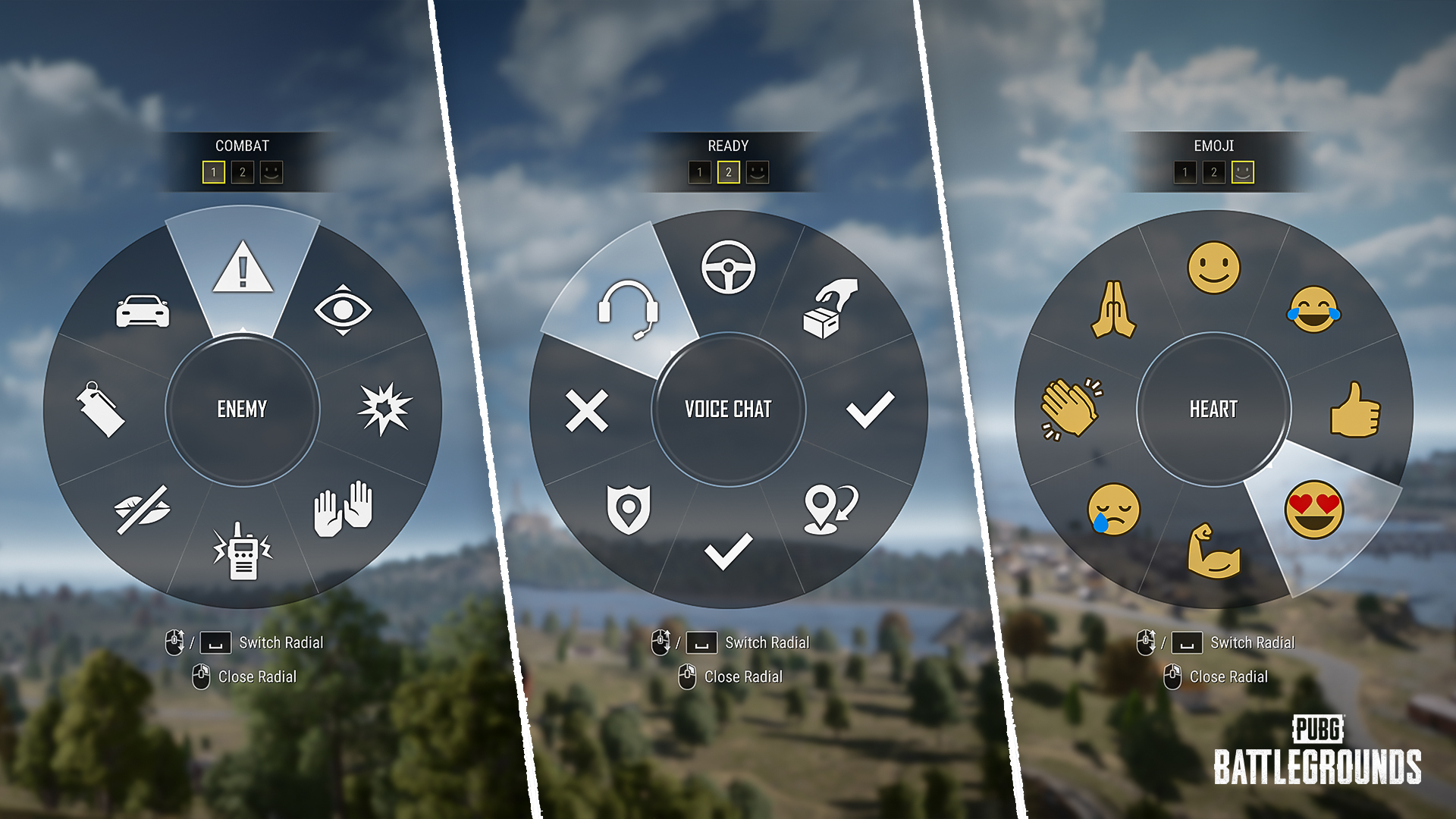
On Type A, B, C and custom presets, hold the R Stick to open the Message Radial. You can then let go of the stick and the wheel stays open. Move the stick toward the message you need and release it to choose. You no longer have to press and hold the stick throughout the selection.
To exit without sending a message, press B or RB according to KRAFTON’s listed console instructions. These changes affect message wheels used during gameplay, in the World Map and in Inventory.
Previously, you had to keep holding down the stick while moving through options. Removing that sustained hold should make quick communication more comfortable. If you’ve remapped controls, follow the prompts visible with your own preset rather than copying an unrelated layout.
New PUBG console controller 44.1 trunk and weapon controls
Another fix separates two Inventory actions that had been assigned to the same button. The patch lists hold L-Stick for moving items into a vehicle trunk, and double-tap LT for changing weapon slots.
That matters with Update 44.1’s vehicle-storage changes. The Van, Pico Bus and Food Truck now have trunks that hold 300 capacity, making inventory transfers more useful. This shortcut fix is listed for Type A/B/C and custom layouts.
The PUBG console controller 44.1 adjustments don’t make trunk storage unlimited, and changing weapon slots remains a separate action. If a custom binding behaves differently, review the currently displayed controller assignment before transferring loot under pressure.
Why are PUBG console controller 44.1 controls changing again?
KRAFTON reworked console inputs in October 43.2 to make different actions more consistent. Players then reported that certain combat actions felt less responsive and that navigating the Message Radial while holding the stick down was cumbersome.
The November changes are a response to those reports. They shorten recognition times while keeping a distinction between actions used in combat and slower system-menu controls. The new Message Radial also removes an unnecessary physical hold without changing its purpose.
If you don’t notice the difference immediately, check that your console has installed Update 44.1. On PC, these controller changes are scheduled for December’s 44.2 update instead.
Related Guides
Official source: KRAFTON’s Update 44.1 patch notes.