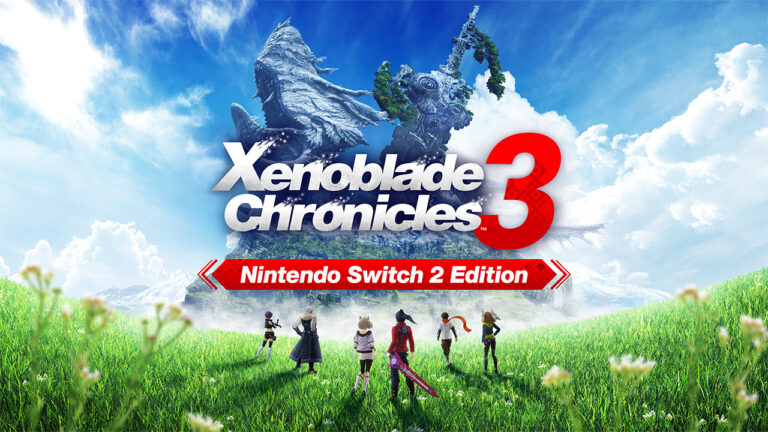
Xenoblade Chronicles 3 3.0.0 Patch Notes confirm that the game is now compatible with the upcoming Nintendo Switch 2 Edition. Nintendo released the update on 20 November 2026 in the UK (19 November in North America), ahead of the enhanced edition’s launch on 3 December.
If you have downloaded the update and wondered where the new Hero or battle mode has gone, there is nothing wrong with your installation. The patch gets the game ready for the paid upgrade, but the additional content is not available to play until its release date.
Xenoblade Chronicles 3 3.0.0 Patch Notes: what has changed?
Nintendo’s changelog is short. For Nintendo Switch 2, version 3.0.0 adds compatibility with the enhanced edition. For Nintendo Switch, the publisher lists no changes. The patch notes do not list new quests, character balance adjustments or fixes to the original game’s story and combat.
Nintendo also confirms that existing save data remains available after installing the update, so you can carry on with your current adventure while waiting for the new content.
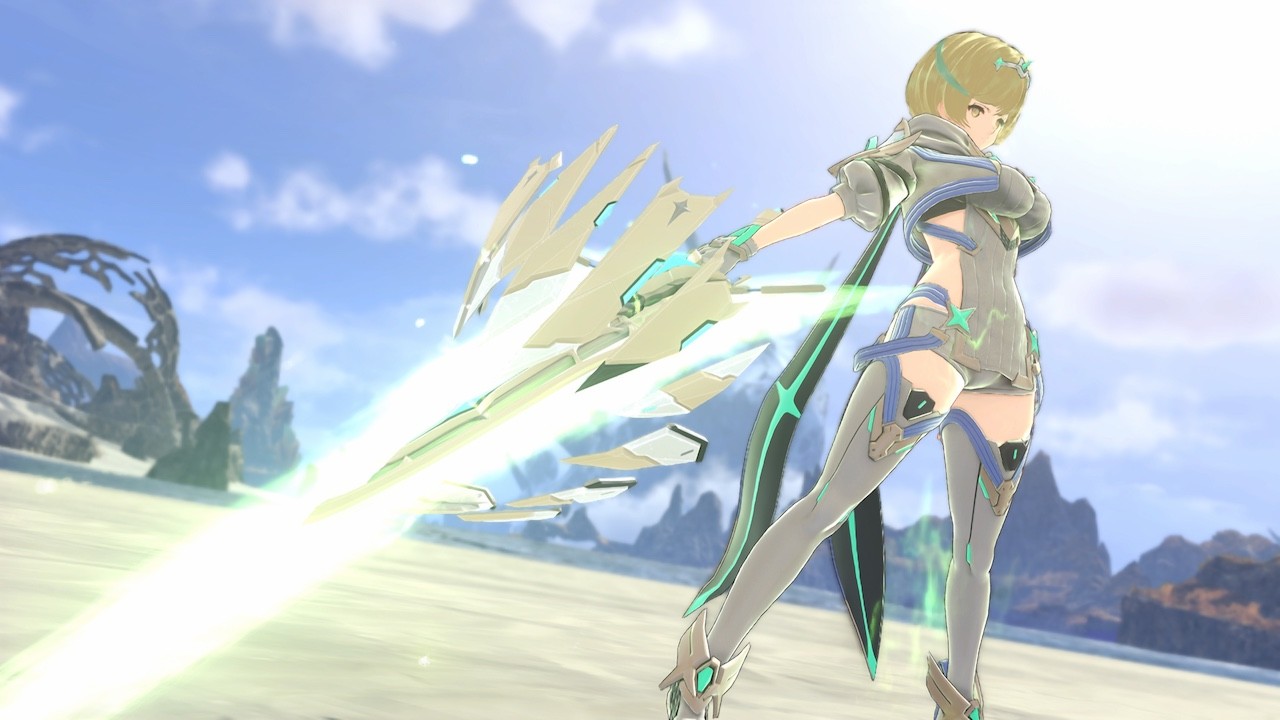
Why is Shimmer missing after updating?
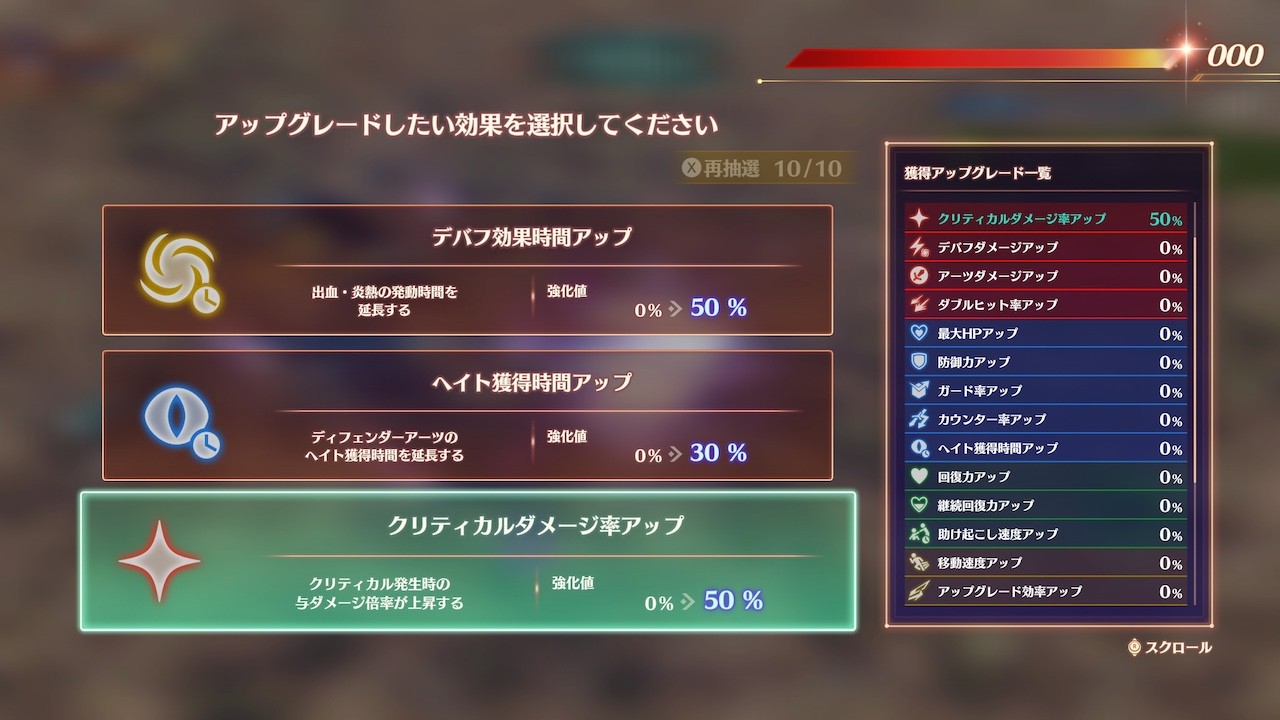
Shimmer and Heroes’ Vault are features of the Switch 2 Edition rather than free additions delivered by the November update. If you own the original game, you will need the upgrade pack to access them on your Switch 2 from 3 December. You can also buy the full enhanced edition if you do not own the game yet.
The upgrade includes support for 4K resolution at 60fps when playing on a compatible TV and 1080p at 60fps in handheld mode, as well as additional spoken dialogue during event scenes. The original Expansion Pass remains a separate purchase.
How to install version 3.0.0
Connect your console to the internet and highlight Xenoblade Chronicles 3 on the HOME Menu without opening it. Press the plus or minus button on your controller and look underneath the game title to see the installed version. Select Software Update and then Via the Internet to check for the latest version. Let the download and installation finish before opening the game again.
As confirmed in the Xenoblade Chronicles 3 3.0.0 Patch Notes, your existing saves remain usable. If you are moving to Switch 2, transfer your saved game separately, then make sure your copy of Xenoblade Chronicles 3 is up to date before launching it.
Is version 3.0.0 the same as the upgrade pack?
The Xenoblade Chronicles 3 3.0.0 Patch Notes describe the free software update, not the paid upgrade pack. You’ll need the latter to play the new content on Switch 2. Nintendo released version 2.2.1 in June 2025 with compatibility improvements for the newer console; version 3.0.0 prepares it for the dedicated edition arriving in December. If you missed that earlier update, there’s no need to install it separately because Nintendo includes previous updates in the latest download.
If the update fails to download, check available space in System Settings and Data Management before trying again. With automatic software updates enabled, Nintendo can download the patch while the console is connected to the internet. You can find the complete Xenoblade Chronicles 3 3.0.0 Patch Notes and earlier updates in Nintendo’s official update history. If your game already shows version 3.0.0 and you can continue your save normally, you have installed the current patch.
Related Guides for Xenoblade Chronicles 3 3.0.0 Patch Notes
- Xenoblade Chronicles 3 Traversal Skills: How to Unlock All Four Abilities
- Xenoblade Chronicles 3 Switch 2 DLC: Expansion Pass and Future Redeemed Compatibility
- Xenoblade Chronicles 3 Save Transfer: How to Keep Your Progress on Switch 2
- Xenoblade Chronicles 3 Switch 2 Edition: Release Date, Upgrade Pack and New Features
- Xenoblade Chronicles 3 Heroes Vault Mode Explained
- Who Is Shimmer in Xenoblade Chronicles 3 Switch 2 Edition?