FreeStyle Football 2 crossplay supports PS5, Xbox Series X|S, Xbox PC and Steam, so friends who buy the game on different systems can still play together. Joycity has confirmed that friends can team up across all four versions.
Each person controls one footballer in a five-a-side team, so being able to bring friends from other platforms is particularly useful. Before arranging your first match, check whether everyone has access to the game at the same time and consider where your teammates are playing from.
Which platforms support FreeStyle Football 2 crossplay?
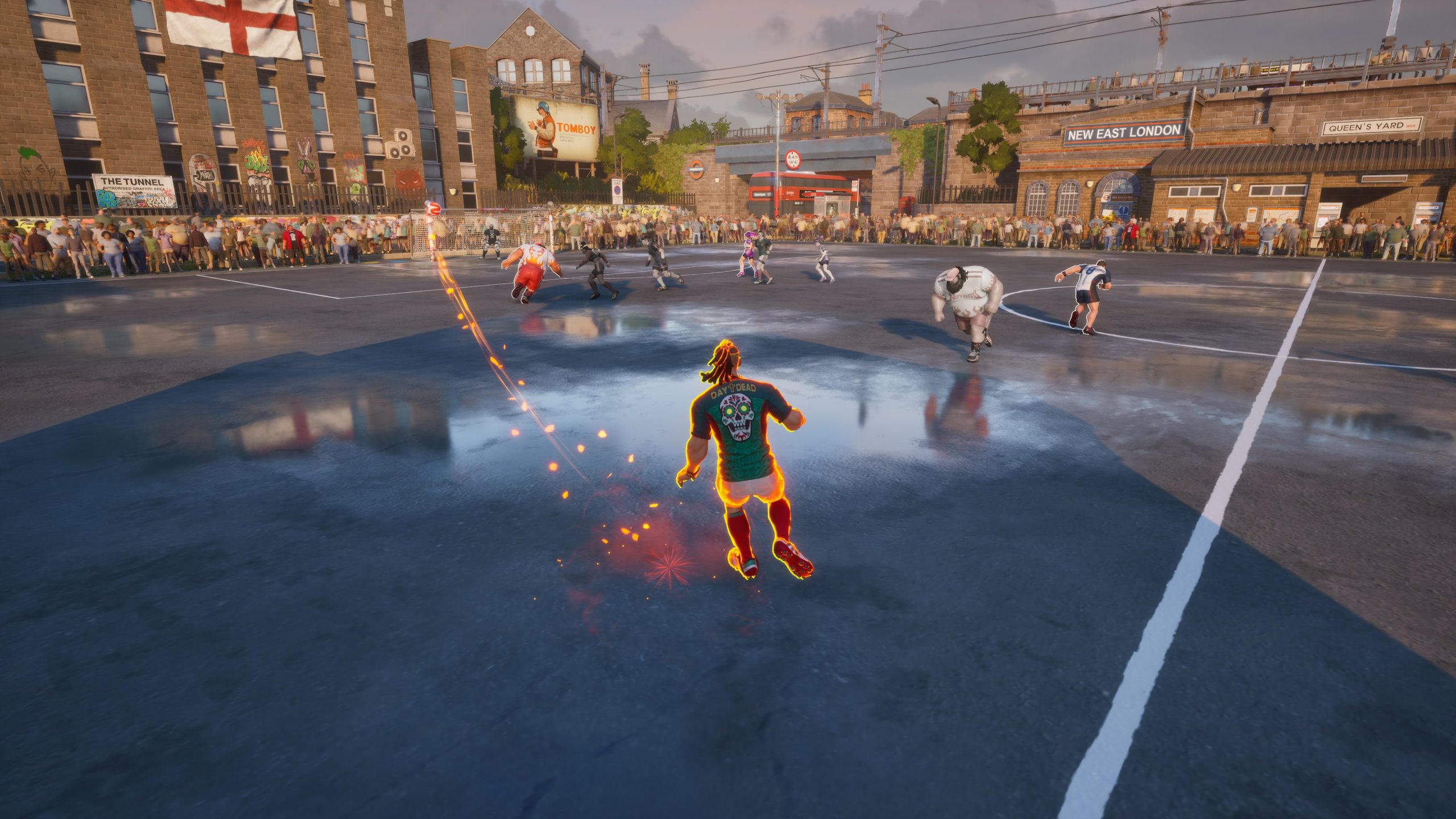
If you’re on PS5 and your friend owns the Steam version, you can play on the same team. The Xbox PC version is included too, so there is no requirement for everyone on PC to buy the game through Steam.
The September Prime Open Beta supported cross-platform matches and introduced Friendly Match, which let players create custom 5v5 rooms. Joycity has confirmed multiplayer across platforms for release, although the final invitation menus have yet to be shown.
How matchmaking works when friends live in different regions
The game automatically assigns a server when you log in, rather than giving you a manual region selector. If you’re playing alone, that selection is intended to give you the best available connection. Joycity says you can invite friends from other regions, but the party leader’s region determines the server used for matchmaking. That means a group with players in the UK and the US may experience different levels of latency depending on who leads the party.
If passes or tackles feel delayed when playing with overseas friends, try changing who leads the group. FreeStyle Football 2 crossplay does not require everyone to live in the same region, but a good connection still matters in a game where timing can determine whether you reach the ball before an opponent.
Do you need PlayStation Plus or Game Pass?
PS5 players need PlayStation Plus for online play. Xbox console players need Game Pass Essential, Premium or Ultimate for online console multiplayer, according to the Xbox store listing. PC players do not need either console multiplayer subscription when playing a purchased copy on PC.
Joycity has announced day-one Game Pass availability, so players with access through an eligible subscription can use FreeStyle Football 2 crossplay from 3 December 2026 at 10am GMT. Deluxe and Ultimate buyers can start 72 hours earlier, on 30 November at 10am GMT. Check which edition your friends have before arranging a session during early access.
Does crossplay also mean cross-progression?
Joycity’s confirmation of FreeStyle Football 2 crossplay covers multiplayer, not shared save data. Its October pre-order announcement also says the pre-order bonuses are tied to the platform of purchase. If you’re planning to switch from console to PC later, don’t treat crossplay as confirmation that your purchases or character progress will transfer.
What if you cannot connect?
If you encounter Index: 400 before you even reach a match, the publisher identifies it as a server availability or maintenance error. It is worth checking the launch time and server notices before changing your settings. If the servers aren’t open for your edition yet, switching platforms will not solve the problem.
On PC, Joycity confirms full support for both keyboard and mouse and controllers. If you normally play football games with a gamepad, there’s no need to change your preferred controls just because you are joining friends on another platform.
Source: Joycity’s official multiplayer FAQ.