The Warzone Operator Skin Toggle lets you hide older Operator skins from your own view without changing anyone else’s outfit. Switch it on and players wearing skins from MWII, MWIII, Black Ops 6 or Black Ops 7 appear as Modern Warfare 4 Operators to you. Your own character keeps whatever skin you’ve equipped.
I can see why people wanted this. Warzone has years of crossover outfits knocking around, and not everybody wants to see them in every match. This gives you the choice without taking anyone’s purchased skins away.
How to turn on the Warzone Operator Skin Toggle
Open Warzone’s Settings and find the Operator Skin Toggle. Set it to ON to display MW4 Operators in place of other players’ older skins. Activision confirms the option but doesn’t give a definitive path through every platform’s settings menus, so the exact submenu may look different depending on your version.
It’s OFF by default. That means Warzone initially shows the skins people actually picked, including older titles. If you’re seeing a mix of different generations of Operators, nothing is broken. Turn the filter on if you prefer everybody else to appear in MW4 gear.
Does the Warzone Operator Skin Toggle hide your own skin?
No. Your own Operator stays exactly as you chose it, even if the skin came from an older Call of Duty. That’s worth checking before worrying about a bundle you’ve paid for: switching on the Warzone Operator Skin Toggle doesn’t change your equipped outfit.
Your squadmates don’t have to agree with your choice, either. Someone wearing a Black Ops 6 skin can still see it on their screen while you see an MW4 replacement. It’s a visual filter on your game, not a change to their loadout.
Does the toggle work on enemies and teammates?
It works on both. Older Operators are replaced on enemies, party members and squadmates, including in the lobby. So if your mate suddenly looks different after you change the setting, that’s expected. Their chosen skin hasn’t actually changed.
I’d leave the filter off if you enjoy seeing the ridiculous collection of crossover characters people bring into Warzone. If you prefer an MW4-looking battlefield, turn it on. Neither option gives you a confirmed gameplay advantage or changes anyone’s hitbox.
Which Call of Duty Operators does the filter replace?
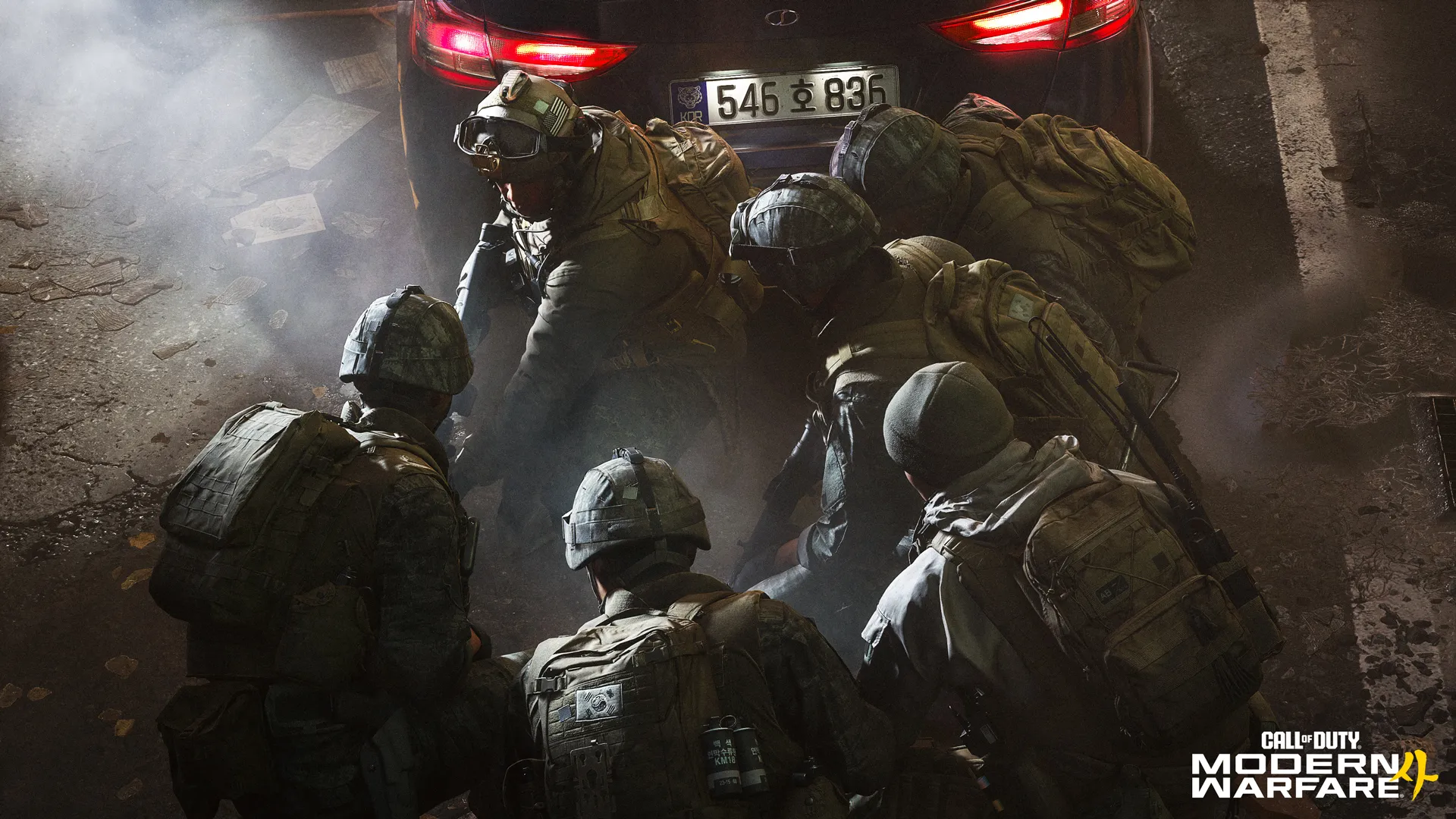
The Warzone Operator Skin Toggle covers older Operators and skins carried forward from Modern Warfare II, Modern Warfare III, Black Ops 6 and Black Ops 7. It isn’t limited to bought bundles; the distinction is whether the skin belongs to MW4 or an earlier title.
MW4 Operators continue to show normally. Your own skin is the exception to the filter, regardless of which game it came from. That means you can wear an old favourite while choosing not to see older skins on other players.
Does the Warzone Operator Skin Toggle delete old skins or bundles?
No. Activision confirms older Operators and skins remain usable in Warzone. The Warzone Operator Skin Toggle only changes what you see, so your account doesn’t lose a character or a bundle when you switch it on.
It’s a Warzone feature, not a setting that automatically applies to MW4 Multiplayer or DMZ. Those modes have their own rules. If you’re checking the setting because of how another game mode looks, make sure you’re actually in Warzone.
Can other players see that you’ve enabled the Operator toggle?
No. One player can have the filter on while everybody else keeps it off. You may see their Operator as an MW4 character while they see the original skin. There’s no squad-wide vote or requirement for everyone to match.
If older outfits are getting on your nerves, the Warzone Operator Skin Toggle is an easy thing to try. If you miss the variety, switch it back off. Either way, your own skin stays yours.
Official source: Call of Duty, Warzone Operator Skin Toggle and carry-forward announcement.