Warframe Twitch Drops Not Showing is usually caused by an unclaimed Twitch reward, an outdated account link or a Drop sent to a different Warframe account. The fastest checks take place in Twitch Inventory and Warframe Account Management, not in your router settings.
Warframe uses Twitch Drops 2.0. You must watch enough eligible minutes and then manually press Claim before the item can arrive. Here’s the exact fix order, including what to do after the October 31 Portau stream and why claiming on an iPhone works differently.
Warframe Twitch Drops Not Showing: Check Twitch Claim status
Open Twitch’s Drops Inventory and find the Warframe campaign. If progress reached 100% but the reward says Claim Now, press that button. Only a Claimed reward is ready for delivery to the game.
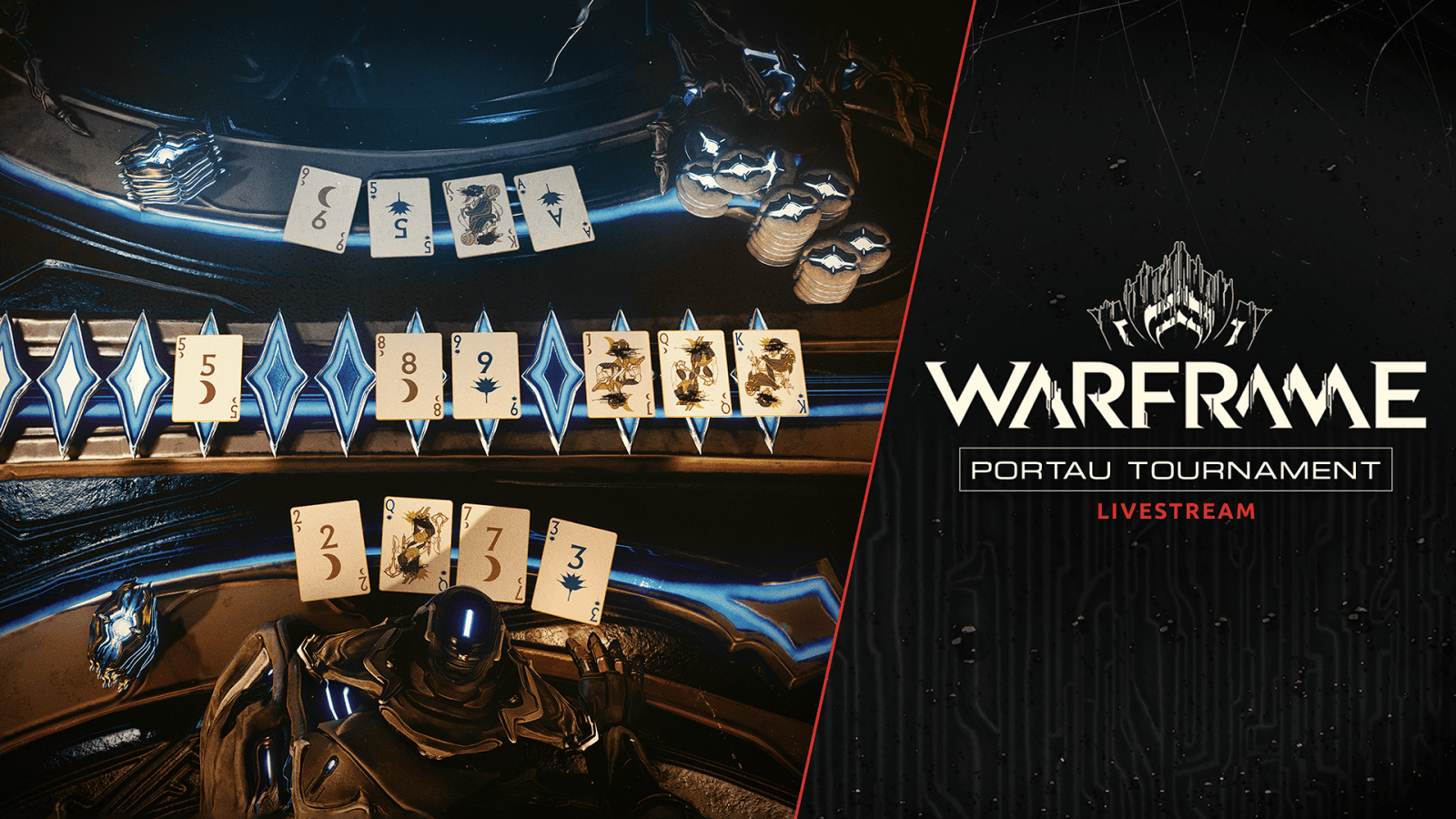
For Warframe Twitch Drops Not Showing after the Portau tournament, confirm you watched 30 minutes of the official October 31 broadcast and that Twitch shows a completed reward. The reward was one of ten possible items, not all ten. See our October 31 Twitch Drops guide for the pool.
Warframe Twitch Drops Not Showing: Check the linked account
Sign in to warframe.com/user with the account you want the item on. The Twitch section should display the linked Twitch username. Next, open Twitch Settings → Connections and check that Warframe appears under Other Connections.
If the Twitch username doesn’t match the one used to watch, you’ve found a likely cause. Warframe Support says that rewards claimed on the wrong linked account cannot be transferred to another Warframe profile.
Warframe Twitch Drops Not Showing: How to relink
1. Sign in to Twitch with the username you use for Drops. On the Warframe side, unlink the existing Twitch connection.
2. In Twitch Settings → Connections, disconnect Warframe under Other Connections. Removing it from both services clears an old Drops 2.0 link.
3. Sign back in to the correct Warframe account. Go to Account Management and select Link Account to authorise the intended Twitch profile.
4. Refresh both pages. Warframe should show the Twitch username and Twitch should show the Warframe connection. Our account-linking guide covers a first-time link as well.
A fresh connection helps future Drops, but it does not guarantee an expired reward or a Drop claimed to a different account can be recovered. Check which Warframe account is selected before the next stream.
Warframe Twitch Drops Not Showing: Delivery times
Digital Extremes says delivery usually takes 5 to 10 minutes after claiming. Check your in-game Inbox, where Twitch rewards are delivered. If the item hasn’t appeared, fully close and reopen Warframe to refresh your account.
For Warframe Twitch Drops Not Showing after ten minutes, verify the Twitch Inventory entry really says Claimed and check both connection pages. A relink isn’t necessary when everything is already connected and the Inbox simply hasn’t refreshed.
Why can’t I claim Warframe Twitch Drops on iPhone?
The Twitch iOS app can track the viewing minutes but cannot claim Warframe Twitch Drops inside the app. This is explicitly noted in Warframe’s official support guide.
If Warframe Twitch Drops Not Showing happens after watching on an iPhone, open the Twitch Drops Inventory in Safari or another browser, sign in and press Claim. You can also claim through Twitch on a computer.
Warframe Twitch Drops Not Showing: Can Support restore it?
Digital Extremes warns that Support can’t manually add Twitch rewards or move a reward claimed on the wrong Warframe account. Twitch campaigns also have claim deadlines, so don’t wait until after the claim window to check Inventory.
Support can help establish whether your Twitch connection works for future campaigns. If Warframe Twitch Drops Not Showing continues after a successful claim, include the Twitch username, game account, campaign name, claim time and screenshot of the Claimed reward.
If you didn’t watch enough eligible minutes or the Drops campaign ended before you claimed, relinking alone won’t complete the old campaign. The correct sequence for a new Drop is to link accounts, watch the eligible stream, manually claim and check your Warframe Inbox.
Warframe Twitch Drops Not Showing: Quick checklist
Check Twitch Inventory first. Then check the linked usernames, claim via a browser if you’re on iPhone, give the game five to ten minutes and restart it. Those checks address the actual Drops system without reinstalling Warframe or changing unrelated network settings.