
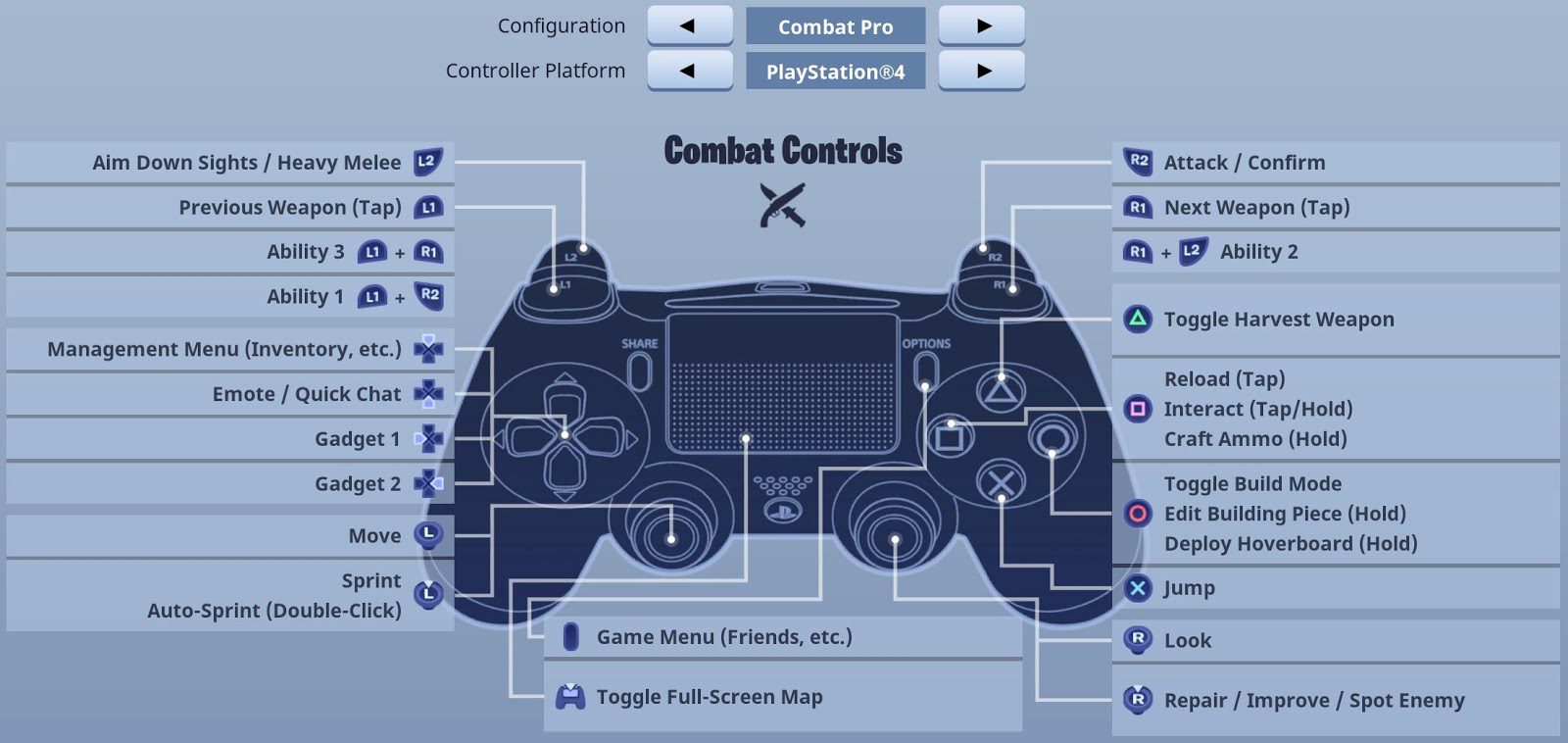
To turn Aim Assist on in Fortnite, open Settings, choose Controller, go to Sensitivity, enable Use Advanced Options and set Aim Assist Strength above 0%, then Apply. Epic’s current support guidance uses 100% as the normal full-strength setting, although you can lower it if you prefer less assistance.
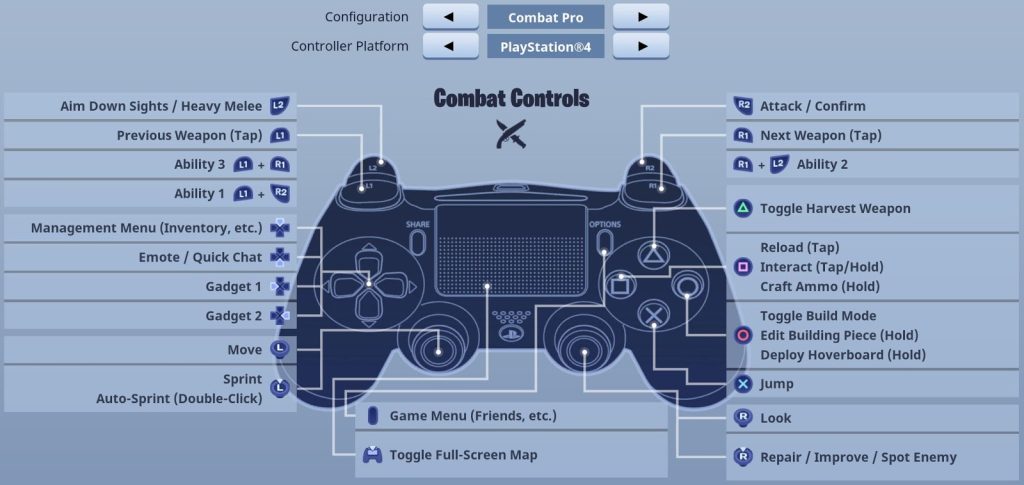
How to turn Aim Assist on in Fortnite
The option to turn Aim Assist on in Fortnite is not a single basic On/Off switch in every menu layout. On controller, Epic directs players to enable Advanced Options first, which reveals the Aim Assist Strength control inside the Controller sensitivity settings.
- Launch Fortnite and open Settings.
- Choose the Controller tab.
- Go to the Sensitivity section.
- Set Use Advanced Options to On.
- Set Aim Assist Strength to the amount you want.
- Choose Apply.
If you simply want to turn Aim Assist on in Fortnite at normal strength, 100% is the straightforward starting point. Lowering Aim Assist Strength reduces the effect rather than creating a hidden advantage, so most controller players should only reduce it if full strength feels distracting to their own aim.
Why you might not see Advanced Options
If you cannot turn Aim Assist on in Fortnite because Advanced Options is missing, check your selected game mode. Epic notes that some settings depend on the mode shown in the lobby, and its current support guidance says to make sure Battle Royale is selected when looking for the controller Advanced Options toggle.
Also confirm that Fortnite is actually reading your controller. The Controller tab and mapping options can differ when you are playing with mouse and keyboard, touch input or a controller connected to PC.
Gyro aiming can disable aim assist
One of the biggest reasons players cannot turn Aim Assist on in Fortnite as expected is gyro. Epic states that aim assist is disabled whenever gyro aiming is active. If you are using motion controls, that behaviour is intentional rather than a broken Aim Assist Strength slider.
| Situation | What to check |
|---|---|
| Aim Assist feels absent | Check Aim Assist Strength is above 0% |
| Advanced Options missing | Select Battle Royale, then reopen Controller settings |
| Using gyro | Aim assist is disabled while gyro is active |
| Setting changed but not saved | Choose Apply before leaving Settings |
Is aim assist the same as auto-aim?
No. Choosing to turn Aim Assist on in Fortnite does not make the game automatically track and eliminate opponents for you. Aim assist is a controller accessibility and aiming aid that helps with targeting behaviour, while you still control the crosshair, weapon choice, recoil management and shots.
That is also why the best controller setup is not only about how to turn Aim Assist on in Fortnite. Deadzone, look sensitivity, ADS sensitivity and build/edit multipliers can change how controllable the game feels around the aim-assist system.
What Aim Assist Strength should you use?
For a simple starting point, turn Aim Assist on in Fortnite at 100% and tune your sensitivity around it. If close-range tracking feels sticky or you prefer more raw control, try small reductions rather than jumping immediately to very low values.
After you turn Aim Assist on in Fortnite, test it in a repeatable Creative aim map or several normal fights. Changing sensitivity and aim-assist strength at the same time makes it much harder to work out which setting is actually improving or hurting your accuracy.
If you switch between controller and mouse and keyboard on PC, verify which input Fortnite is using before judging aim behaviour. Controller settings can remain configured while the current input device changes, so a quick test in the lobby or Creative can prevent you troubleshooting the wrong sensitivity page.
Aim assist also depends on good fundamentals. Crosshair placement, sensible deadzone and a controllable ADS speed still matter, so do not treat the strength slider as a replacement for a stable controller setup. It works best when the rest of the sensitivity settings are already comfortable. Keep your baseline unchanged for several matches before deciding whether the strength itself is the problem.
For current settings, game updates and first-party information, visit the official Fortnite website.





