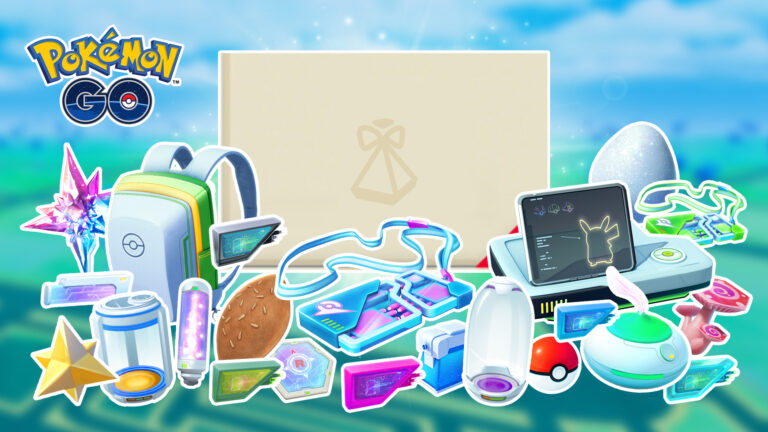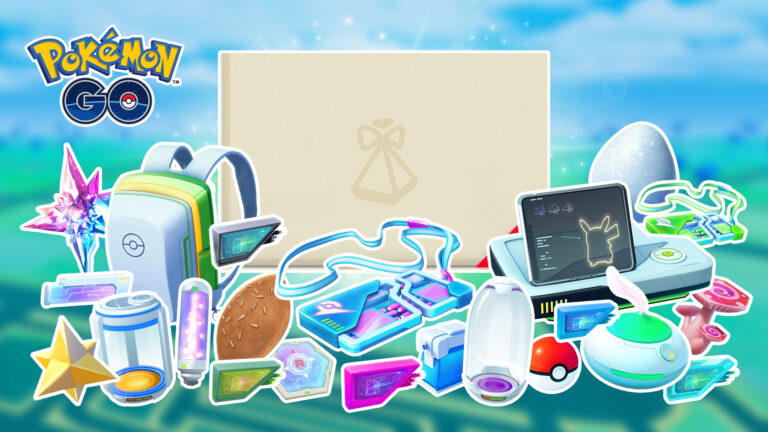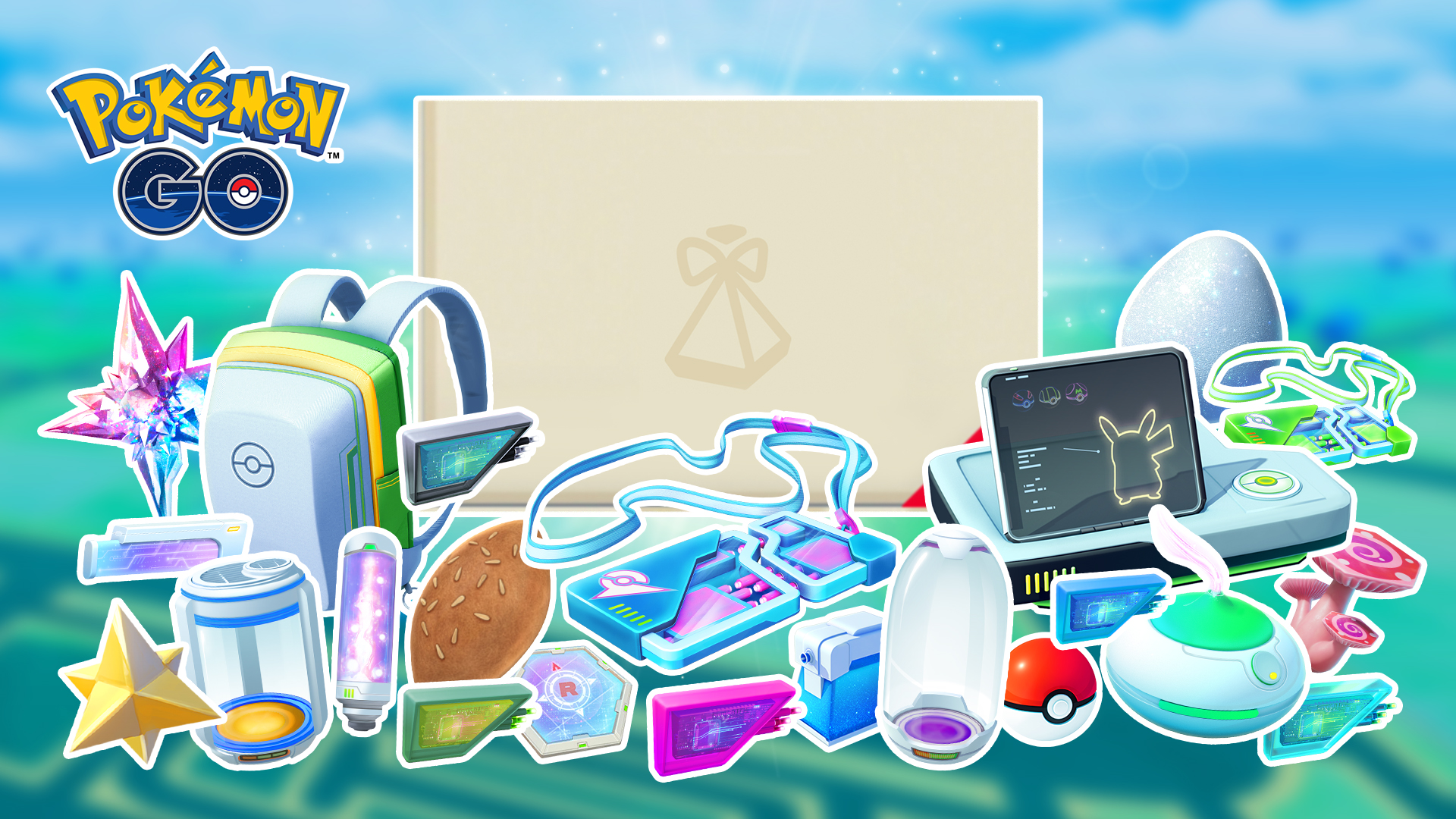
If Pokémon GO can’t send paid gifts to a friend even though the Gift button is available, there’s a good chance that Trainer doesn’t meet one of the requirements. Their name may appear greyed out on the Friends List, even if you’ve successfully bought them a different item in the past.
Some of the restrictions depend on the item itself, so checking your friendship level alone won’t always explain what’s stopping the purchase.
Why Pokémon GO Can’t Send Paid Gifts to a Friend
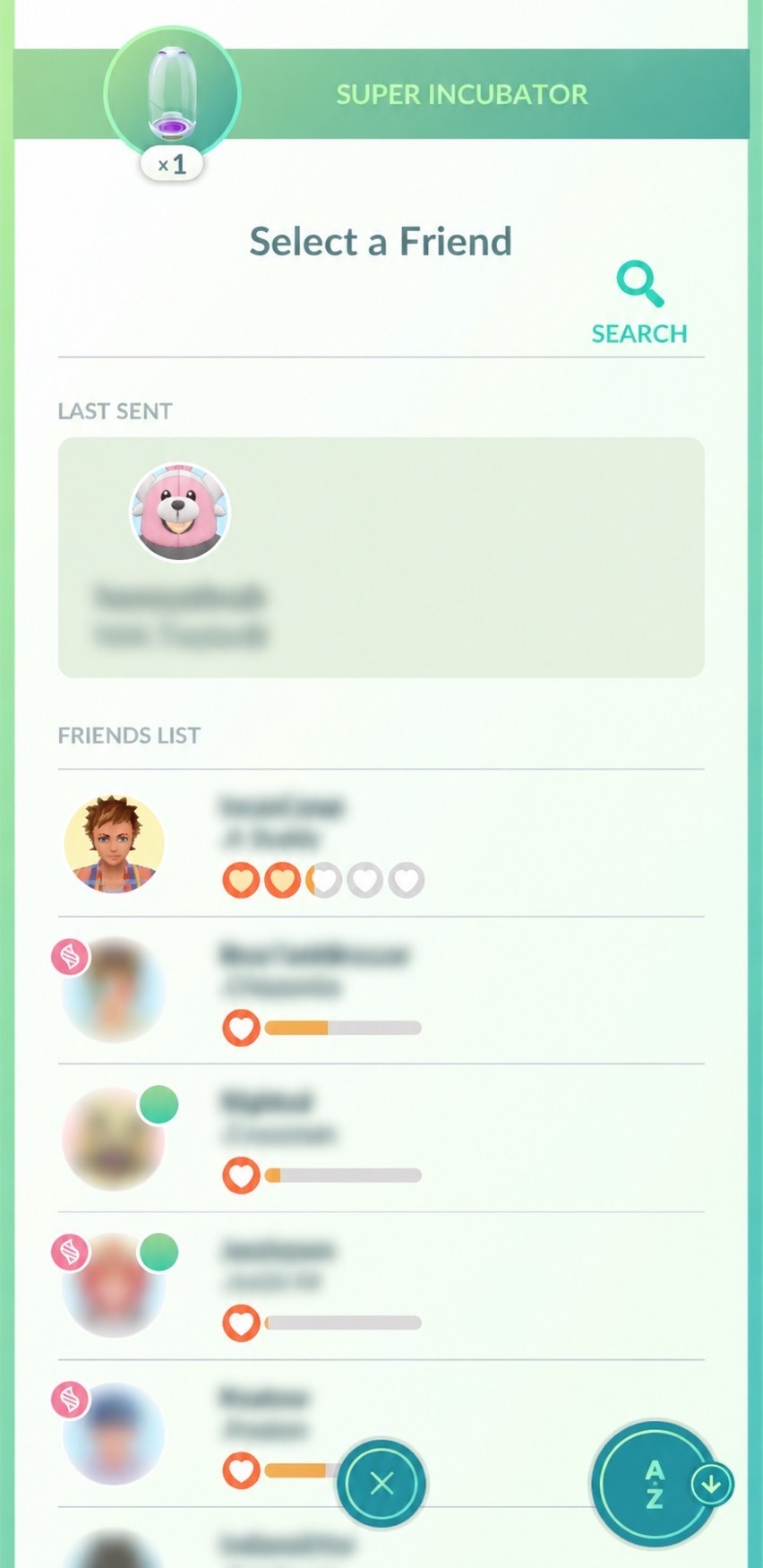
The recipient must have reached Great Friend status or higher with you and be at least Trainer level 5. A newly added friend who hasn’t built up enough friendship progress won’t qualify yet, even if you’re both experienced players. They also need to have completed the introductory paid gifting experience and enabled the option to receive them.
You’ll also need to use the same currency, which is determined by your App Store or Google Play settings. If you regularly raid with friends overseas, ask which currency they use before buying an item, as even Best Friends cannot gift to one another if their currencies differ.
Pokémon GO Can’t Send Paid Gifts When Item Limits Are Reached
Your friend needs enough free space in their Item Bag, but some items have additional possession limits of their own. Someone who already holds the maximum number of Remote Raid Passes, for instance, won’t be able to receive another pass through paid gifting even if their bag has plenty of room.
If Pokémon GO can’t send paid gifts containing an event ticket, ask whether your friend has bought it themselves. A duplicate ticket, or Research they already have active or completed, can prevent the purchase. There may also be a minimum Trainer level to unlock a particular item beyond the general level 5 eligibility rule.
Check Whether Your Friend Has Paused Paid Gifts
Your friend can switch off receiving paid gifts altogether in the Friends section of Settings, or pause gifts from an individual Trainer. Ask them to check the main paid gifts toggle and their Pause Gifts List, as you can still exchange ordinary PokéStop Gifts with someone who has opted out of paid ones.
If you’ve already sent 20 paid gifts that day, the cap applies even if you select a different friend. Free Gifts from PokéStops aren’t included in that allowance.
What Happens If the Payment Goes Through?
If a friend becomes ineligible immediately before the purchase is confirmed, the game can offer you the option to select a different recipient or request a refund. If the app crashes after payment but before sending, your purchased gift can be recovered from the Gift button at the top of your Item Bag.
If Pokémon GO can’t send paid gifts after you’ve paid, check the Journal and the Gift section of your Item Bag before buying another copy. A delivered gift can’t be recalled, but a purchase that failed before delivery may still be available to send or refund.
Pokémon GO Help Center – Paid Gifts.
Related Guides: Pokémon GO Can’t Send Paid Gifts
- How to Send Paid Gifts in Pokémon GO
- Pokémon GO Paid Gifts Not Showing Up
- Pokémon GO Paid Gift Countries
- Pokémon GO Paid Gift Daily Limit
- Pokémon GO Paid Gift Items
- How to Turn Off Paid Gifts in Pokémon GO
- Can You Gift PokéCoins in Pokémon GO
- Pokémon GO Champions Celebration GO Pass Deluxe
- Pokémon GO Champions Celebration Free Raid Passes