A Monopoly GO Friend Code lets you add another player without connecting through Facebook. Open Friends, tap the magnifying glass beside your code and enter the code they’ve given you. They’ll need to accept the request before the two of you appear on each other’s Friends Lists.
Found someone with the last sticker you need? Or a friend who’ll actually pull their weight in Partners? A Friend Code gets you connected in the game without swapping Facebook details. That’s a lot easier than guessing which profile belongs to which player.
Where to find your Monopoly GO Friend Code
Your code is in the Friends area of MONOPOLY GO. From the home screen, open Friends and look for the Friend Code section. Scopely’s official guide also points to the magnifying glass next to your code, which is where you search for another player.
If you’re exchanging codes, copy the whole thing instead of typing it from memory. One wrong character can send you on a pointless search, which isn’t ideal when you’re trying to arrange a quick trade.
How to send a friend request
Once you have the other person’s code, tap the magnifying glass in Friends and enter it. The game sends a request, which the other player then needs to accept. It’s much like adding somebody in any other game, except you don’t need their Facebook profile.
If they aren’t on your Friends List yet, ask them to check their requests. They have to accept before the connection is complete, so it might simply be a case of waiting for them to open the game.
Can you add friends without Facebook?
Yes, a Monopoly GO Friend Code works without connecting Facebook. Scopely describes Friend Codes as a way to meet players for sticker trading and other activities, including people in the game’s official communities. You can also exchange codes privately with somebody you already know.
Sharing a Monopoly GO Friend Code lets other people find your game account. It doesn’t require your password, email login or verification code. There’s no reason to send those details just because somebody has offered to trade a sticker with you.
Does a Monopoly GO Friend Code give you free dice?
There is a way to earn dice by inviting friends, but it’s a different feature. Scopely’s Invite button is for bringing new players into MONOPOLY GO. It can reward rolls, with a Friendly Stache Shield for your first successful invite and another bonus at the tenth.
Adding someone who’s already playing is useful for trades and team events, but it doesn’t count as bringing a new player into the game. We wouldn’t expect referral rewards just for swapping Friend Codes.
Why add friends before trading stickers?
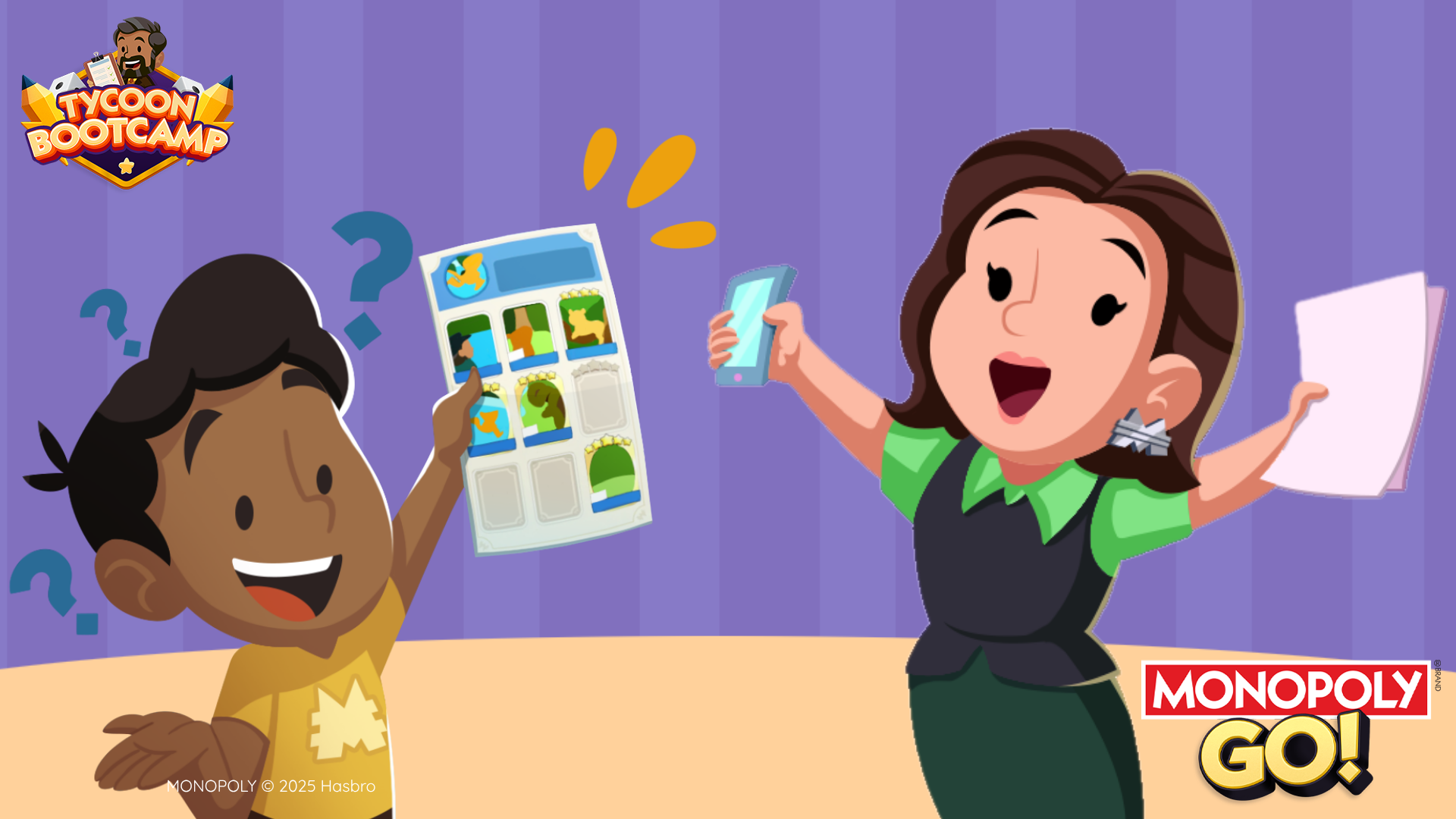
You need the other player on your Friends List before starting a protected sticker exchange. Once you’re connected, open your album, select a duplicate and turn on Make an Exchange when sending it to the friend. The other person can offer a card back for you to approve.
The Monopoly GO Friend Code gets you connected, but the trade still needs to go through the game. We’d use Make an Exchange for a proper sticker swap, especially with someone new, so both players approve the cards before anything moves.
How does a Monopoly GO Friend Code help with Partners and Racers?
Friends are useful beyond sticker trading. Partners events let you build four attractions with four different friends, while Tycoon Racers brings four players together on one car. Being able to find the right person in your Friends List makes those event invitations much easier.
Remember that the event invitation is a separate step. Adding a friend doesn’t automatically put them into your Partners attraction or your Racers team. You’ll still need to invite or accept them during the appropriate event window.
What if the code doesn’t find your friend?
If the search doesn’t find someone, start by checking the Monopoly GO Friend Code they sent you. Make sure it’s a code rather than a username or a new-player invite link. Then ask whether they’ve accepted the request, because sending it and finishing the connection are two different things.
If the Friends search itself is failing, MONOPOLY GO support is the right place to ask. You don’t need a third-party code finder, and nobody needs your account details to help you add a friend through the game’s normal feature.
Related Guides
Official source: Scopely’s Friend Code and invitation instructions.