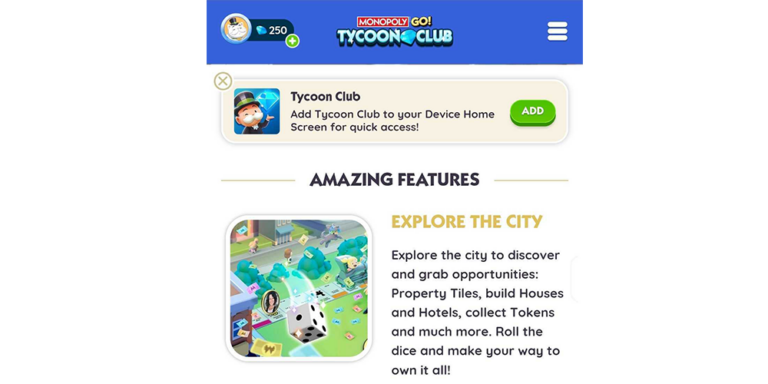
Monopoly GO Tycoon Club not showing in the game menu doesn’t mean you’ve necessarily lost access to your rewards. Scopely has an official alternative: open monopolygo.com in your phone browser, sign in to your game account and enter Tycoon Club from the website.
It’s annoying when all you wanted was a free spin and the button you usually tap has vanished. Luckily, the browser route doesn’t involve starting a new account or losing your progress.
Monopoly GO Tycoon Club not showing: open the official website
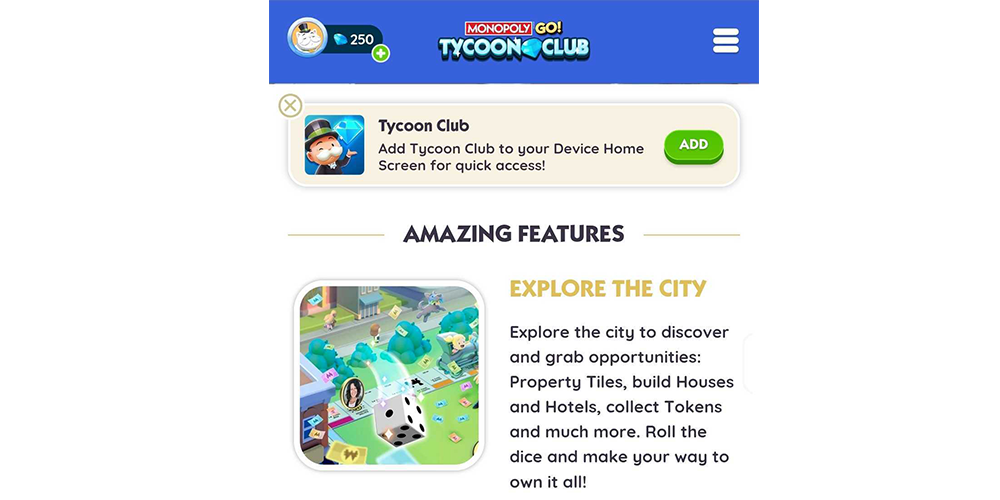
Open Chrome, Safari or your usual mobile browser and visit monopolygo.com directly. The publisher says you can sign in using MONOPOLY GO credentials or your linked Facebook account. Once signed in, open the Club and look for Benefits and Shop.
Once you’re in, Benefits holds the Daily Wheel and Shop has the free Gift Box. You can still get to both, even if the game-menu button hasn’t returned.
Where should the Club button normally appear?
Scopely’s Partners instructions place Tycoon Club in the expanded menu at the top right of the game screen. That’s worth checking first, although game menus can change. If your screen looks different from an older screenshot, it doesn’t necessarily mean there’s anything wrong with your account.
We’d try the website before doing anything drastic like reinstalling the game. It takes less effort and tells you whether the issue is only the shortcut or the Club itself.
Monopoly GO Tycoon Club not showing on Android?
Scopely says Android players can add a browser shortcut after signing in to the Club website. If the Add prompt appears, confirm it and you’ll get an icon on your phone’s home screen for quicker access.
The icon opens the same Club website, so you’ll still see the rewards attached to your usual account. It just saves you having to find the game-menu button each time.
Monopoly GO Tycoon Club not showing on iPhone?
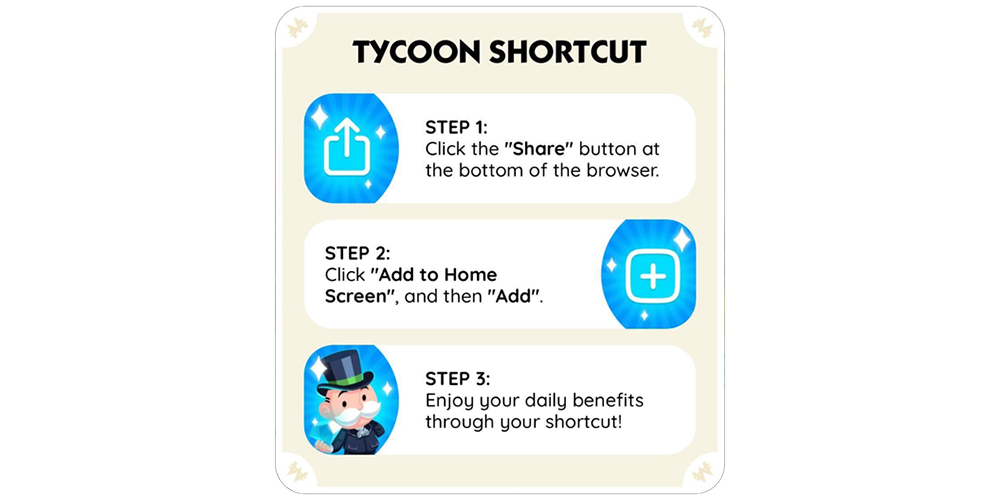
For iPhones, the official instructions use Safari. Sign in to monopolygo.com, tap Share, choose Add to Home Screen and confirm Add. You’ll then have a Club shortcut among your app icons.
Once it’s on your home screen, you can open Benefits for the Daily Wheel or Shop for the Gift Box whenever they’re available. There’s no separate app to manage.
Monopoly GO Tycoon Club not showing after a login?
Scopely says the website can keep you signed in for up to 90 days. That doesn’t mean you’ll never be asked to log in again. If your session expires, sign in through the official site with the same game account you normally play on.
If the profile looks unfamiliar, double-check which account you selected. The Club should be showing the benefits for the account that’s actually signed in.
Monopoly GO Tycoon Club not showing after signing in?
Make sure you’re looking in the Club’s Benefits or Shop tab, rather than the ordinary game Store or public news area. Benefits holds the daily wheel. Shop has the separate free Gift Box that Scopely describes in its Partners guide.
If the official site still won’t let you into Tycoon Club, contact MONOPOLY GO support. Tell them whether the in-game button is missing, what happens at monopolygo.com and whether the correct account appears. That gives them something concrete to investigate.
Related Guides
Official source: Scopely’s Tycoon Club browser access guide.