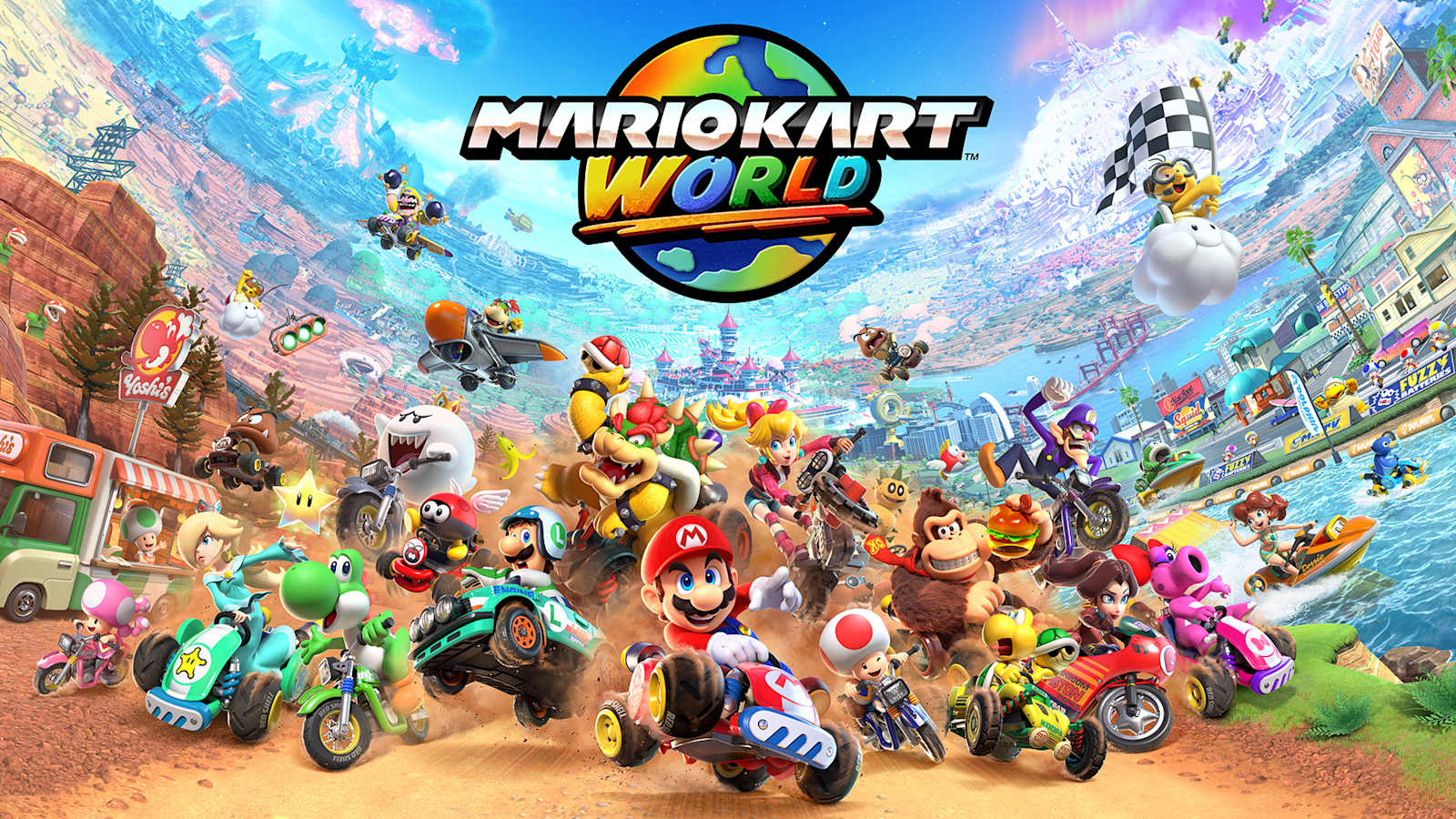
Mario Circuit in Mario Kart World now gives you three SNES choices alongside the modern course, with Mario Circuit 1, 2 and 3 added as selectable races in version 1.8.0.
This is one of the cleanest places to see how the retro update works because the parent menu and the classic course family share the same name. Open Mario Circuit and the three SNES layouts should be available underneath it.
How to select Mario Circuit in Mario Kart World
Mario Circuit in Mario Kart World is the parent selection for SNES Mario Circuit 1, SNES Mario Circuit 2 and SNES Mario Circuit 3. The three tracks can be used in VS Race, Time Trials, Online Play and Wireless Play.
There is no requirement to find a new icon elsewhere on the map. Version 1.8.0 simply expands the Mario Circuit choices in the race selector.
All three SNES Mario Circuits are included
Mario Circuit in Mario Kart World accounts for three of the 10 retro layouts added by the free update. Ghost Valley contributes another three, Choco Island adds two, and Vanilla Lake 1 plus Koopa Beach 1 round out the list.
If you are working through everything Nintendo added, the all 10 classic courses guide shows every course and where it lives in the menu.
Item Panels versus Item Boxes
Mario Circuit in Mario Kart World has one small item-system wrinkle worth knowing. The SNES Mario Circuit races use flat Item Panels, just like the other retro layouts, but Nintendo says normal Item Boxes still appear on the race that leads to Mario Circuit.
So seeing boxes on the approach does not mean anything is wrong. Once you are actually racing SNES Mario Circuit 1, 2 or 3, the ? Panels are the item pickups. Our Item Panels guide has the short version of how they work.
Do the three courses need unlocking?
Mario Circuit in Mario Kart World does not gate the SNES races behind separate progression. Install version 1.8.0 or later and the three choices should appear in the supported modes.
If they do not, check the version from the Switch 2 HOME Menu and run Software Update. Nintendo’s official update notes list all three Mario Circuit additions, so they are also a useful sanity check if the menu on your console looks different.
The best place to confirm the retro update is installed
Because three SNES choices sit under one obvious parent name, Mario Circuit in Mario Kart World is a good first stop after updating. If Mario Circuit 1, 2 and 3 are there, the retro-course portion of 1.8.0 is active.
From there, Ghost Valley gives you another three races and Choco Mountain gives you the two Choco Island layouts. That gets eight of the 10 courses without much menu searching.
Mario Circuit in Mario Kart World therefore works as both a racing destination and a quick update check: three SNES tracks, no separate unlock and the retro Item Panels waiting on the courses themselves.