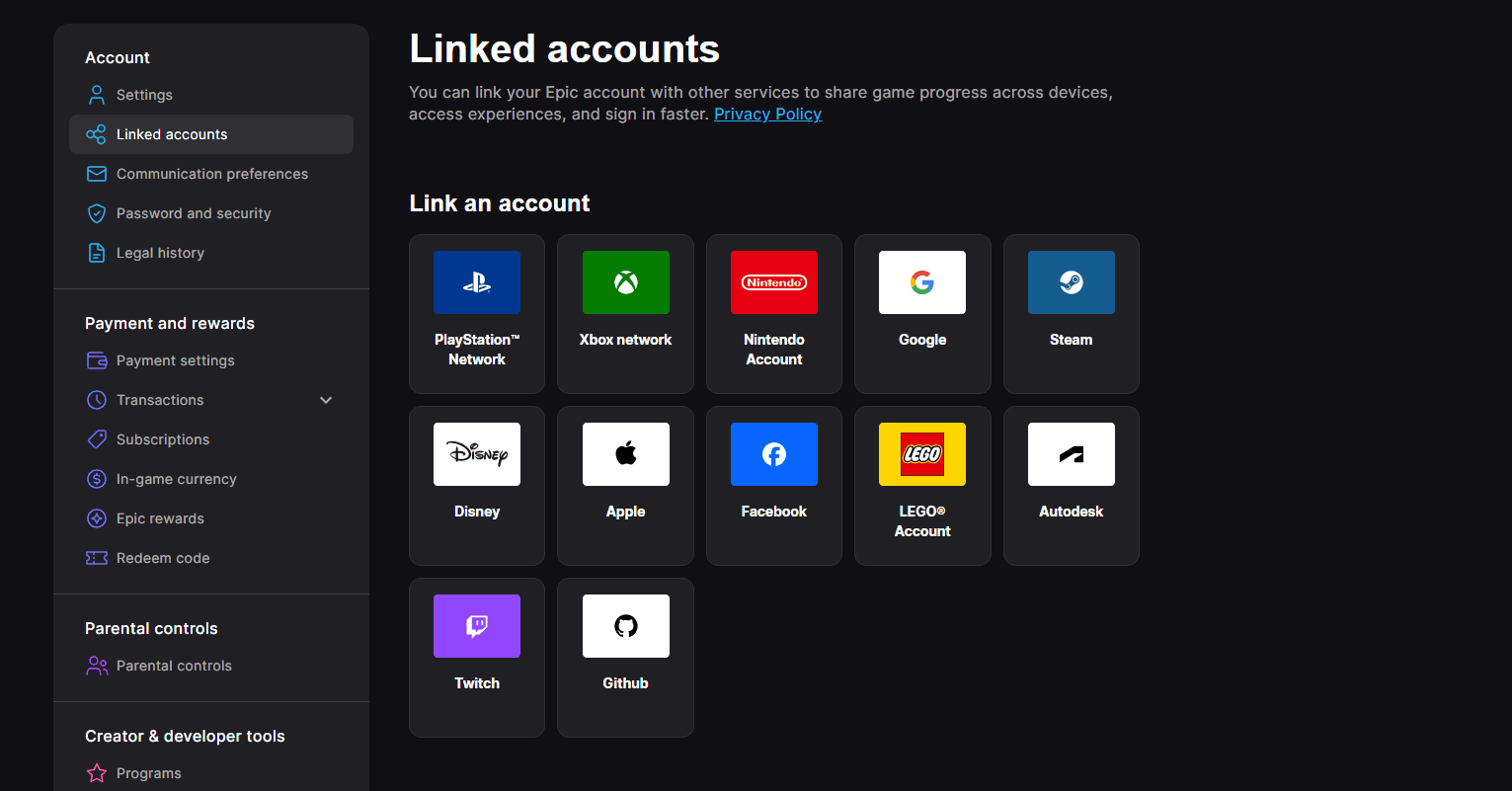
If you are wondering how to change your Fortnite name, the answer depends on where you play. On PC, Mac, Nintendo Switch and mobile, Fortnite uses your Epic Games display name. On PlayStation and Xbox, the name shown in Fortnite is normally your PSN Online ID or Xbox gamertag, so changing your Epic display name will not change the console name.
How to change your Fortnite name on Epic Games
- Sign in to your Epic Games account.
- Open Account settings.
- Find the Display name field.
- Enter the new Epic display name you want to use.
- Confirm the change when prompted.
This is the correct route for how to change your Fortnite name on PC, Mac, Nintendo Switch and mobile. Epic requires the account email to be verified before the display name can be changed, and the Epic display name can currently be changed only once every two weeks.
How to change your Fortnite name on PlayStation or Xbox
On PlayStation and Xbox, how to change your Fortnite name works differently because Fortnite displays the platform identity rather than the Epic display name. Change your PlayStation Online ID through PlayStation account settings or your Xbox gamertag through Microsoft/Xbox account settings.
| Platform | Name Fortnite normally shows | Where to change it |
|---|---|---|
| PC / Mac | Epic Games display name | Epic Games Account settings |
| Nintendo Switch | Epic Games display name | Epic Games Account settings |
| Mobile | Epic Games display name | Epic Games Account settings |
| PlayStation | PlayStation Online ID | PlayStation account settings |
| Xbox | Xbox gamertag | Xbox/Microsoft account settings |
Does how to change your Fortnite name affect your skins or progress?
No. Learning how to change your Fortnite name changes the name other players see; it does not move or reset your Fortnite data. Your Locker, purchases and progression stay on the same Epic account. Epic also confirms that changing a console display name does not delete Fortnite progress or purchases.
Why does Fortnite still show the old name?
After following how to change your Fortnite name, some account pages can take time to update cached platform display names. If your Epic Linked accounts page still shows an old console name, that does not automatically mean the name change failed. The platform itself is the best place to confirm your current PSN ID or Xbox gamertag.
Epic support documentation notes that unlinking and relinking can force a linked-account display name to refresh on the Epic website, but that is not something to do casually. Unlinking a console can temporarily remove access to Fortnite progress on that platform, so waiting for the display-name sync is usually the safer option.
Why can’t you complete how to change your Fortnite name?
If how to change your Fortnite name is blocked on the Epic website, check whether you changed the Epic display name within the last two weeks. A lock icon beside the field normally means the cooldown has not expired yet. Also verify the account email if Epic asks you to do so.
- Make sure you are signed into the correct Epic account.
- Verify the Epic account email address.
- Wait for the two-week Epic display-name cooldown if necessary.
- Remember that PlayStation and Xbox names must be changed with those platform providers.
Can two players have the same Fortnite name?
When working out how to change your Fortnite name, you may find that the Epic display name you want is unavailable or rejected. Epic applies display-name rules and moderation requirements, so not every spelling or character combination can be used. If a name is rejected, choose another version rather than trying to bypass the naming rules.
Best way to handle how to change your Fortnite name across platforms
The easiest way to manage how to change your Fortnite name is to decide whether you care about having the same visible identity everywhere. Epic display names and console gamertags are separate systems, so matching them may require changing more than one account.
For most players, how to change your Fortnite name takes only a minute once you know which account controls the name. Just remember the two-week Epic cooldown and the PlayStation/Xbox distinction before assuming Fortnite is ignoring your change.
For current game news, platform availability and official Fortnite information, visit the official Fortnite website.
More Fortnite from The Click
Fortnite guides, events, news and updates