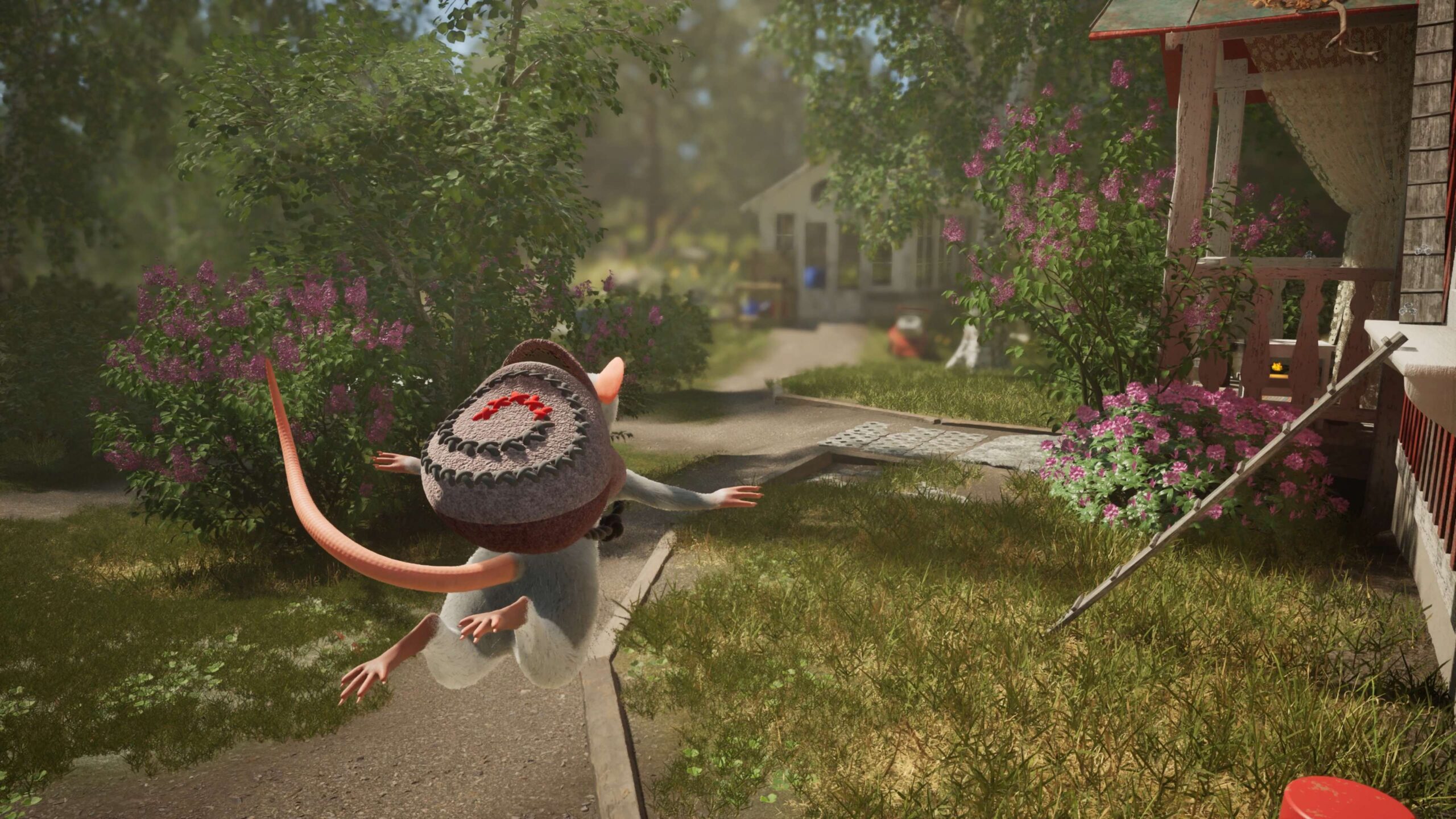
Hela Shade System is the reason you can finish Hela: of Mice & Magic without bringing friends along. It lets your mouse create magical copies that keep performing an assigned action, so one person can handle puzzles that would otherwise need several teammates.
Windup Games has already demonstrated rope bridges, high ledges, object movement and a catapult, so there’s a fair bit to learn before release. Those demonstrations give us a good picture of what Shades do before the full game arrives on 1 December 2026.
How the Hela Shade System works

With the Hela Shade System, you create a spectral copy of your mouse while performing an action. The copy repeats that action rather than running around like an independent AI teammate. It remains in position until you change your plan, giving you another pair of paws for a multi-part puzzle.
You can switch control between your main mouse and the Shades. That freedom is useful when a challenge needs characters to act at different spots or hold a rope while someone else climbs. You’re essentially setting up the teamwork yourself.
The developer hasn’t published final button mappings for every platform. The mechanics are confirmed, but exact inputs still need to be checked in the released game. The abilities and puzzle interactions are confirmed; exact inputs need the finished interface.
How many Shades can you create in Hela?
The Hela Shade System allows up to three Shades in solo play. That brings the number of characters available for a puzzle to four when you count your real mouse. The developer describes this as the equivalent of filling empty roles in a four-player co-op party.
If two humans are playing together, they can create two Shades to make up the difference. A four-person online group already has four human players, so it doesn’t need extra copies to reach that number.
Shades aren’t an unlock that requires an online multiplayer session. They exist specifically to keep the adventure accessible in solo and smaller-group play. For a broader explanation, read Hela solo play.
How to make bridges and climb with Shades
The official Hela Shade System demonstration shows mice using a lasso to connect to a Shade just as they can connect to another player. With the copy in position, that connection becomes a bridge you can walk or bounce across.
For a higher ledge, place a Shade above you and use the lasso as an anchor. The mouse can pull upward or swing to a new spot. These ideas are especially handy in a world where ordinary-looking objects are enormous at mouse scale.
There’s also an example involving an object suspended from a lasso. Leave one Shade holding it, then approach from a better angle to guide the item around an obstacle. The game encourages that sort of experimentation rather than only one rigid solution.
Can the Hela Shade System extend gliding?
Yes. Froggy, the magical backpack, lets the mice glide. Windup Games shows that you can create a Shade during a glide; that copy keeps travelling forward, and your character can latch onto it for a longer journey.
Shades can also work as a sort of manual checkpoint. Leave one behind somewhere safe and switch to it if a jump goes wrong, rather than restarting the entire traversal sequence from scratch.
The developer’s examples show what this does without giving verified keyboard shortcuts or button prompts for every platform. Detailed routes will need the final game’s named locations and puzzle layouts.
How to use Shades for catapults and co-op puzzles
One memorable Hela Shade System example uses a catapult. Ordinarily, one player sits in the scoop while another pulls the rope. Solo players can place a Shade into the scoop, pull the launcher from another position and switch control to enjoy the flight.
That same approach carries into environmental puzzles: create the actions you need, put the copies in useful places and switch between characters until the different parts line up. You’re solving the teamwork problem, not waiting for an AI companion to work it out.
Our Hela multiplayer modes article covers how many people can join, and Hela split screen co-op explains two-person local play. The Hela Shade System keeps those co-op ideas available even when you’re exploring alone.
Official source: Windup Games’ official Shade System walkthrough.