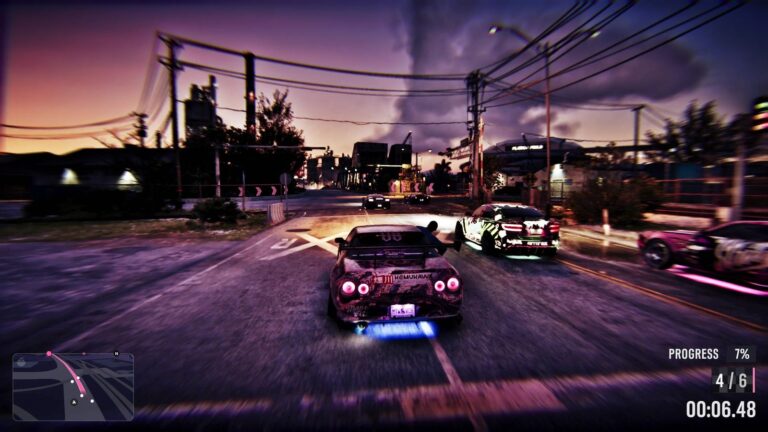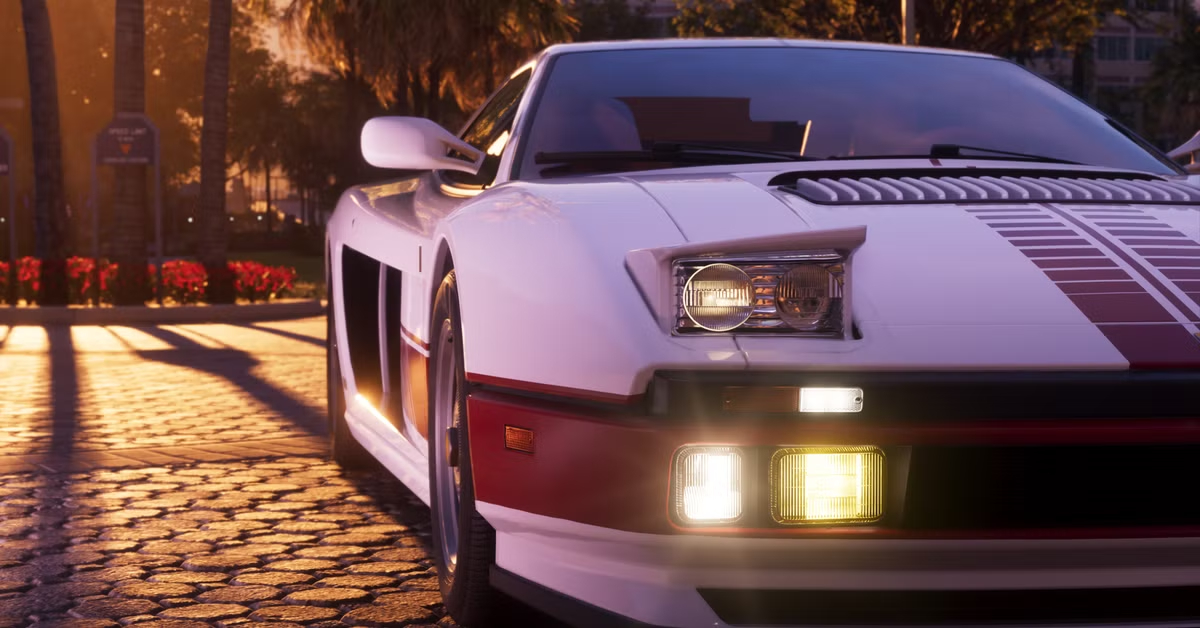
GTA 6 How to Turn On Headlights is a quick tap of Circle on PS5 or B on Xbox Series X|S while you’re driving. Press it again to cycle through the available headlight modes, including brighter beams. The shortcut is much quicker than opening the car’s settings every time night falls.
The same button is used for ducking down in your seat when you hold it. If Jason or Lucia disappears below the dashboard instead of changing the lights, the press was too long.
GTA 6 How to Turn On Headlights with the controller
Get into the driver’s seat and tap Circle/B. Look at the headlight beams or the car’s front lighting to see what changed, then tap again if you need another mode. The released default control layout lists the button as Headlights.
Short taps are the key. Holding Circle/B activates the Duck action instead, which can help you hide from police. That overlap catches people who are used to holding buttons for vehicle menus.
Headlights, high beams and the vehicle menu
You can also hold D-pad Left to open the vehicle controls menu. It has lighting options alongside radio, windows and other car functions; use the right stick to select the feature. This is useful when you want to see what a particular vehicle supports instead of cycling through shortcuts.
A quick D-pad Left press has its own job: it switches on the left turn signal. Hold for the menu, tap for the indicator. Not every vehicle will have identical lighting equipment, so check the available choices on the car you’re currently using.
Why the lights seem to switch on automatically
Some cars use automatic lighting. They can illuminate the road when the surroundings get dark, which makes it easy to forget you’ve also got a manual override. If you want a particular setting, use the shortcut or open the vehicle menu to check it.
A damaged headlight can also make the car seem as though the setting isn’t working. If you’ve been in a crash, check the vehicle’s condition at a repair shop rather than spending time changing an option that won’t fix broken hardware.
GTA 6 How to Turn On Headlights after parking
Want the beams to stay on while you get out? Stop the car and double-tap Triangle on PS5 or Y on Xbox to exit while leaving the engine and lights running. PC Gamer documented this shortcut in its launch-day testing.
Try it only while stationary. A double-tap exit at speed can make the character jump from a moving vehicle. It’s handy for lighting a roadside stop, but there is no reason to risk a bail-out just to keep the headlights switched on.
If your buttons don’t match
Open Settings > Control Scheme > Land / Water Vehicles and check the current layout. GTA 6 offers Default, Classic and Left-Handed controls, so the diagram shown in your game matters more than an old GTA 5 button guide.
The control for GTA 6 How to Turn On Headlights is separate from the turn signals and the horn. Once you’ve got the Circle/B tap down, night driving is a lot easier than searching through the full menu.
Click Flare: GTA 6 How to Turn On Headlights — Related Guides
Official source: Grand Theft Auto VI — Rockstar Games.