GTA 6 How to Give Orders to Your Partner starts with holding Right on the D-pad while Jason and Lucia are together. The partner menu lets you ask the other character to drive, stop, change pace or split up, depending on what you’re doing. It’s available on PS5 and Xbox Series X|S.
The game introduces this system during Coffee Break in Chapter 2. Until you’ve reached that mission, you won’t necessarily have all the partner commands in free roam.
GTA 6 How to Give Orders to Your Partner: open the menu
Stand close to Jason or Lucia and hold D-pad Right. The menu appears with your companion’s name and whichever commands fit the situation. Press the face button beside the order you want. If an action is greyed out, the current scene isn’t allowing it.
You can also switch which protagonist you’re controlling by holding D-pad Right and pressing R1 on PS5 or RB on Xbox. That’s distinct from ordering your partner to take the wheel or leave you alone.
Unlock partner commands in Coffee Break
Coffee Break is a Chapter 2 story mission in which Jason and Lucia discuss their next jobs at the Starlet Motel. Near the end, the objective sends you to the car and teaches you to hold D-pad Right to interact with your partner.
Afterward, the menu is available when the pair are together in the open world. Some missions restrict switching or splitting up because the story needs both characters in place. If the option disappears in a mission, try again after that section ends.
Ask your partner to drive
When both characters are outside a car, the menu can offer You Drive. In a recorded PS5 menu, that command uses Cross; the corresponding Default Xbox face button is A. Choose it and let your partner take the driver’s seat.
Once they’re driving, the options change. You can choose Speed Up, Slow Down after ordering them faster, or Pull Over. The available commands depend on whether you’re travelling, stopped or in a scripted sequence.
GTA 6 How to Give Orders to Your Partner to split up
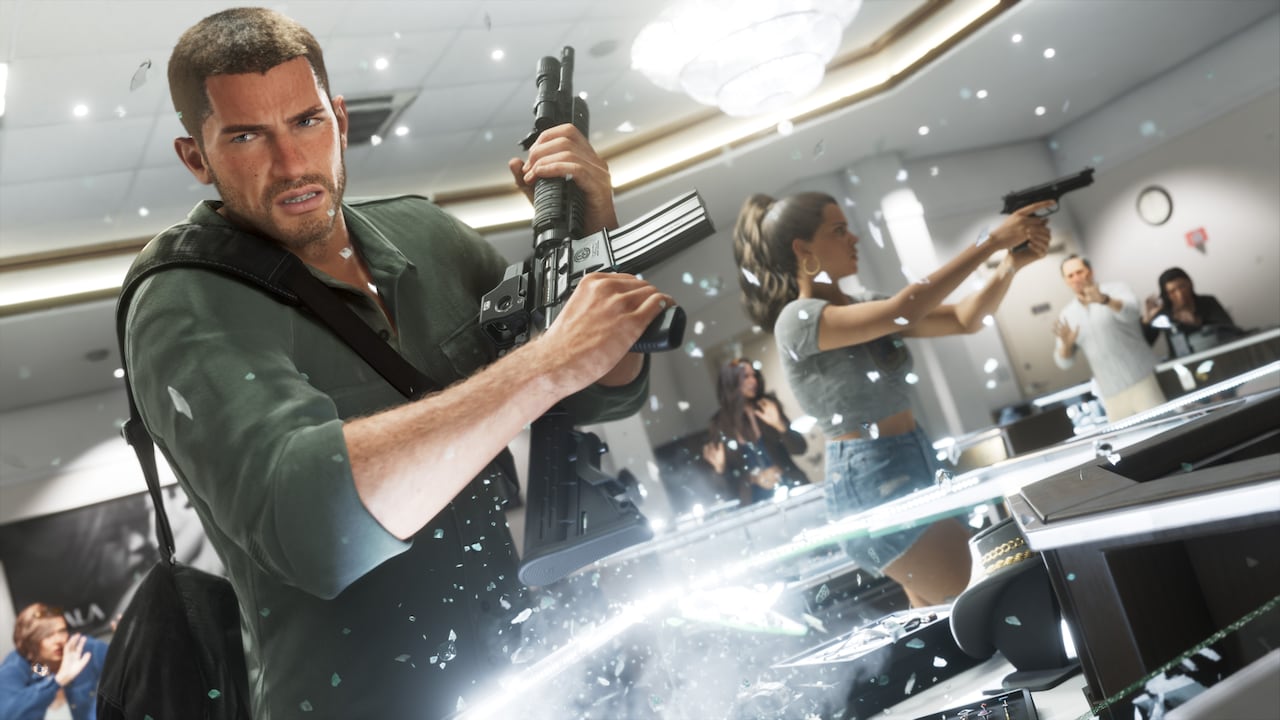
Split Up sends Jason and Lucia their separate ways when the game permits it. On a recorded PS5 menu, the option appears on Triangle. There are moments when it is greyed out, particularly during story travel or active objectives.
That doesn’t mean your controller is broken. If you want to explore alone, finish the immediate mission requirement and try the menu again in free roam. When the pair rejoin, the same D-pad control lets you organise who drives.
Conversation and robbery interactions are different
Standing beside a partner and holding L2 on PS5 or LT on Xbox can show direct social interactions such as Talk or Hold Hands. In a robbery, context-specific actions may let the characters exchange bags or equipment.
Those prompts aren’t all permanent entries in the partner-order menu. For GTA 6 How to Give Orders to Your Partner, use held D-pad Right and follow the face-button labels currently on screen. The game changes the choices to suit the situation.
Click Flare: GTA 6 How to Give Orders to Your Partner — Related Guides
Official source: Rockstar Games — Grand Theft Auto VI.