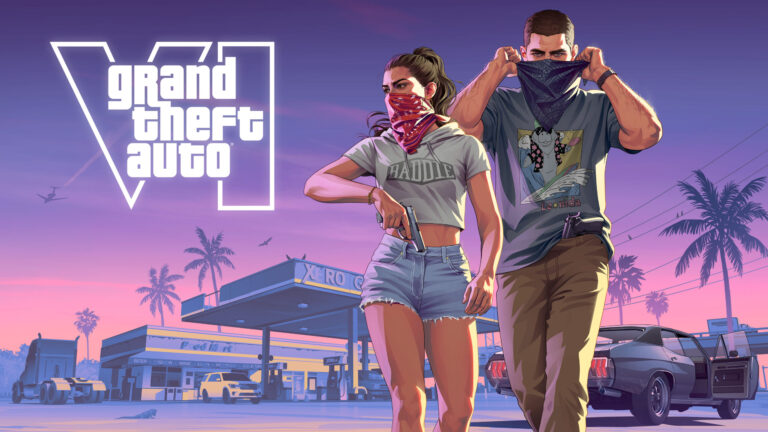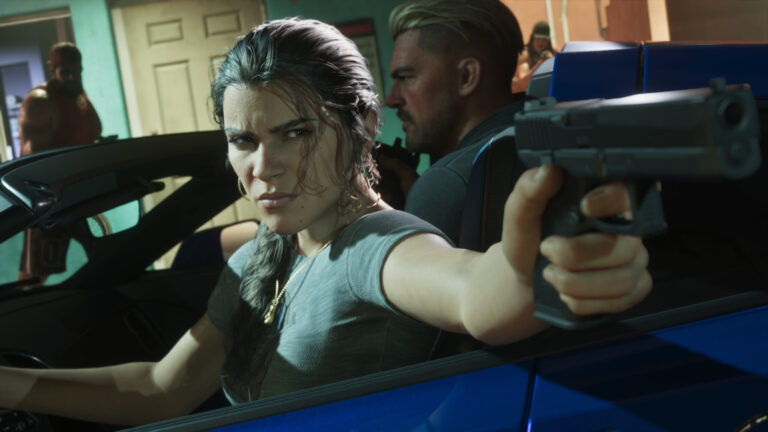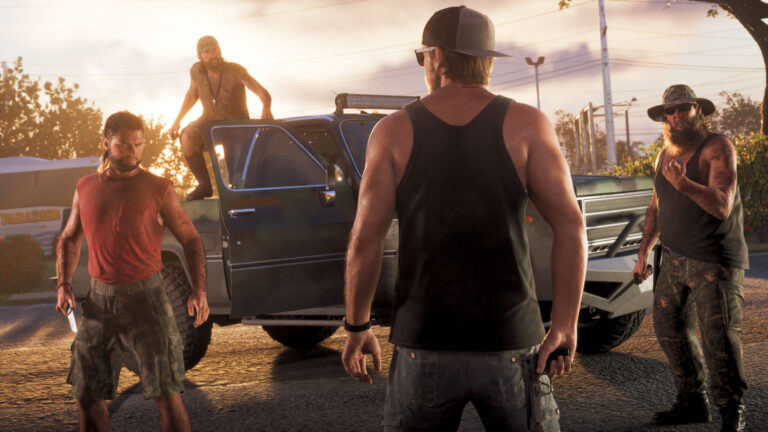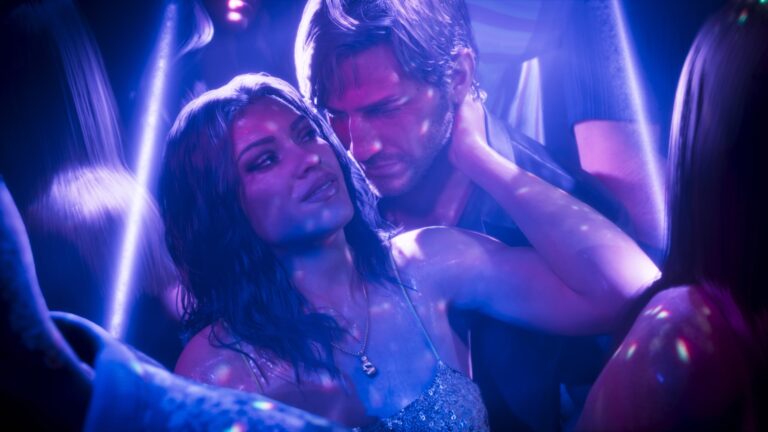
GTA 6 First Person Mode is not a full-time camera option in the launch version of Grand Theft Auto VI. Unlike GTA 5’s later editions, you cannot switch to first person and walk around Vice City for the entire game. The standard gameplay camera stays behind Jason or Lucia.
You can still get a closer look at the world, aim down certain weapon sights and use a temporary first-person driving view. These are useful, but none of them is the permanent first-person setting people remember from GTA 5.
GTA 6 First Person Mode: Can You Use It?
GTA 6 First Person Mode has no full gameplay toggle at launch on PS5 or Xbox Series X|S. The Camera settings include options for camera height, follow speed, camera shake, sway and bobbing, but not a switch that moves ordinary walking or driving into a first-person viewpoint.
GTA 5 gained a full first-person camera when it reached newer consoles, but Rockstar hasn’t announced an equivalent update for GTA 6. For now, third-person play is the standard, and there is no launch-menu setting for a continuous first-person view.
GTA 6 First Person Mode for Close-Up Inspection
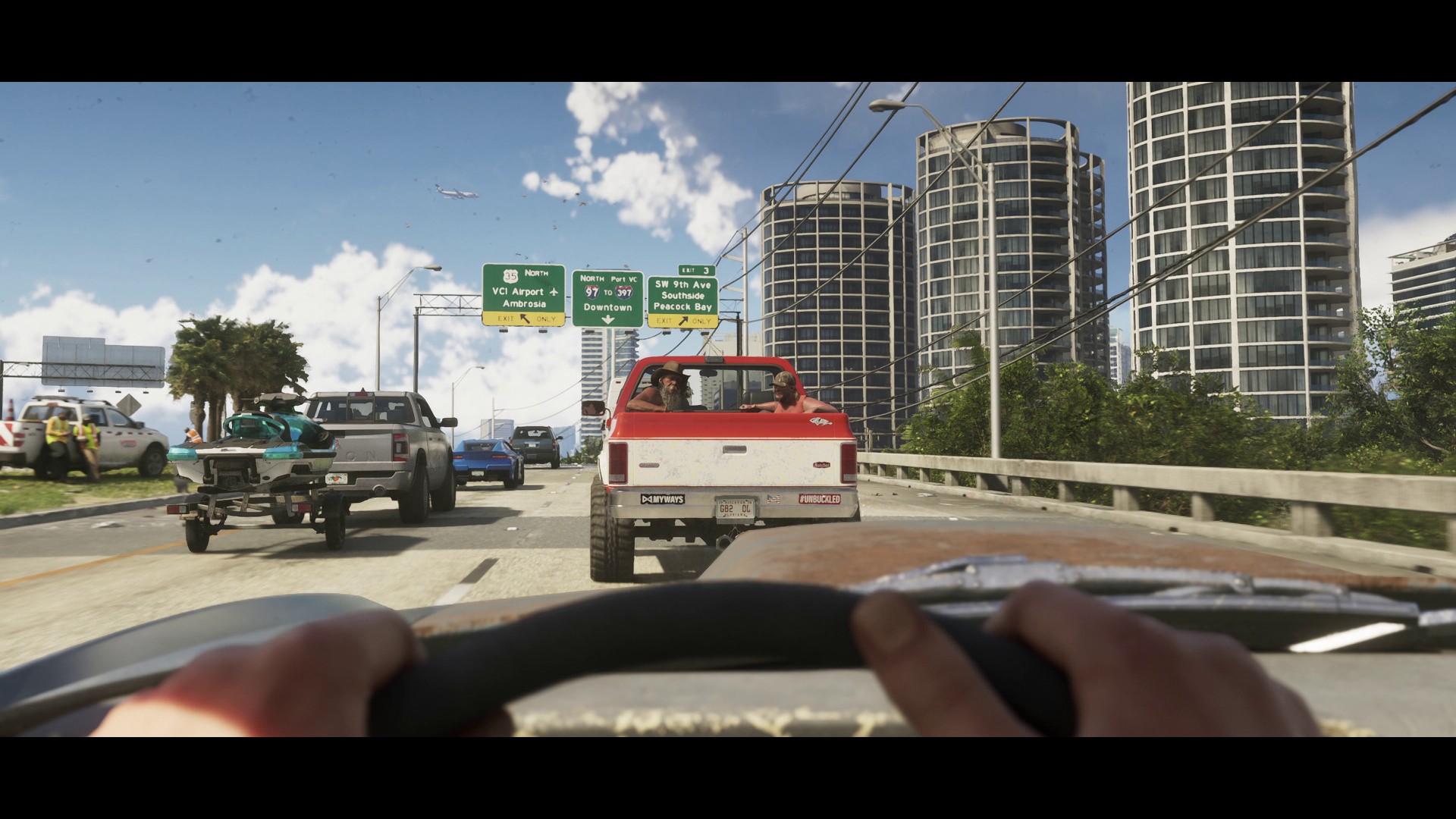
While standing still, hold L2 on PS5 or LT on Xbox and click the right stick (R3 or RS) to inspect the scene in first person. If that doesn’t switch the view, keep the trigger held and click both sticks together (L3 and R3 on PS5, LS and RS on Xbox). Both inputs are documented in launch gameplay guides. Without the aim trigger, clicking both sticks activates Focus Mode instead. You can look around freely in inspection view, but moving Jason or Lucia returns the camera to third person.
The zoom controls can be sensitive to context, particularly if you are holding a weapon or are in a scripted interaction. Check the prompt displayed in the game before assuming an action has failed. The inspection camera is designed for looking, not for running across the map in first person.
GTA 6 First Person Mode While Aiming
Weapons equipped with suitable optics can provide a first-person aiming view. Hold the aim trigger, L2 on PS5 or LT on Xbox, and follow the on-screen prompt to use the attachment; on PS5 this includes clicking R3 with an appropriate optic. Release the aim trigger to return to the usual camera, or toggle the relevant optic view when the weapon permits it.
This is not the same as replacing the game camera for normal play. You can use a scope to line up a shot while still moving, but once you stop aiming, the camera returns behind the character. Different attachments also allow different zoom behaviour, so a weapon without a scope won’t necessarily display the same controls.
GTA 6 First Person Mode in Vehicles
There are limited first-person views in vehicles, even though there’s no normal, always-on cockpit-camera option. You can press D-pad Up to pull out your phone while driving and use the resulting first-person viewpoint while the phone remains open. Close the phone to return to the usual external camera. Certain vehicles also use a first-person view in specific moments.
The Camera tab adjusts the standard third-person vehicle view, including height and follow speed. Those preferences still matter when you put the phone away. This temporary trick isn’t a substitute for being able to drive every vehicle in permanent first person.
GTA 6 First Person Mode Alternatives: Camera Settings
- Height (On Foot): changes the camera’s position behind Jason or Lucia.
- Follow Speed: controls how quickly the view catches up as you turn.
- Vehicle Camera Height: chooses a different angle behind cars and boats.
- Camera Shake and Camera Bob: help make movement less distracting.
- Weapon Sway: reduces the feeling of a moving sightline when enabled or disabled according to preference.
You’ll find these under Pause > Settings > Camera. GTA 6 separates on-foot, vehicle, aircraft and underwater behaviour, so a preference for driving does not automatically settle how the camera behaves when you’re swimming or walking. Try the options with the game paused somewhere safe and note what you’ve changed.
Will Rockstar Add Full First Person Later?
Rockstar has not confirmed a post-launch full first-person mode. It’s reasonable to compare the situation with GTA 5, but it would be misleading to promise a particular patch or date. Until there is an official announcement, the answer remains that GTA 6 is a third-person game with limited close-up and first-person interactions.
If a video claims to have unlocked a permanent first-person mode, check whether it is showing an inspection view, a scoped weapon, a story sequence or edited footage. None of those proves a normal first-person setting exists in the console release.
Official source: Rockstar Games Support, Grand Theft Auto VI Settings.