
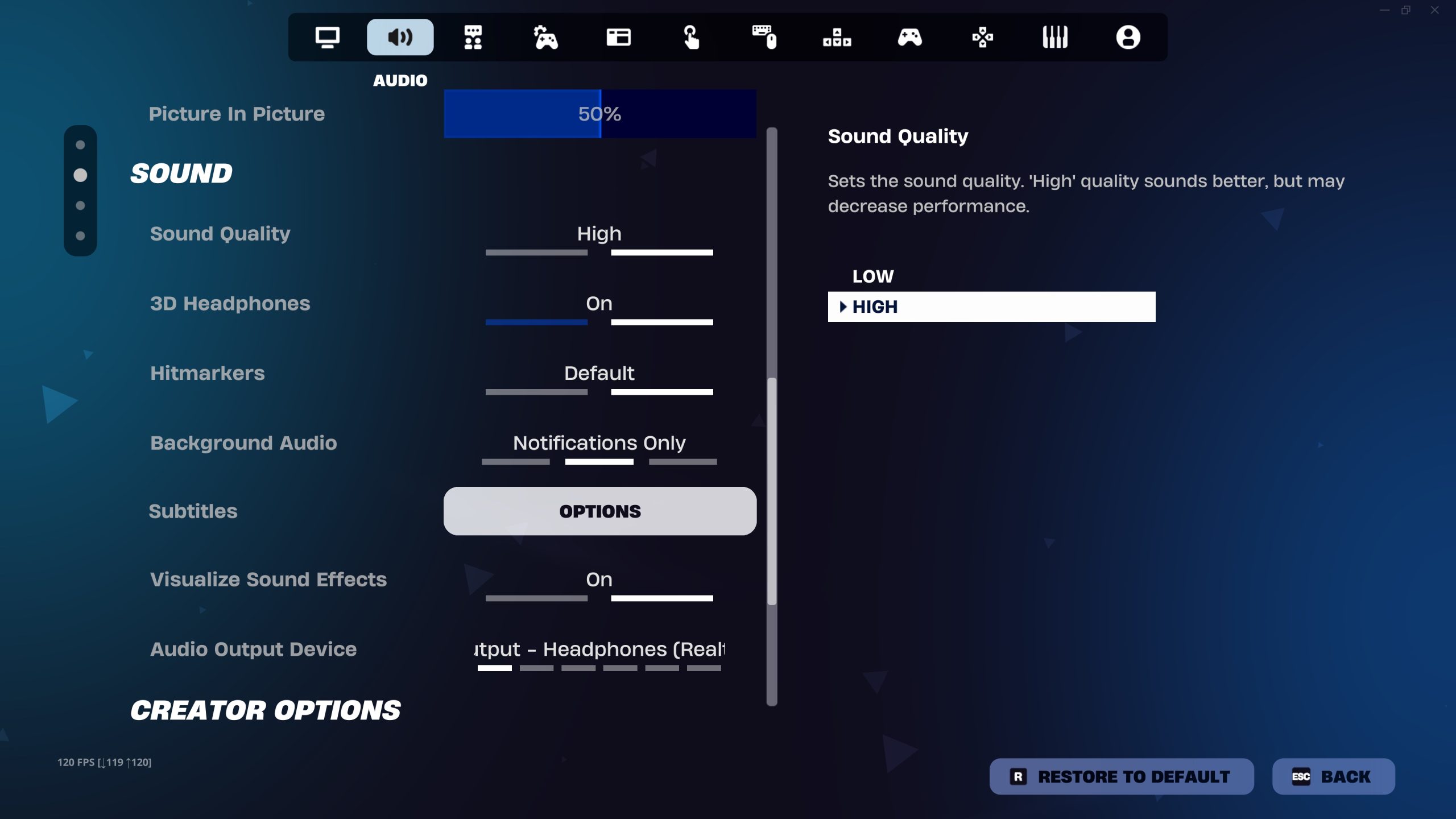
Fortnite voice chat not working is usually caused by the wrong chat channel, muted communication settings, a microphone permission problem, console party chat, or a wider Epic service issue. Start with the simple checks before changing router settings: confirm Fortnite is online, make sure you are in the correct Party or Game channel, and check that voice chat is allowed on the account.
Quick fixes when Fortnite voice chat is not working
When Fortnite voice chat not working, open your profile panel and look at the active voice channel. Party Chat connects people in your Epic party, while Game Chat is for players in the same team or island when that experience supports it. Being in the wrong channel can look exactly like a broken microphone because you can see teammates but cannot hear the people you expect.
- Open the Fortnite profile or Social panel.
- Choose Party Chat or Game Chat to match the people you want to hear.
- Make sure you are not muted or deafened.
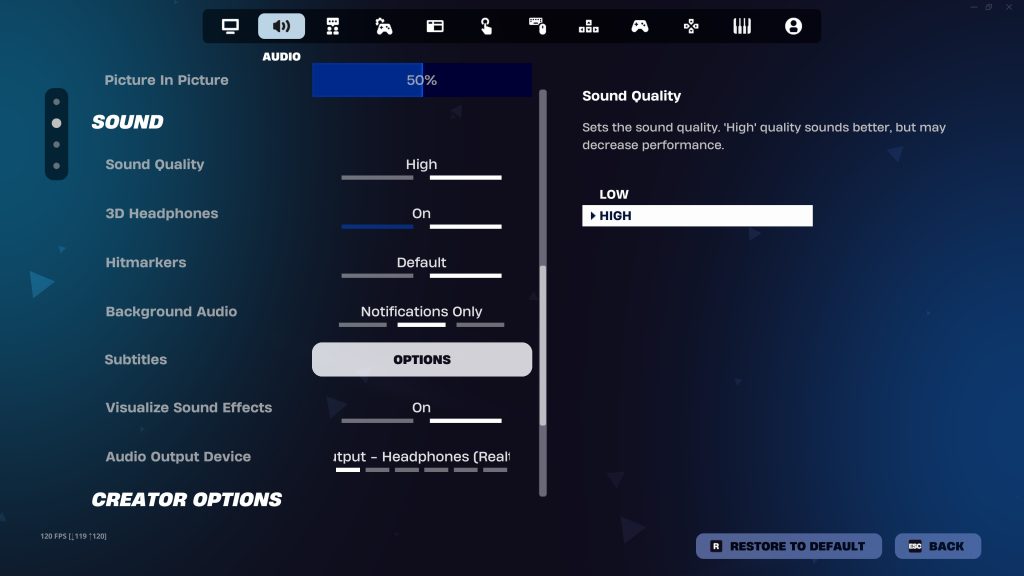
- Open Settings and check Communication or Audio options.
- Raise voice chat volume and confirm the correct input and output devices.
- Restart Fortnite after changing device or permission settings.
Check console party chat and microphone permissions
Fortnite voice chat not working is particularly common when PlayStation or Xbox party chat is still active. Platform party chat can take priority over Fortnite game chat, so leave the console party or switch back to game chat. On PS5, also check the system setting that can mute game voice chat. On PC, Windows must allow microphone access for Fortnite, and the microphone you actually use should be selected as the default recording device.
If the mic works in Discord, Zoom or another app but not Fortnite, that narrows the problem to Fortnite settings, Epic voice services or permissions. If it fails everywhere, troubleshoot the headset, cable, USB receiver, Bluetooth connection or operating-system microphone permission first.
Parental controls can disable Fortnite voice chat
If Fortnite voice chat not working on a child or teen account, check Epic parental controls and the account age settings. Chat can be limited to Friends Only, Friends and Teammates, Everybody, or Off depending on age and parental permissions. A Cabined Account cannot use voice or text chat until the required parental consent process is completed.
Check Epic services and your network
Another reason for Fortnite voice chat not working is a service outage or network restriction. Check Epic server status before reinstalling anything. Epic also notes that Fortnite voice uses network services that can be affected by blocked ports, strict NAT, router SIP-ALG behaviour or an ISP that restricts VoIP. If voice calls in several apps fail on the same network, contact the ISP rather than repeatedly reinstalling Fortnite.
What to try before reinstalling Fortnite
- Restart Fortnite and the console or PC.
- Restart the router and test a wired connection if possible.
- Check automatic date, time and time-zone settings.
- Update Windows, console firmware and Fortnite.
- On PC, verify Fortnite game files through the Epic Games Launcher.
You should not need to reinstall the whole game for most Fortnite voice chat not working cases. Channel selection, permissions, parental controls and temporary service problems account for a large share of failures. Reinstalling is better kept as a later step after the microphone works elsewhere and Epic services are healthy.
Fortnite voice chat not working FAQ
Fortnite voice chat not working after an update can be temporary, especially if Epic is investigating a known issue. If only one friend cannot hear you, compare your channels and individual mute settings. If nobody can hear you, check microphone permission and input device. If you can hear nobody at all, also check output device, volume and whether you are still inside a PlayStation or Xbox party.
If voice works after changing networks but fails again on the original connection, that is useful evidence: focus on router, NAT, DNS, ISP or VoIP restrictions rather than the headset. If it fails only with one specific player, compare individual mute settings and the channel each of you has selected before changing global settings.
A final clue when Fortnite voice chat not working is whether the issue follows the account or the device. Testing the same Epic account on another device can quickly narrow that down.
For official game information and current updates, visit the Fortnite website.
More Fortnite from The Click
Check whether Fortnite servers are down





