
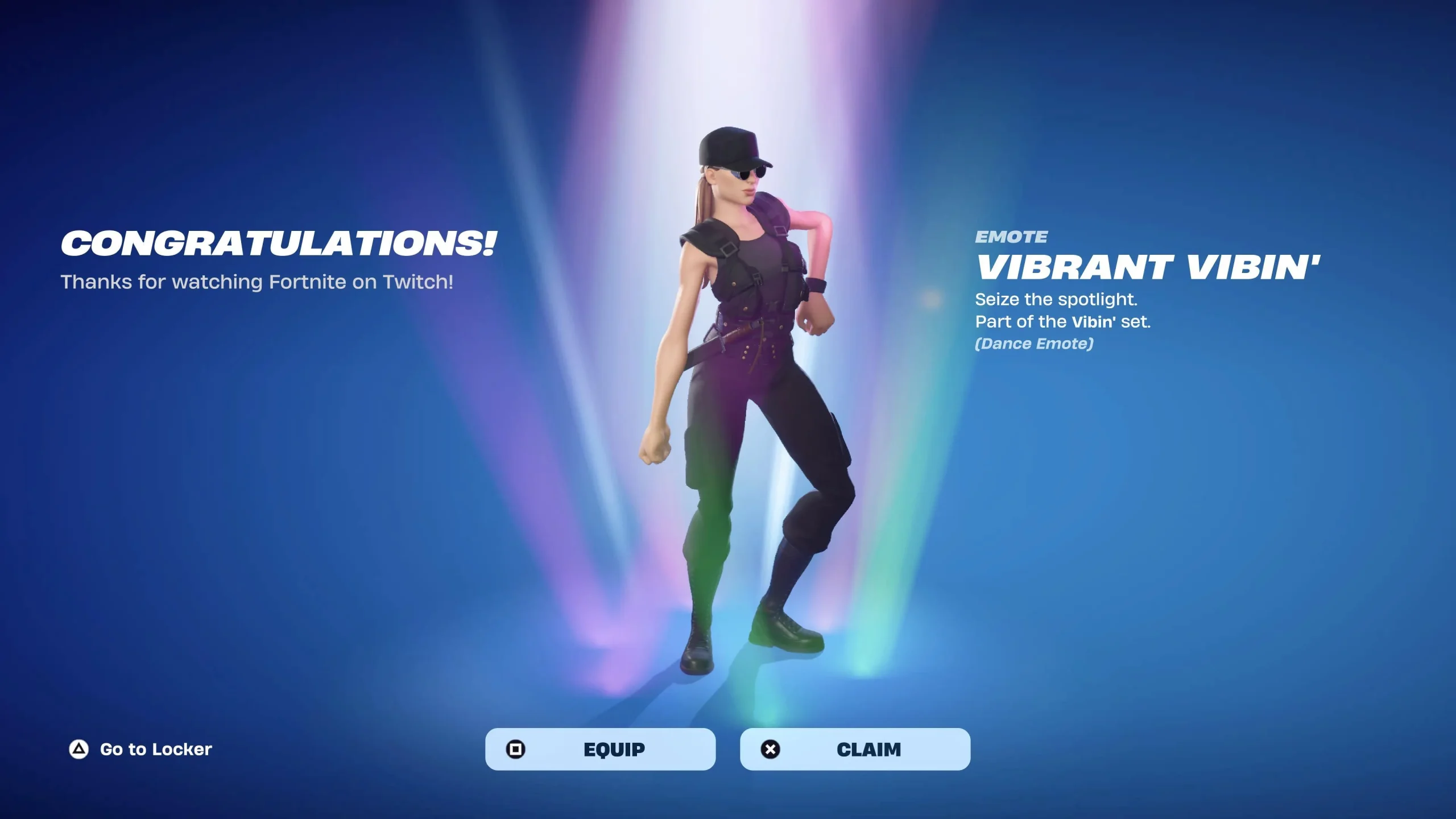
Fortnite Twitch Drops Not Working usually comes down to campaign eligibility, watch progress, claim status or an account-link mismatch rather than Fortnite itself being unable to award cosmetics. The current Global Championship campaign is a useful example because Champion’s Chargers Kicks requires 30 minutes on an eligible Twitch broadcast on September 26 or September 27 with the correct Epic and Twitch accounts connected.
The safest way to fix Fortnite Twitch Drops Not Working is to diagnose the stage that failed instead of unlinking accounts immediately. Check whether the campaign is visible, whether the timer moves, whether the reward says claimed and whether the same Epic account is the one you launch Fortnite with.
Fortnite Twitch Drops Not Working
Image credit: Epic Games
Fortnite Twitch Drops Not Working has four separate checkpoints: an active campaign, eligible viewing, a completed claim and delivery to the linked Epic account. A failure at the first checkpoint cannot be fixed from the Fortnite Locker, while a delivery delay after a successful claim cannot be fixed by simply watching another hour.
For the live championship campaign, the Fortnite Champion's Chargers Kicks Twitch Drop page gives the exact 30-minute reward route. If that specific cosmetic is already complete on Twitch, use the Fortnite Champion's Chargers Kicks Not Showing checks instead of starting the campaign again.
When Twitch progress is not moving
If Fortnite Twitch Drops Not Working means the progress bar is stuck, confirm you are on an eligible channel while the campaign is live and signed into the Twitch account that is connected to Epic. A normal Fortnite stream, replay, clip or unrelated creator broadcast does not automatically count just because Fortnite is being shown.
Keep one eligible stream open long enough to see whether Fortnite Twitch Drops Not Working begins progressing before changing browser, channel and account at the same time. When several variables are changed together, it becomes much harder to tell whether the campaign was unavailable or the connection was wrong.
When a completed Drop is waiting to be claimed
Some versions of Fortnite Twitch Drops Not Working are an unclaimed reward sitting in Twitch’s Drops and Rewards inventory. Open the campaign page and use the claim control if Twitch still presents one, then wait for the entitlement to move to the linked game account.
A completed progress bar is useful evidence when diagnosing Fortnite Twitch Drops Not Working, so take a screenshot before altering any connection. It shows that the viewing requirement was satisfied and narrows the remaining problem to claiming, account linking or delivery.
Check the Epic and Twitch connection
Account mismatch is one of the most important Fortnite Twitch Drops Not Working checks for players who have several console profiles, old Epic accounts or more than one Twitch login. Verify the current link from the Epic account you actually use in Fortnite rather than assuming the browser is signed into the right identity.
Do not repeatedly disconnect and reconnect as the first response to Fortnite Twitch Drops Not Working. Confirm the current relationship, record the completed Drop status and only change the link when you have a specific reason to believe the wrong account was connected.
When to contact support
If the campaign was eligible, the watch target completed, Twitch shows the reward as claimed and the correct Epic account is linked, Fortnite Twitch Drops Not Working has moved beyond ordinary viewer-side troubleshooting. Restart the game once, allow reasonable delivery time and preserve screenshots of the campaign, claim and account connection.
Those details are more useful than simply reporting that Fortnite Twitch Drops Not Working happened. The How to Watch Fortnite Global Championship 2026 guide also helps confirm whether the stream you used was one of Epic’s official Global Championship viewing options.
More Fortnite Global Championship guides
- Fortnite Champion's Chargers Kicks Twitch Drop
- Fortnite Champion's Chargers Kicks Not Showing
- How to Watch Fortnite Global Championship 2026
- Fortnite Global Championship 2026 Results and Standings
- Fortnite Competitive Schedule
- Fortnite Global Championship 2026 Qualified Players
- FNCS Last Chance 2026
- How to Watch FNCS Last Chance 2026
For first-party information related to Fortnite Twitch Drops Not Working, use the official Fortnite Global Championship page. That publisher page is the best reference for the game or event details that come directly from the studio.





