
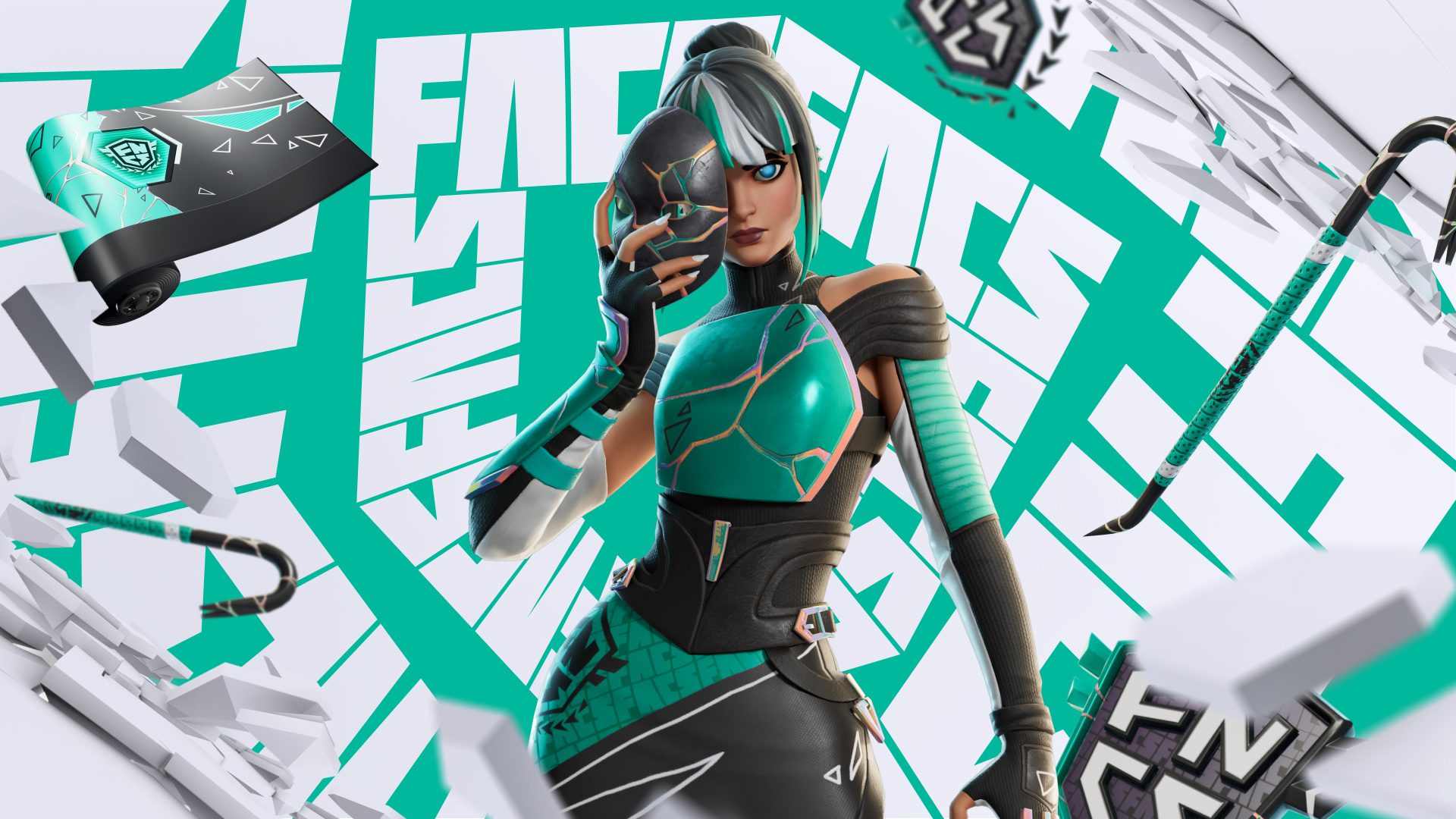
Fortnite FNCS Coin Emoticon Not Showing should first be checked against the fixed points requirement from the September 20 Champion Focus FNCS Cup. Unlike the Champion Focus Outfit and matching placement set, FNCS Coin Emoticon did not require a top regional finish.
Battle Royale and Zero Build players needed 8 points, while Mobile players needed 5 points. If Fortnite FNCS Coin Emoticon Not Showing is affecting your account, the useful first question is whether your final event total actually reached the correct threshold in the mode you played.
Fortnite FNCS Coin Emoticon Not Showing: Confirm the Points Requirement
| Champion Focus event | FNCS Coin Emoticon requirement |
|---|---|
| Battle Royale | 8 points |
| Zero Build | 8 points |
| Mobile Cup | 5 points |
Epic’s official prize table uses these fixed thresholds across the listed competitive regions. Fortnite FNCS Coin Emoticon Not Showing is therefore not explained by a regional placement cutoff if you reached the required score; this particular reward was points based.
Fortnite FNCS Coin Emoticon Not Showing: Make Sure All Matches Counted
Only matches that began before the tournament session closed counted toward the event. If your displayed total changed or a late match did not register as expected, compare the final event leaderboard with your own match history before assuming the reward system failed.
Fortnite FNCS Coin Emoticon Not Showing can also be confusing if you played more than one Champion Focus mode. Battle Royale and Zero Build had separate sessions, while Mobile used its own Solo Reload event. Check the exact event tile where you reached the points threshold.
What to Do If FNCS Coin Emoticon Is Still Missing
- Confirm the final points total in the correct Champion Focus event.
- Check that you reached 8 points in Battle Royale or Zero Build, or 5 points on Mobile.
- Make sure you are using the same Epic account that entered the Cup.
- Restart Fortnite and reopen the Locker.
- Search for the exact reward name instead of browsing only recent items.
- If the final score confirms the requirement and the reward is still absent, contact Epic Player Support.
Fortnite FNCS Coin Emoticon Not Showing is not tied to the high-placement set. You did not need to finish top 1,000 EU, top 700 NAC or another regional placement for FNCS Coin Emoticon; the published points threshold was the requirement.
Fortnite FNCS Coin Emoticon Not Showing: Do Tiebreakers Matter?
Tiebreakers matter for leaderboard placement, but they do not change the fixed points threshold for FNCS Coin Emoticon. If you finished on exactly 8 points in Battle Royale or Zero Build, or 5 on Mobile, the relevant condition is the points total rather than whether another player ranked above you on a tie.
That makes Fortnite FNCS Coin Emoticon Not Showing easier to diagnose than a missing placement reward. Verify the final score, account and event mode, then escalate to support if all three line up and the cosmetic is still not in the Locker.
Can You Buy FNCS Coin Emoticon Instead?
The current FNCS Global Championship 2026 Shop bundle does not list FNCS Coin Emoticon among its five included items. The bundle contains Champion Focus, Focused Emblem, Laser Scan, FNCS Scythe and Champion’s Focus. FNCS Coin Emoticon was the lower-threshold competitive reward from the Cup.
That is another reason Fortnite FNCS Coin Emoticon Not Showing matters: the fixed points reward is not simply the same purchase path as the main Championship bundle. Players who qualified should check the event reward route rather than looking for it inside that five-item offer.
Fortnite FNCS Coin Emoticon Not Showing should be checked against the final points total first. Reaching 8 points in Battle Royale or Zero Build, or 5 on Mobile, is the key requirement Epic published for this reward.





