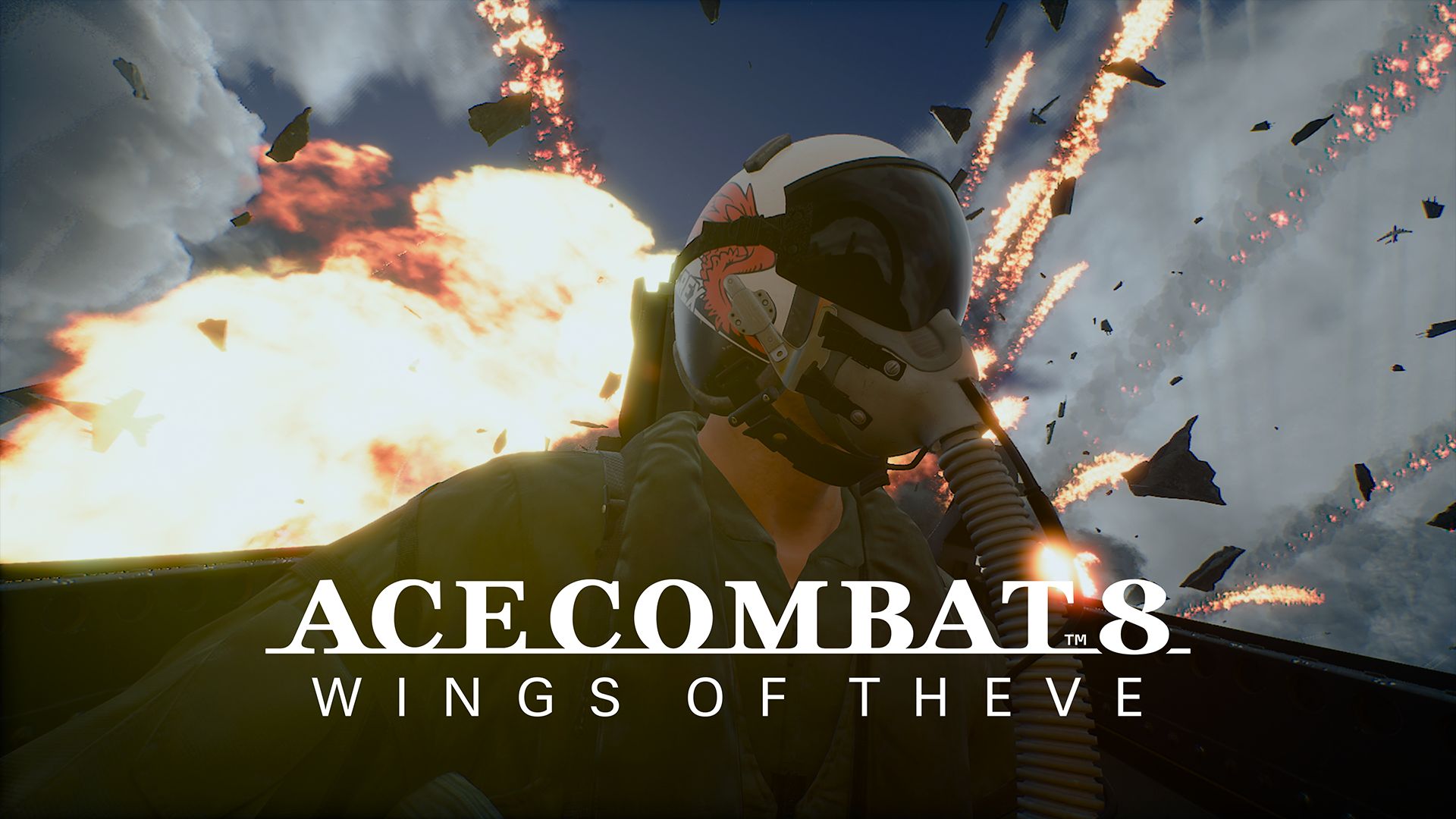
ACE COMBAT 8 Update 1.01.002 was meant to arrive on October 23, 2026, with fixes for stalled campaign missions, crashes and online problems. Instead, Project Aces postponed the update and its server maintenance. As of October 28, the studio has not announced a replacement release date.
If Mission 30’s HULL refuses to break, a cinematic gets stuck or Shadow 22 keeps using flares, the official notes are worth a look. They identify the problems this patch is designed to address. Here’s the full list, plus the Steam and multiplayer changes.
Is ACE COMBAT 8 Update 1.01.002 Released?
Bandai Namco published the notes on October 20 and originally scheduled the update for October 23 on PS5, Xbox Series X|S and Steam. The October 23 delay means players should not assume the changes are live. The developer said the new timing would be announced after a schedule was decided.
Check your installed version or platform update history before expecting the new fixes. The October 20 patch notes still show the original date, but that announcement was superseded by the October 23 postponement.
ACE COMBAT 8 Update 1.01.002 Mission 15 and 28 Balance
Mission 15 changes Ladon’s difficulty on Elite and higher. There is no official breakdown of the precise damage or difficulty values, so don’t assume every attack pattern has been altered.
Mission 28 adjusts the maximum number of flares carried by Shadow 22 and its wingmen. Project Aces does not give a replacement count. The change may affect the difficult late dogfight, but Bandai Namco hasn’t published the new flare limit or stated that S-rank scoring thresholds have changed. See our ACE COMBAT 8 S Rank guide for mission routes and scoring advice.
ACE COMBAT 8 Update 1.01.002 Mission Progression Fixes
The patch targets ten specific missions where progress could break, an objective could fail incorrectly or the game could crash. Check your mission number in the table:
| Mission | Planned fix |
|---|---|
| 6 | A wingman using MPBM on a nearby ground target while the transport took off could fail the mission. |
| 10 | Progress could stop after landing on the aircraft carrier. |
| 11 | Chain explosions involving Podarge could crash the game. |
| 13 | Assigning the L key to camera controls could block a cinematic. |
| 14 | Missiles could hit the player after crossing the safe zone. |
| 16 | Wingmen could attack ordinary container ships after disguised vessels were discovered. |
| 18 | Rocket debris hit near the ground could sink into the surface, blocking progress. |
| 25 | After a retry, the timer could freeze following the defeat of all enemies. |
| 28 | A missing radio call following weapon resupply could prevent the next sortie. |
| 30 | The HULL target could resist repeated attacks and block completion. |
There are broader fixes for radio and sound effects not playing, subtitles or speaker names disappearing, and models or effects rendering incorrectly. The team also lists cinematic and replay stability improvements, adjustments to the Hangar and camera, and corrections to some error messages.
ACE COMBAT 8 Update 1.01.002 doesn’t rewrite these missions. In Mission 30, for example, you still need to destroy HULL; the patch addresses a bug that could leave it intact after repeated hits.
ACE COMBAT 8 Update 1.01.002 Crash and Stability Changes
The ACE COMBAT 8 Update 1.01.002 crash fixes include two issues that can affect multiple missions: sorting by an aircraft role for which the player owns no planes, and first opening the Aircraft Tree while holding left with certain DLC aircraft owned. A PS5-only mission title screen crash is also listed.
Those are specific conditions, not a complete fix for every Steam crash. Bandai Namco is still investigating the game’s heavy memory use and has recommended temporary changes to Windows virtual memory. Our ACE COMBAT 8 crashing on PC guide explains the pagefile workaround and other troubleshooting steps.
Online ECM, ESM and IEWS Nerfs in ACE COMBAT 8 Update 1.01.002
The ACE COMBAT 8 Update 1.01.002 online balance change shortens the active duration of ECM, ESM and IEWS special weapons. The patch notes don’t give exact new durations, so treating them as a specific percentage nerf would be guesswork.
Other announced multiplayer fixes address the account-creation screen becoming stuck, Social features that fail to work, Military Training landings sometimes not registering, and Steam controller reconnection problems during the mission-opening sequence. PS5 also receives a fix for controls becoming unresponsive after deployment.
The Arcade Games display is also adjusted. On PS5, the patch addresses activities failing to appear in certain features. Bandai Namco says further online menu and UI work is planned for later builds. If you can’t get into matches, our ACE COMBAT 8 matchmaking troubleshooting guide covers the developer’s Windows 11 and SSD checks.
PC Async Compute and Steam ACE COINS Fixes
ACE COMBAT 8 Update 1.01.002 adds an Async Compute switch in the SYSTEM menu on Steam. It is available only on GPUs that support the feature. On unsupported GPUs the option will be greyed out. Bandai Namco hasn’t promised a performance improvement for every graphics card.
It also addresses ACE COINS purchases that could fail when Steam Overlay was disabled. Keyboard assignments and peripheral connection settings receive changes too, but this is not confirmation of universal HOTAS compatibility. Check the controller troubleshooting guide if your gamepad still isn’t responding.
What to Do While ACE COMBAT 8 Update 1.01.002 Is Delayed
If a crash keeps happening, record the mission and what triggered it. You may be able to avoid two known triggers by not sorting aircraft into an empty category, and by releasing the left directional input before first opening the Aircraft Tree with DLC planes owned. Those precautions follow the bug descriptions; they aren’t confirmed permanent fixes.
For memory-related PC crashes, the October 16 developer notice says systems with about 48 GB of combined physical RAM and virtual memory experienced fewer crashes in internal tests. With 16 GB RAM, the temporary guidance is at least 32 GB virtual memory. With 32 GB RAM, it is at least 16 GB virtual memory. This is not a permanent fix and does not address every crash.
Once ACE COMBAT 8 Update 1.01.002 is released, install it before retesting the problem that brought you here. Until a new rollout date is announced, the original October 23 target should not be described as a live release.
- ACE COMBAT 8 Crashing on PC
- ACE COMBAT 8 Controller Not Working on PC
- ACE COMBAT 8 S Rank
- ACE COMBAT 8 Mission List
- ACE COMBAT 8 Difficulty Settings
- ACE COMBAT 8 Team Deathmatch
- ACE COMBAT 8 Best Aircraft
- ACE COMBAT 8 Special Weapons
- ACE COMBAT 8 Online Progression
- ACE COMBAT 8 Matchmaking Not Working
Official source: Bandai Namco’s ACE COMBAT 8 Update 1.01.002 patch notes.