
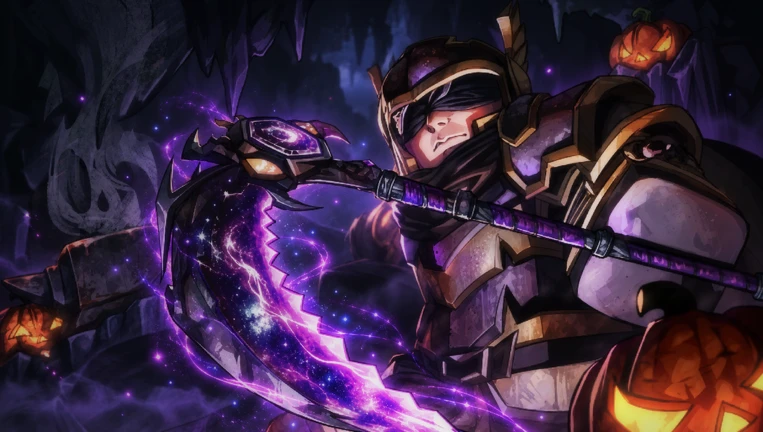
The Forge Halloween Event Menu is where to check seasonal candy and limited-time rewards during Halloween 2026. Join the original game by The Forge Community on Roblox and look for a pumpkin or Halloween entry. The regular weekly Quest Board is a separate system.
To claim your weekly quest chest, visit the Quest Board near the Forgotten Kingdom forge; for limited Halloween rewards, use the seasonal event screen.
How to open The Forge Halloween Event Menu
Launch The Forge on Roblox. Check that the publisher is The Forge Community; +1 Loot To Forge is a different game. Join an updated server and inspect the HUD for a pumpkin or Halloween entry. Open it when available to view your candy balance and reward offers.
The event notice confirms candy across every island, but the official PC controls don’t specify a dedicated Halloween shortcut. On PC, press T to open your regular menu, as stated in the game’s description, and inspect the event/shop entries if the pumpkin isn’t already visible. On mobile, use the corresponding on-screen menu.
The The Forge Halloween Event Menu doesn’t list a Guild rank or Goblin King quest as an entry requirement. Begin on the island you’ve unlocked. You can start in an island you’ve already unlocked.
Where is the weekly Quest Board?
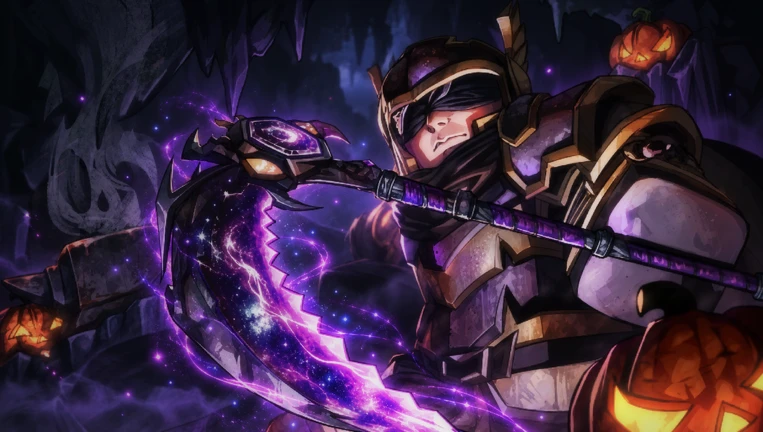
The normal Quest Board arrived with the 10 October update and offers daily, weekly and monthly tasks that award reward chests. Find the board on the wall opposite the Forging Station in Forgotten Kingdom. The region unlocks after the early questline and level 10. You can reach that island after advancing to about level 10 and travelling with your Portal Tool.
Look along the settlement wall near the forging area. Walk up and activate the interaction prompt. Read the weekly objective, do the required mining, crafting or combat activity, then return to the board for your reward when the task is complete. Switch tabs if you’re looking for a daily or monthly mission instead.
Use The Forge Halloween Event Menu for candy offers and the Quest Board for ordinary weekly objectives. A weekly chest is a quest reward; Halloween candy is the seasonal currency. Check each row’s reward label and reset countdown before assuming it pays the event currency.
The Forge Halloween Event Menu dates and weekly event timing
The Halloween Update + Guilds began on 20 October 2026 and is listed through 7 November. The separate Pumpkin Night Week 2 entry is scheduled for 27 October to 1 November. That means its follow-up content hasn’t yet begun on 25 October.
| System | Dates | Purpose |
|---|---|---|
| Daily/Weekly/Monthly Quest Board | Added 10 October | Quest objectives and reward chests |
| Halloween + Guilds | 20 October–7 November | Candy on islands and seasonal rewards |
| Pumpkin Night Week 2 | 27 October–1 November | Further seasonal content |
Open The Forge Halloween Event Menu to check actual reward names and live prices. Before spending, compare the candy cost printed on each reward card with your balance.
How to earn rewards while completing quests
Halloween candy appears across every island, according to the Roblox event notice. Begin on a safe island, look for seasonal pickups or the activities shown in your current event menu, and watch your candy counter. While travelling, you can also progress the weekly Quest Board’s objectives. Keep the two reward totals separate when choosing what to claim.
Opening The Forge Halloween Event Menu doesn’t replace normal mining, forging or quests. Keep your pickaxe and weapon equipped for the route you’re taking. If you need free race rerolls, the published Forge codes guide covers HALLOWEEN26 and GUILDS, which pay rerolls rather than a confirmed candy bonus.
Can’t see The Forge Halloween Event Menu?
Confirm the experience name and publisher, then rejoin a current server. Check the seasonal HUD entry, and open the ordinary menu with T on PC if it isn’t immediately apparent. On mobile, close any overlapping inventory window and examine the available on-screen event controls.
If you wanted the weekly task list, go to the Quest Board near the Forgotten Kingdom forge instead. If a weekly reward is greyed out, check the objective’s remaining progress and whether you’ve already collected its chest. Inspect the progress bar and reset time shown there.
The second week’s The Forge Halloween Event Menu content isn’t scheduled until 27 October. On 25 October, Pumpkin Night Week 2 is still upcoming, even though the broader Halloween update is already running.
Official source: The Forge Community’s Roblox experience.





