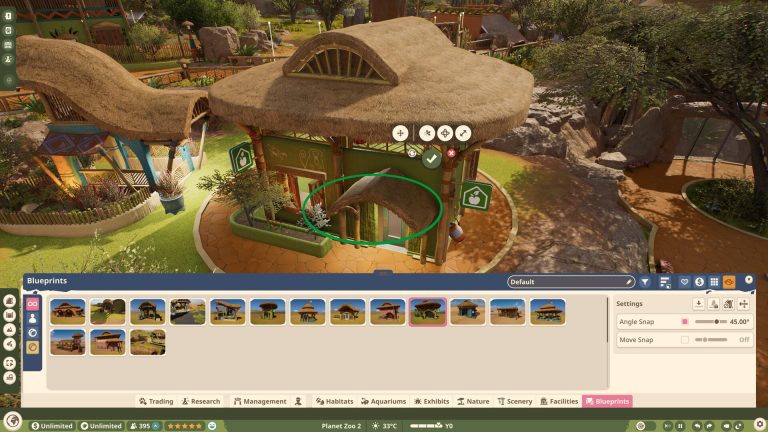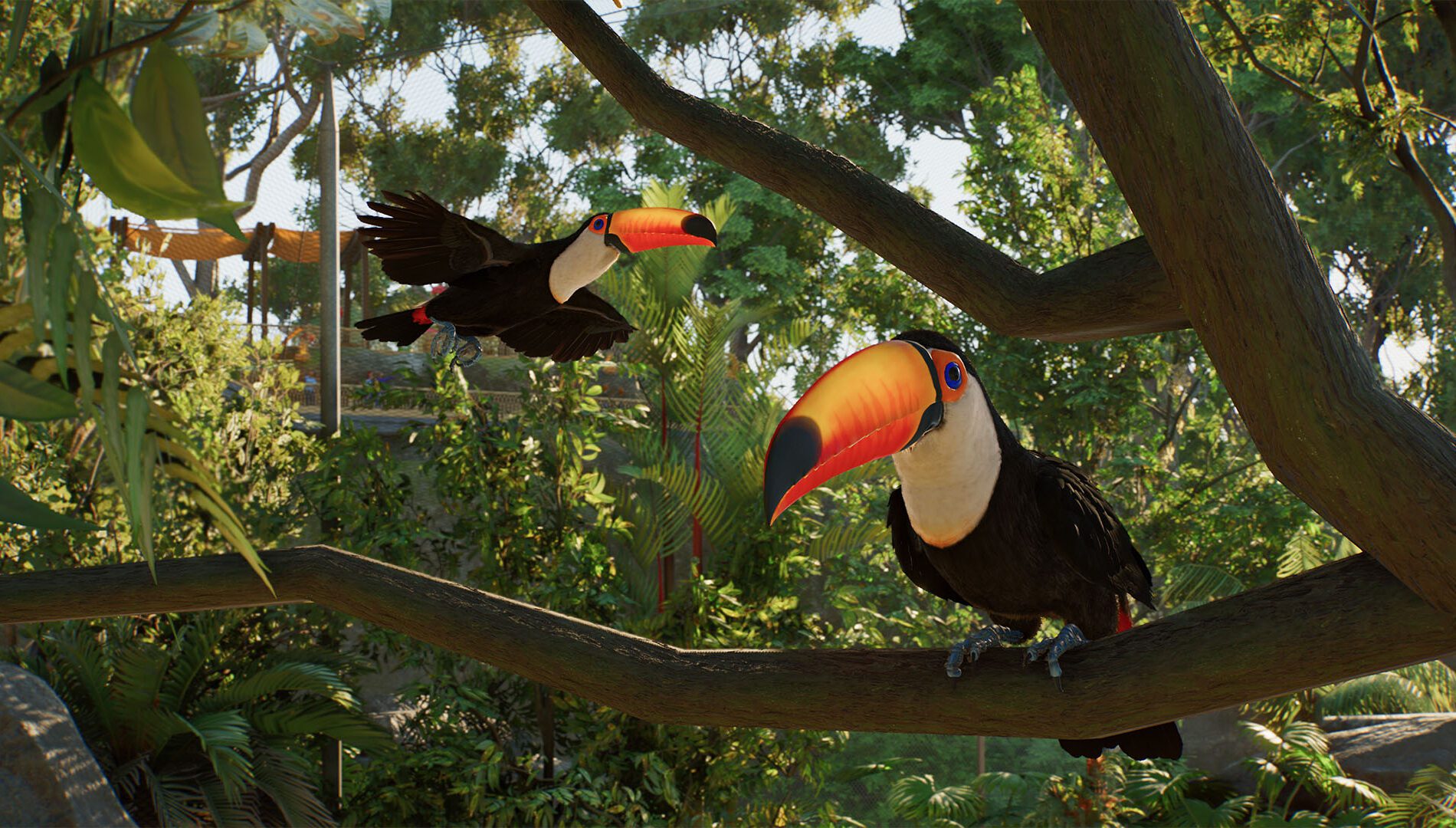
Planet Zoo 2 aviaries finally give flying birds a proper home, with roofs that follow the shape you build instead of making you piece together a ceiling by hand. Put up the enclosure barriers, position support poles and the game can generate a covering between them. You can go for a simple mesh roof or something much grander with glass and carefully shaped curves.
Getting the roof on is only half the job, though. Birds need space to fly, places to land and, for some species, room to nest. If you’re building your first aviary, start with the enclosure’s shape and height before worrying about how impressive it’ll look from the guest path.
Planet Zoo 2 aviaries: how to build an aviary in Planet Zoo 2
Start with a normal habitat footprint and lay out the barriers around the area you want the birds to use. Leave yourself enough room for trees, branches, nesting spaces and guest sightlines. With the perimeter in place, position the support poles that will hold the covering above the birds. You don’t have to draw every triangle of the roof yourself.
Frontier has confirmed that the covering is generated using the barrier layout and poles. That means moving a pole or changing its height changes the shape of the roof too. For your first Planet Zoo 2 aviaries, try a fairly straightforward perimeter and a few well-positioned supports; you can build elaborate domes once you’re comfortable with how the system responds.
Planet Zoo 2 aviaries: how to add an aviary roof
Once the walls and poles are in place, choose a covering material for the aviary. Frontier’s footage and hands-on demonstrations show dynamically generated mesh roofs, with other materials such as glass also available. The roof stretches between the edges and supports, forming a closed top that keeps flying animals inside.
The clever part is that you can adjust the shape without rebuilding every section. Change the position or height of a support pole and the roof responds to the new structure. Mesh coverings also have adjustable tension and sag, so you can make a taut roof or a softer, hanging shape. If the roof isn’t quite right, experiment with the poles before rebuilding the whole habitat.
Planet Zoo 2 aviaries: fix an aviary roof that doesn’t cover the habitat
Start with the basics: is there a complete barrier perimeter, and are the support poles positioned to give the covering places to attach? Planet Zoo 2 aviaries use that structure to generate their roof. If you’ve changed the shape of the walls after putting up the poles, look at whether the roof still follows the enclosure you intended.
Try simplifying the outline and adjusting one pole at a time until the canopy takes the shape you want. The mesh tension and sag settings affect the roof’s appearance, but they aren’t a substitute for enough structural height. An awkward first roof is a reason to adjust the supports, not necessarily to scrap the whole zoo and start again.
Planet Zoo 2 aviaries: give birds enough flying space
Birds move through the full volume of the aviary, not just the ground area. A huge enclosure with a low roof may still feel cramped. Species welfare and habitat information are the useful places to look when deciding how much height and flight room a bird needs. The game accounts for usable flying space rather than judging everything from the size of the ground footprint.
If a bird’s flying needs aren’t met, look at the roof height and internal layout before widening the enclosure by a tiny amount. Move poles to create a taller, more open section, and avoid filling all of that space with scenery. Each species can have different needs, so there’s no honest one-size-fits-all roof height for Planet Zoo 2 aviaries.
Planet Zoo 2 aviaries: what if your birds won’t fly?
A bird that spends some time on the ground isn’t automatically stuck. Frontier has shown birds walking, perching, nesting and flying as part of their normal behaviour. Check the animal’s welfare and space information first. If the enclosure is short of flying room, the height and roof shape are the first things worth improving.
It’s also worth looking at where the perches and scenery are placed. Birds need somewhere to land as well as open air to move through. Try giving them useful branches and clear routes across the enclosure rather than filling the centre with solid objects. These checks address the habitat itself without pretending there’s a confirmed hidden ‘enable flying’ switch.
Add perches, trees and nesting spaces
Planet Zoo 2 aviaries aren’t just cages with flight space. The new animation and navigation systems let birds land on suitable objects around their habitats, including environmental scenery. Use trees, branches and raised spots to give them places to settle between flights.
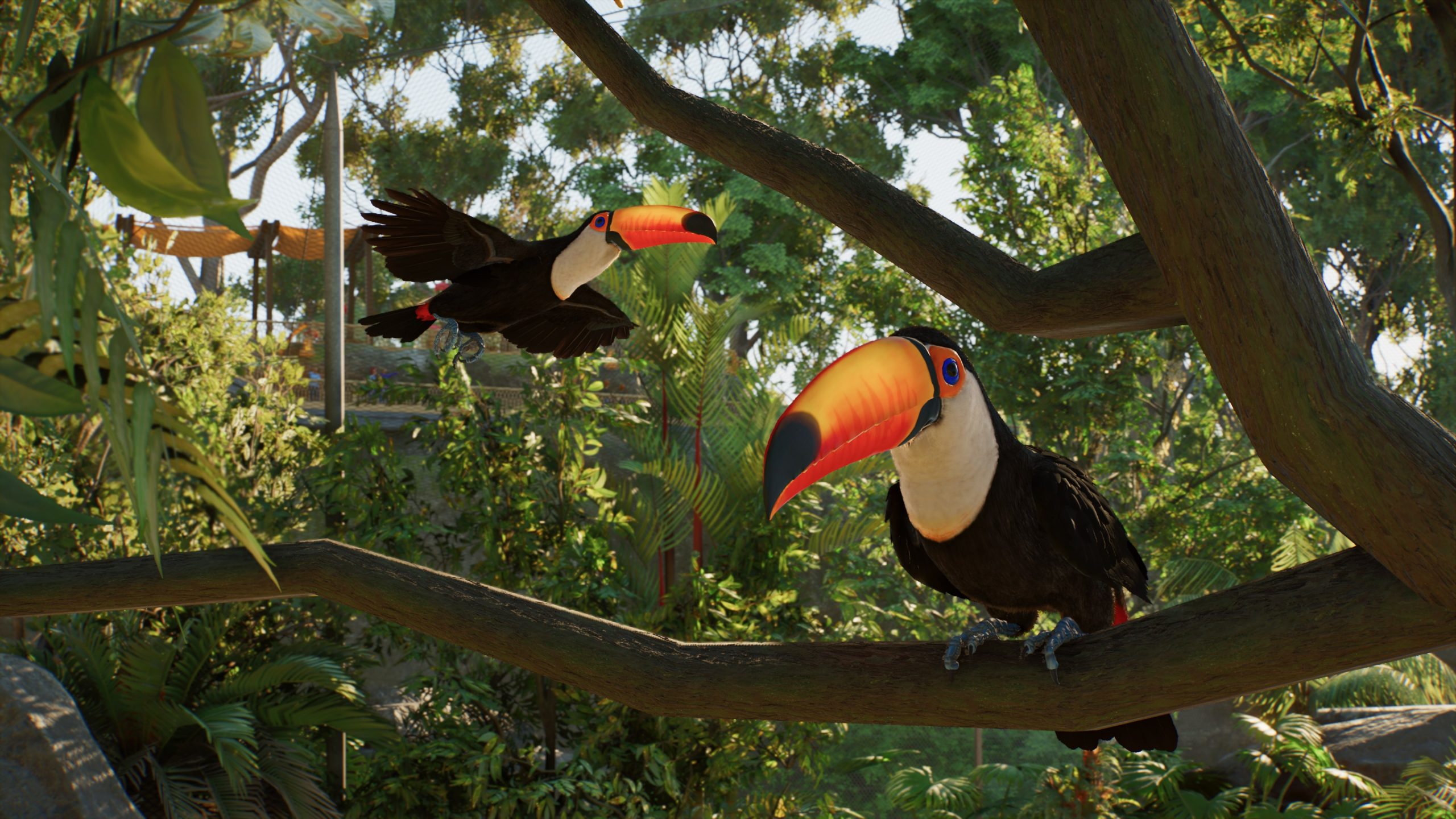
Frontier’s Frequent Flyers feature also covers nesting and cohabitation. Give birds the nesting features appropriate to the species you have chosen, particularly if you want them to breed. Don’t assume every bird wants the same arrangement; a toucan and a secretarybird won’t necessarily use their surroundings in identical ways.
How to make a walk-through aviary
Some Planet Zoo 2 aviaries can be built for visitors to walk through, bringing guests right into the birds’ environment. Frontier confirms this only for suitable, safe species, so the feature isn’t a way to put visitors beside every flying animal in the roster.
Choose a species that supports walk-through viewing, then plan the guest route as part of the enclosure rather than squeezing it in afterward. Keep enough clear flight area for birds to move without crowding every corner with paths. If an animal is unsuitable for guest access, use external viewing instead: a good window or path next to the aviary can still give visitors a close view.
Can different birds share an aviary?
Frontier has shown cohabitation as part of its aviary feature focus, but compatibility is species-specific. Before mixing birds, compare their habitat, social and welfare needs in the Zoopedia. Enough flying space for one species doesn’t automatically mean enough for several groups sharing the same enclosure.
When adding a second species, leave room for both to perch and move around. If welfare drops afterward, examine the new animals’ space and social requirements rather than guessing that the roof material is the problem. Mixed Planet Zoo 2 aviaries can look fantastic, but they work best when the species suit one another.
A good first aviary layout
For an easy first build, start with a simple barrier shape, put tall support poles around it and generate a mesh covering. Leave the middle relatively open, add suitable perches around the edges and provide the species’ nesting and welfare features. Once the bird has enough flight room, work on the decorative details and a clear viewing area for guests.
From there, try changing pole height or mesh sag to make a different roof shape. The biggest advantage of Planet Zoo 2 aviaries is that the whole structure is flexible, so you can turn a straightforward starter habitat into a much more ambitious design without manually rebuilding the roof from hundreds of tiny pieces.
Related Guides
Official source: Frontier’s Planet Zoo 2 aviary feature.