
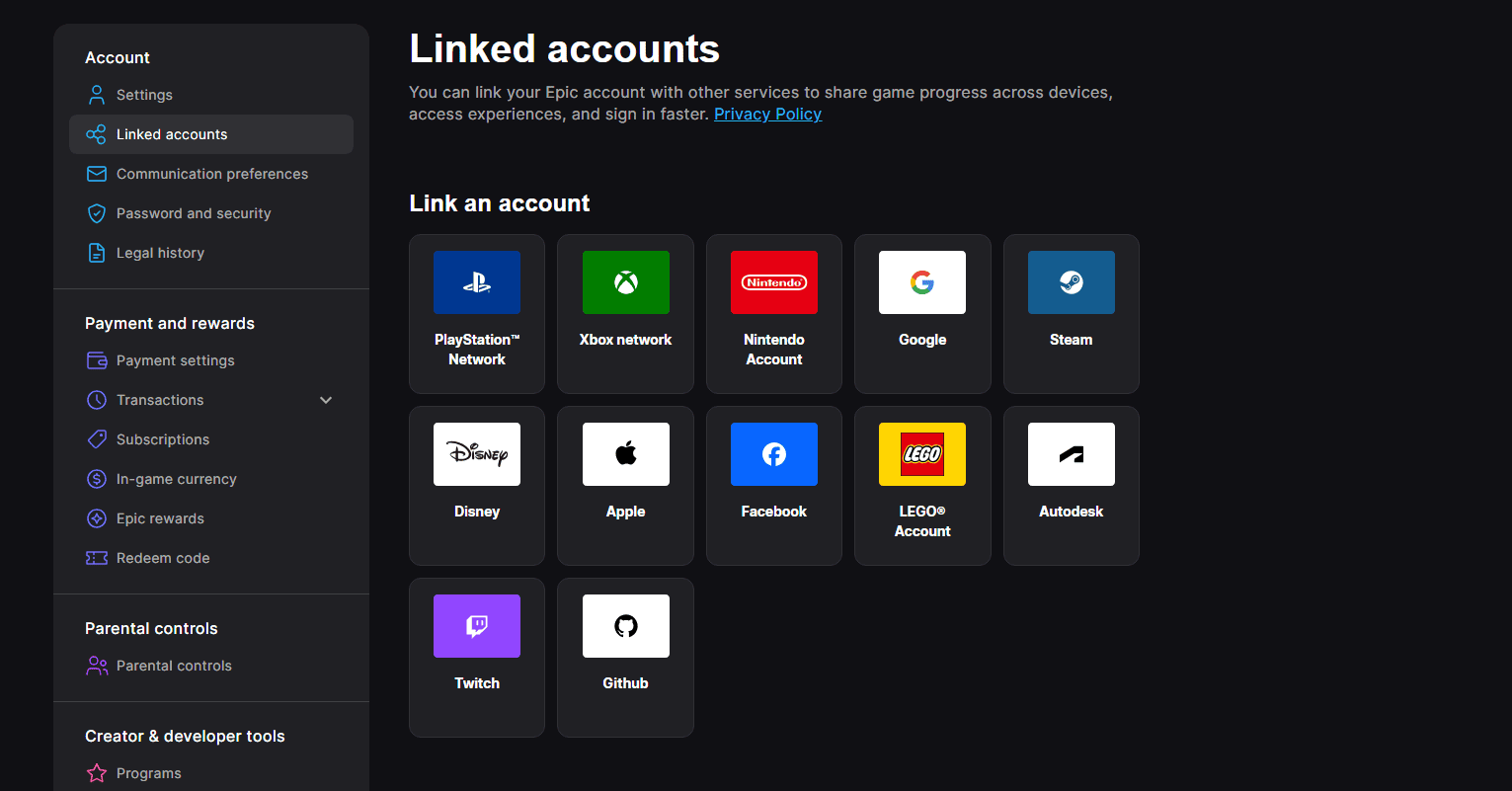
The safest way to find Epic Games account linked to Fortnite is to sign out of the Epic Games website, choose the PlayStation, Xbox or Nintendo sign-in button, and log in with the platform account you use for Fortnite. Epic will take you to the Epic account currently associated with that platform profile, where you can check account details and Linked accounts.
How to find Epic Games account linked to Fortnite
- Sign out of every Epic Games account in your browser.
- Open the Epic Games sign-in page.
- Choose the icon for the platform you normally use to play Fortnite.
- Sign in with that PlayStation, Xbox or Nintendo account.
- Open Account settings, then Linked accounts.
- Check the Epic account details and the platform display names listed there.
This method is the most reliable way to find Epic Games account linked to Fortnite because it starts with the console identity you already know. Do not assume the Epic email is the same as the email on your PlayStation, Xbox or Nintendo account; Epic explicitly notes that the addresses can be different.
Why you may need to find Epic Games account linked to Fortnite
Players often need to find Epic Games account linked to Fortnite after buying a new console, trying to enable 2FA, redeeming V-Bucks, or discovering an empty Locker. In all of those situations, knowing which Epic account owns the real Fortnite progression is more important than changing links quickly.
Your Epic account is where Fortnite progression and purchases are stored. The console profile is a linked sign-in method. If the console points to the wrong Epic account, Fortnite can look like a brand-new account even though your original skins still exist elsewhere.
What if Epic asks you to finish setting up the account?
You may find Epic Games account linked to Fortnite and discover that Epic asks for an email address, display name or other missing details. That usually means Fortnite previously created an Epic account automatically for the console profile and the account was never fully registered.
Do not immediately create a separate account and abandon the automatic one if it contains your Fortnite progress. Complete the requested setup carefully so the existing progress remains attached to a fully registered Epic account you can manage normally.
Use Linked accounts to find Epic Games account linked to Fortnite
Once signed in, the Linked accounts page makes it easier to find Epic Games account linked to Fortnite and verify the result. Epic displays the platform accounts currently connected to that Epic account, including their platform display names. If the PlayStation, Xbox or Nintendo identity shown is the one you recognise, you have strong confirmation that you are looking at the correct connection.
What if the email looks unfamiliar?
An unfamiliar email does not automatically mean you failed to find Epic Games account linked to Fortnite. The platform email and Epic account email can differ. Check the display name, linked platform accounts and Fortnite progression before deciding the account is wrong.
If you genuinely do not recognise the Epic account, or you cannot access the email required to manage it, use Epic’s account recovery process rather than disconnecting the console and hoping the correct account appears.
What not to do while you find Epic Games account linked to Fortnite
- Do not unlink a console account until you know where the Fortnite progression lives.
- Do not redeem a V-Bucks card while you are unsure which Epic account is signed in.
- Do not create multiple new Epic accounts to test different logins.
- Do not share login codes or account credentials with anyone offering to identify the account for you.
After you find Epic Games account linked to Fortnite
Once you find Epic Games account linked to Fortnite, write down which Epic account is your main Fortnite account and secure it with 2FA. Then use that same account when you connect new platforms, redeem Fortnite codes or manage subscriptions.
Taking a few minutes to find Epic Games account linked to Fortnite before changing anything can prevent the most common Fortnite account disasters: empty Lockers, V-Bucks redeemed to the wrong profile and console accounts attached to the wrong Epic account.
For current game news, platform availability and official Fortnite information, visit the official Fortnite website.
More Fortnite from The Click
Fortnite guides, events, news and updates





