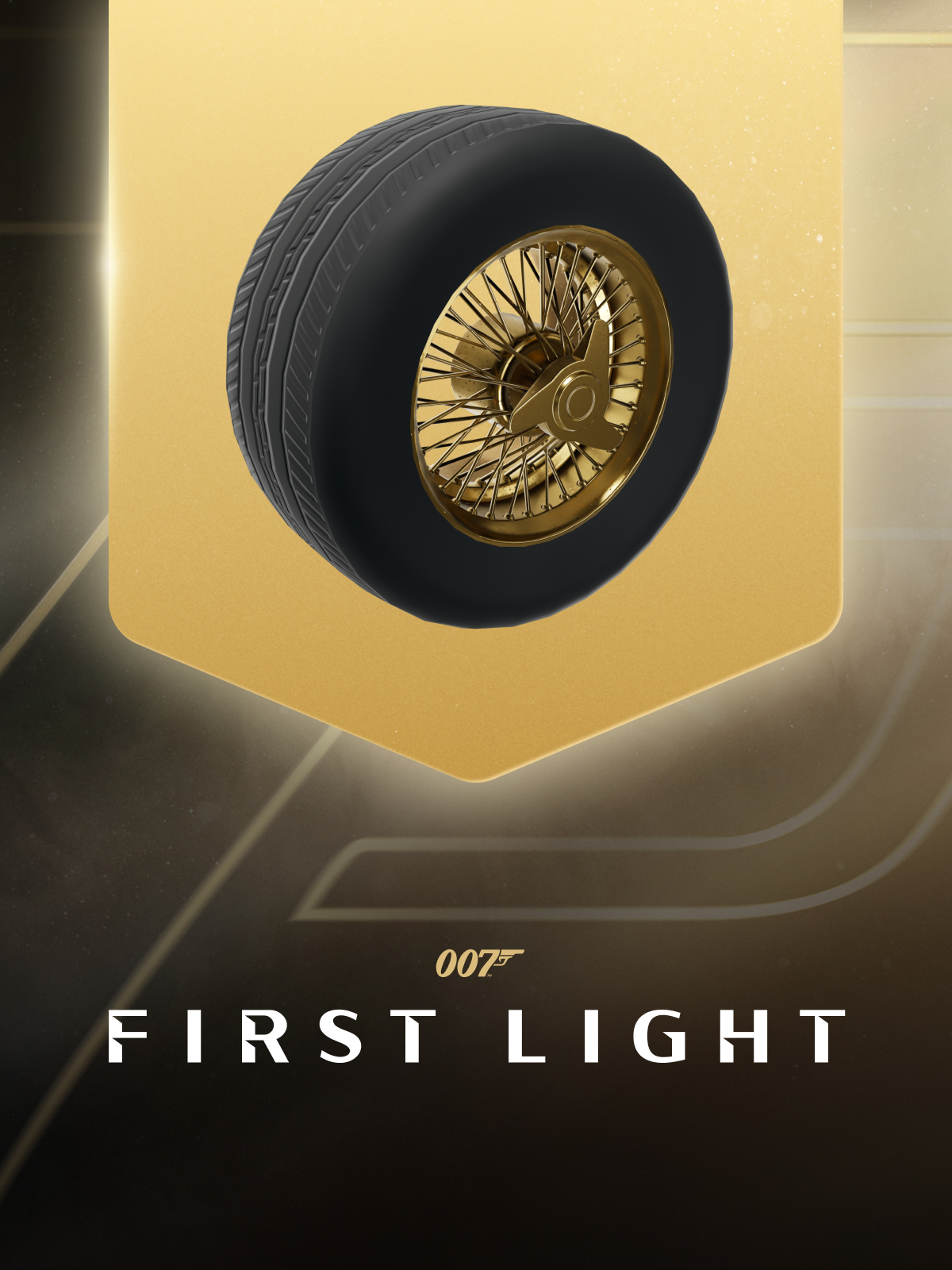
Epic Games Purchase Rewards Not Showing in Fortnite or Rocket League? Start by checking which Epic account owns the game you bought and which account is linked to the console where you play. Those accounts need to match for a promotion such as the 007 First Light wheels.
A console profile can already be connected to an Epic account even if you’ve never used the PC launcher. You can check the connection without removing any accounts or risking access to your existing cosmetics.
Epic Games Purchase Rewards Not Showing: How account linking works
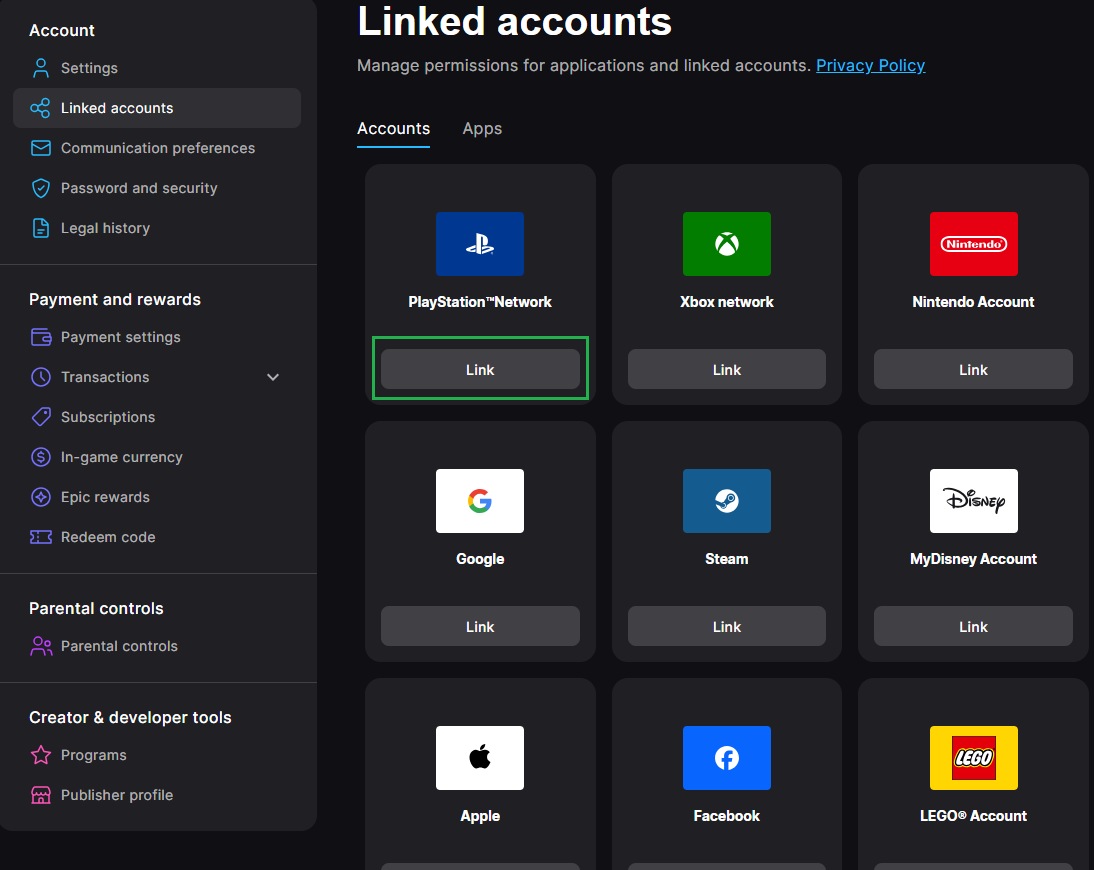
Linking your console profile lets you access supported progress and items across devices in Fortnite, Rocket League and Fall Guys. You can check which Epic account is connected without changing any of those links.
If you began playing on a console and skipped the option to register a full Epic account, there may already be an Epic account associated with that platform. Rather than creating another account from scratch, sign in through your console provider on Epic’s website to identify the existing account.
Epic’s cross-platform account guide explains that the same PlayStation, Xbox, Nintendo or Steam account cannot be connected to more than one Epic account at a time.
Epic Games Purchase Rewards Not Showing: Check Your Linked Accounts
Sign in to Epic through the platform where your main progress is stored and open your account settings. Open Linked accounts and check which console profiles are already connected. If you need to add another platform, select Link beneath that platform and follow the prompts to sign into the correct profile.
If you also use the Epic Games Launcher, compare the signed-in Epic account with the one associated with your console progress. A different display name on your console doesn’t necessarily mean that it’s the wrong account, so check the actual connection before making changes.
If you’ve already bought the game, compare the order confirmation with the account you’ve just identified. If they differ, speak to Epic support before moving anything. Purchases and cosmetics can’t simply be merged between accounts.
Epic Games Purchase Rewards Not Showing after checkout?
Different promotions use different redemption steps. For the 007 First Light reward, Epic requires players to claim the Aston Martin DB5 Obsidian Gold Wheels in Rocket League first and then sign into Fortnite to receive the synced cosmetic.
Monika’s Fortnite promotion works differently, with specific eligibility rules for Doki Doki Literature Club Plus! purchases. If that’s the item you’re missing, our Monika guide below covers those conditions.
If the purchase qualifies, check the redemption steps for that specific offer before you buy another copy. For the Bond wheels, you’ll need to see them in your Rocket League garage before expecting them in Fortnite.
Epic Games Purchase Rewards Not Showing: Should you unlink a console?
Unlinking is not a good first troubleshooting step. Epic warns that removing console connections can affect access to Fortnite and Fall Guys progress and purchases, and can disrupt Rocket League inventory and progression.
If you discover that you have connected the wrong account, check Epic’s instructions for your particular platform before changing anything. Epic does not offer account merging or transfers of separate inventories.
If the reward is still missing, send Epic support the order number and the name of the cosmetic. Keep your existing connections in place unless their instructions require you to change them.
Source: Epic Games official support guide.