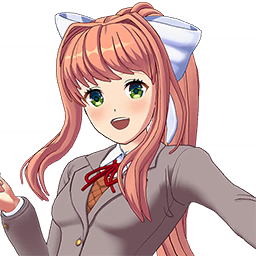
Fortnite Monika Skin not showing up in your Locker? Check how you obtained Doki Doki Literature Club Plus! before buying anything else. The 2024 free PC giveaway doesn’t automatically qualify for the outfit, even though the game appears in your Epic library.
Monika is also sold separately for 1,200 V-Bucks, and she isn’t included in the three-character DDLC bundle. There are several reasons why she may be missing, depending on whether you bought the game, claimed it for free or purchased cosmetics through Fortnite.
Fortnite Monika Skin Not Showing Up after the 2024 giveaway
If you claimed DDLC Plus through Epic’s Free Games Program in 2024, that claim covered the PC version only. Epic confirms that those players can get Monika by buying the Android upgrade or purchasing her separately in the Fortnite Item Shop. There’s no missing reward to restore simply because the free copy is in your library.
If you paid for DDLC Plus through Epic instead, eligible past and new purchases qualify. The promotion started at 7pm ET on 27 November, midnight GMT on 28 November. A qualifying mobile add-on purchase is another way to earn the entitlement.
Fortnite Monika Skin Not Showing Up after a paid purchase
Check the Epic account shown on your purchase receipt against the account you use to play Fortnite. If you play on a console, check that your console account is linked to the same Epic account. The outfit is available in your Locker across linked platforms, so you shouldn’t need to purchase the game again on a different device.
Once you’ve confirmed the account, reopen Fortnite and search for Monika in the Outfit section of the Locker. If you bought the three-outfit DDLC bundle, check its contents too. Yuri, Sayori and Natsuki are the only characters included; Monika isn’t missing from that offer.
Fortnite Monika Skin Not Showing Up or Missing V-Bucks?
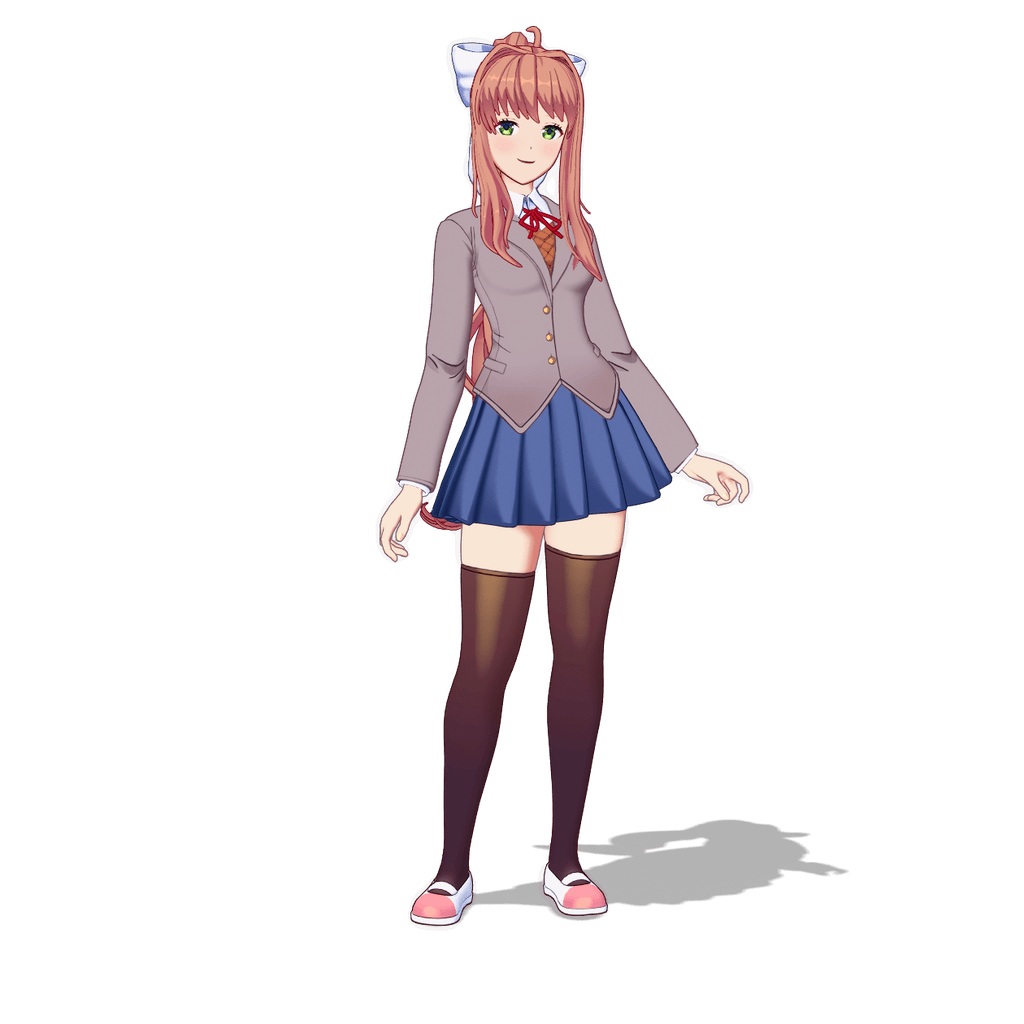
If you previously purchased Monika in the Fortnite Item Shop within the last 12 months and then made an eligible DDLC Plus purchase, you’ll receive a one-time grant of 1,200 V-Bucks rather than a duplicate outfit. The reward isn’t a second skin, so check your balance if you already had Monika.
Refunding the qualifying purchase removes the outfit or the associated V-Bucks grant. If you’ve refunded DDLC Plus, the missing item may be the result of that refund rather than a Locker issue.
Fortnite Monika Skin Not Showing Up despite meeting the requirements
Keep your receipt and the details of the Epic account that made the purchase if you need Epic Support to look into a missing entitlement. Explain whether you purchased the game on PC, bought the mobile add-on or purchased the outfit directly. That helps distinguish a qualifying paid order from the free giveaway or the separate outfit bundle.
A missing entitlement can have several causes, so the purchase receipt and linked account are much more useful than waiting for an unspecified delay. If your order qualifies and your accounts match, avoid buying the game a second time as a troubleshooting step. The promotion lasts as long as the game remains on sale through the qualifying Epic stores. That is separate from Monika’s Item Shop listing, so a temporary shop removal doesn’t automatically end the game purchase promotion.
Official information: Epic Games Store Monika promotion FAQ.