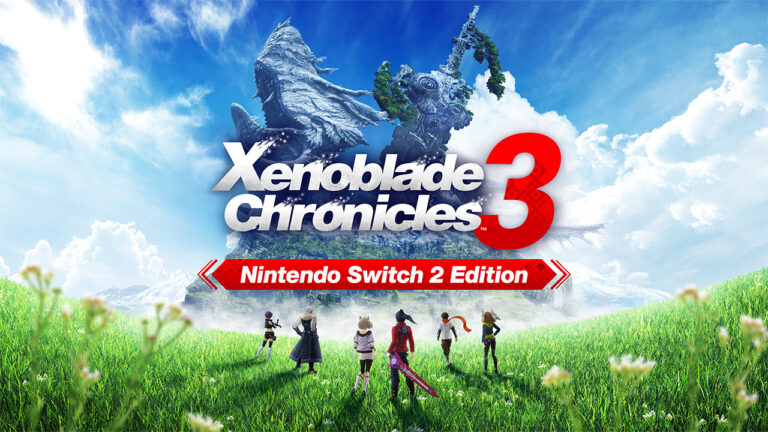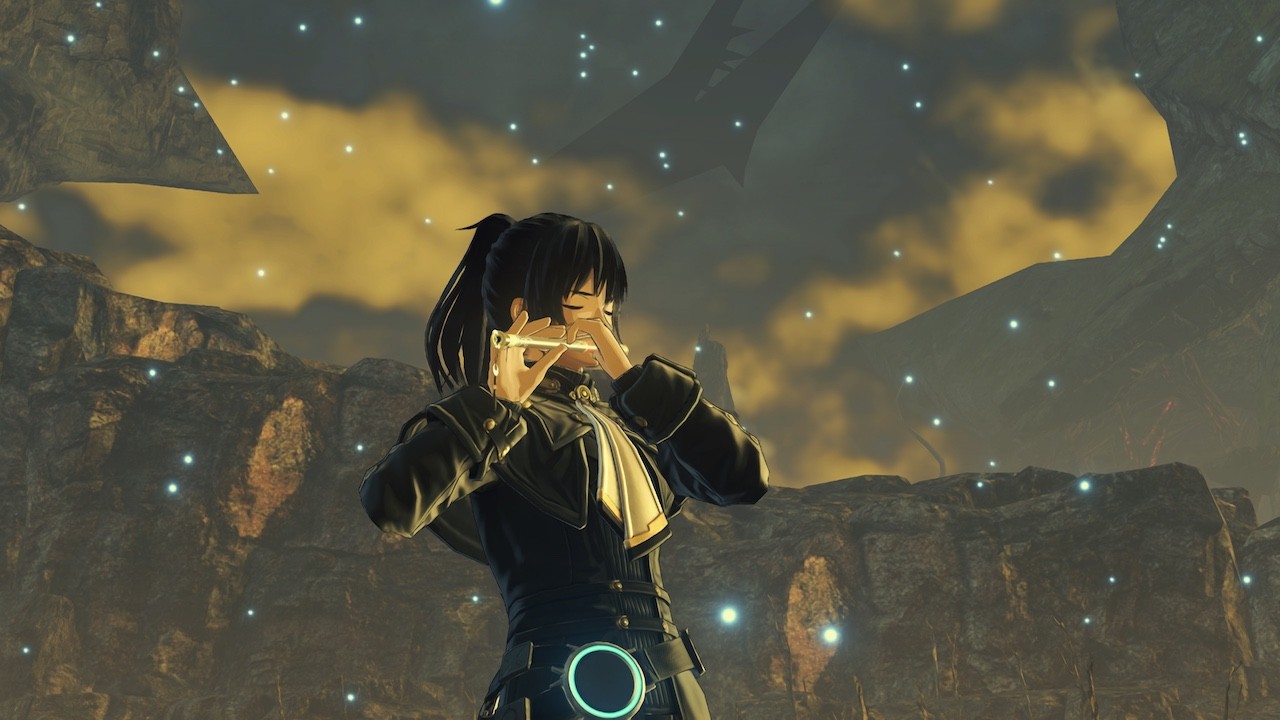
Xenoblade Chronicles 3 Save Transfer lets you bring your existing adventure to Nintendo Switch 2 rather than starting from the beginning. Nintendo supports transferring compatible Switch saves to its newer console, and its cloud backup guidance specifically covers Nintendo Switch 2 Edition games.
With the enhanced edition arriving on 3 December 2026, now is a good time to make sure your old playthrough is ready. The upgrade pack and your save are separate things: your progress lives on the console, not on the game card or in the upgrade purchase.
Xenoblade Chronicles 3 Save Transfer: moving an existing save
If you have already set up your Switch 2 and still have your original Switch, you can transfer its save file separately. Connect both systems to the internet, update their system software and make sure the same Nintendo Account is linked to the player profile on each console. Keep both systems close together.
On your old Switch, open System Settings, then Data Management and Transfer Your Save Data. Choose the option to send save data to another console, select your player profile and find Xenoblade Chronicles 3 in the software list. Select Next and then OK to start searching for the receiving console.
On Switch 2, head into System Settings and Data Management, then Transfer Your Save Data. Choose Receive Save Data and follow the prompts until the transfer completes. You can move a compatible game this way without paying for Nintendo Switch Online.
Bear in mind that an individual transfer moves the save rather than copying it. Once the transfer succeeds, the source console loses that local save. If the destination already has progress for the same game, overwriting it permanently removes that destination save. Check which playthrough you want to keep before confirming.
Xenoblade Chronicles 3 Save Transfer: using Save Data Cloud
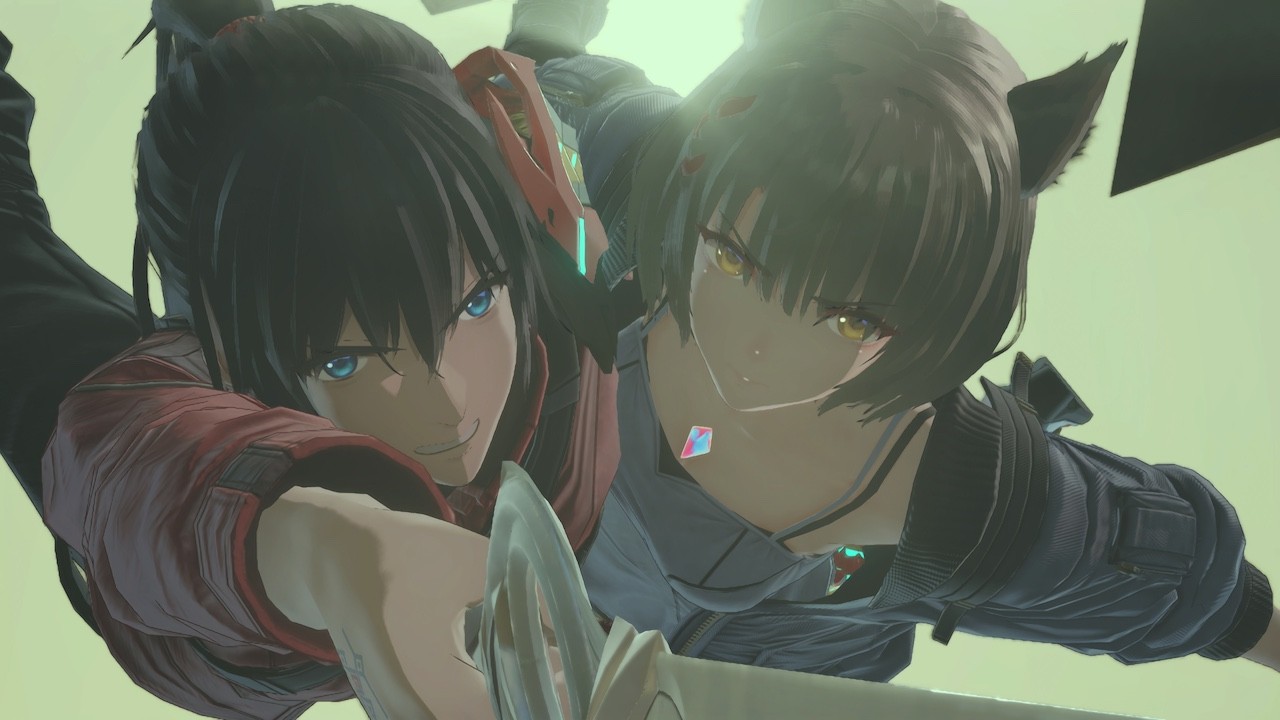
For Xenoblade Chronicles 3 Save Transfer between consoles you still use regularly, Nintendo Switch Online’s Save Data Cloud is particularly handy. Xenoblade Chronicles 3 supports cloud saves, and this approach is useful if you want access to your progress across both consoles. You will need an active membership and the Nintendo Account that owns the save.
On the original Switch, highlight the game on the HOME Menu and press the plus or minus button. Open Save Data Cloud, choose the correct user and check that your latest progress has been backed up. On Switch 2, open the same menu and download the backup. Compare the dates and times before replacing a save, particularly if you have played on both systems recently.
Nintendo also offers a whole-system transfer when setting up Switch 2. That is worth considering if Xenoblade Chronicles 3 is only one of several games you are bringing across. If you have already completed a system transfer, check your existing progress before doing anything else.
Will Xenoblade Chronicles 3 Save Transfer work with the upgraded edition?
Moving your save before launch gives you a chance to check that all your progress is present. Nintendo’s cloud backup guidance confirms that Switch 2 Edition saves can be shared between compatible consoles, though the upgraded content itself is available only on Switch 2. You can check your save by launching the original game on your new console before the upgrade arrives.
When the enhanced edition releases, install the required game update and upgrade pack if you own the original game. Keep your physical game card available if that is how you own it. If you bought the Expansion Pass separately, its download and entitlement are also separate from the saved game.
For the full console instructions, Nintendo’s official transfer instructions cover both generations of console, including the consequences of overwriting a save.
Related Guides for Xenoblade Chronicles 3 Save Transfer
- Xenoblade Chronicles 3 3.0.0 Patch Notes: Switch 2 Edition Compatibility
- Xenoblade Chronicles 3 Switch 2 DLC: Expansion Pass and Future Redeemed Compatibility
- Xenoblade Chronicles 3 Traversal Skills: How to Unlock All Four Abilities
- Xenoblade Chronicles 3 Switch 2 Edition: Release Date, Upgrade Pack and New Features
- Xenoblade Chronicles 3 Heroes Vault Mode Explained
- Who Is Shimmer in Xenoblade Chronicles 3 Switch 2 Edition?