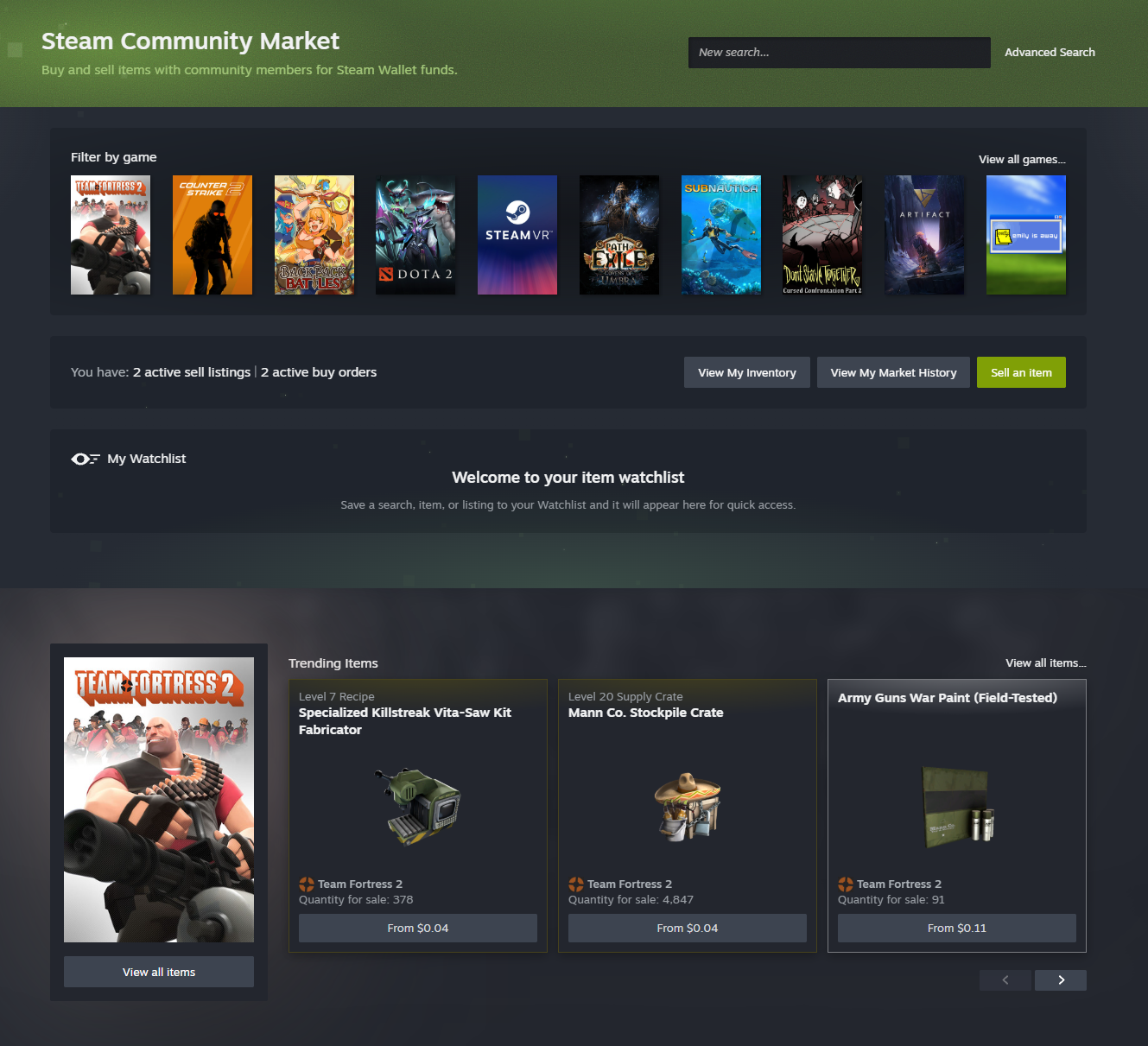
The Steam Community Market Update on 23 November 2026 adds a watchlist, a redesigned homepage and the option to change the price of an active listing without taking it down first.
These changes are available to everyone rather than being restricted to Steam Client Beta users. If you regularly sell trading cards, browse cosmetic items or keep an eye on prices, several of the changes should save you time.
Steam Community Market Update: What has changed?
Valve’s official announcement explains that the Market homepage has been rebuilt to load faster and put more relevant games and items in front of you. The old Popular Items area has been replaced by Trending Items, which reflects games you play.
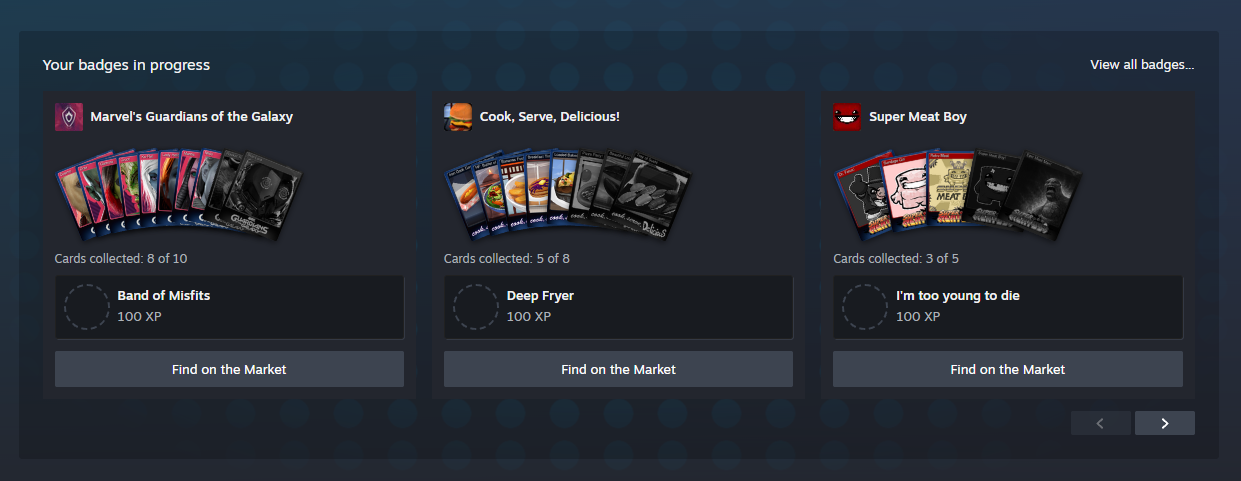
Game links now sit near the top of the page and are personalised. The Steam Community items section also highlights trading cards, emotes and backgrounds from games in your library, including cards connected to badges you are already working towards.
Steam Community Market Update: How to use the watchlist
The watchlist can save a specific listing, an item type with its filters, or an entire search with its search terms and filters intact. This is particularly useful when looking for an item with certain characteristics, because you can return to the same filtered results without building your search again.
You can name and reorder your watchlist entries, which comes in handy if you’ve saved several searches for different variants of the same item. Saving a search is not the same as placing a buy order; it simply gives you a quicker way back to the results.
How to change a listing price without relisting
If you already have an item listed on the Market and want to adjust the price, you can now reprice the active listing directly. Previously, changing a price meant removing the old listing and creating another one.
Your listings and transaction history now have a dedicated page, with a summary on the Market homepage. The Steam Community Market Update also introduces a list view alongside the existing card layout for search results and buying or selling listings, which is handy when comparing several entries.
Steam Guard confirmations on mobile
If you use the Steam Mobile App on the same device that holds your Steam Guard Mobile Authenticator, the app can now present the confirmation within the Market flow. You no longer need to leave the Market to visit the separate Confirmations page for that action.
You’ll still need to check the transaction details and approve the confirmation.
Other changes in the Steam Community Market Update
There is a Trending sort option, faster sorting by price and popularity, and links to possible contents of Counter-Strike 2 containers. Valve has also improved responsiveness across the Market.
The Steam Community Market Update also lets you see newly popular items by choosing Trending when browsing search results or buy and sell listings.
Valve has also refreshed the sell dialog with updated pricing graphs and a layout that works better on mobile. For developers, the update introduces support for configurable item-market fees and optional fee caps.
Official source: Valve’s Community Market announcement.
Related Steam Community Market Update Guides
SteamOS 3.9.7 Beta: Steam Deck Backlight and White Rectangle Fixes
Steam Black Friday 2026: Is There a Sale and When Do Discounts End?
Steam Winter Sale 2026 Start and End Time: UK Dates and Steam Awards Voting
Steam Awards 2026 Nomination Committee Badge: All Four Tasks and 100 XP
Steam Awards 2026 Categories: All 14 Awards and Nomination Requirements
Steam Awards 2026 Nominations: How to Nominate Games, Share Picks and Meet the Deadline